Home Hub with Argus 3E
Overview
Specs
Accessories
Review
Comparison
FAQs
Home Hub with Argus 3E

3MP Wi-Fi surveillance system, smart person/vehicle/animal detection, weekly insights, easy installation & setup etc. Supports up to 8 Reolink cameras and two microSD cards of up to 512GB each.

  • Person/Vehicle/Animal Detection
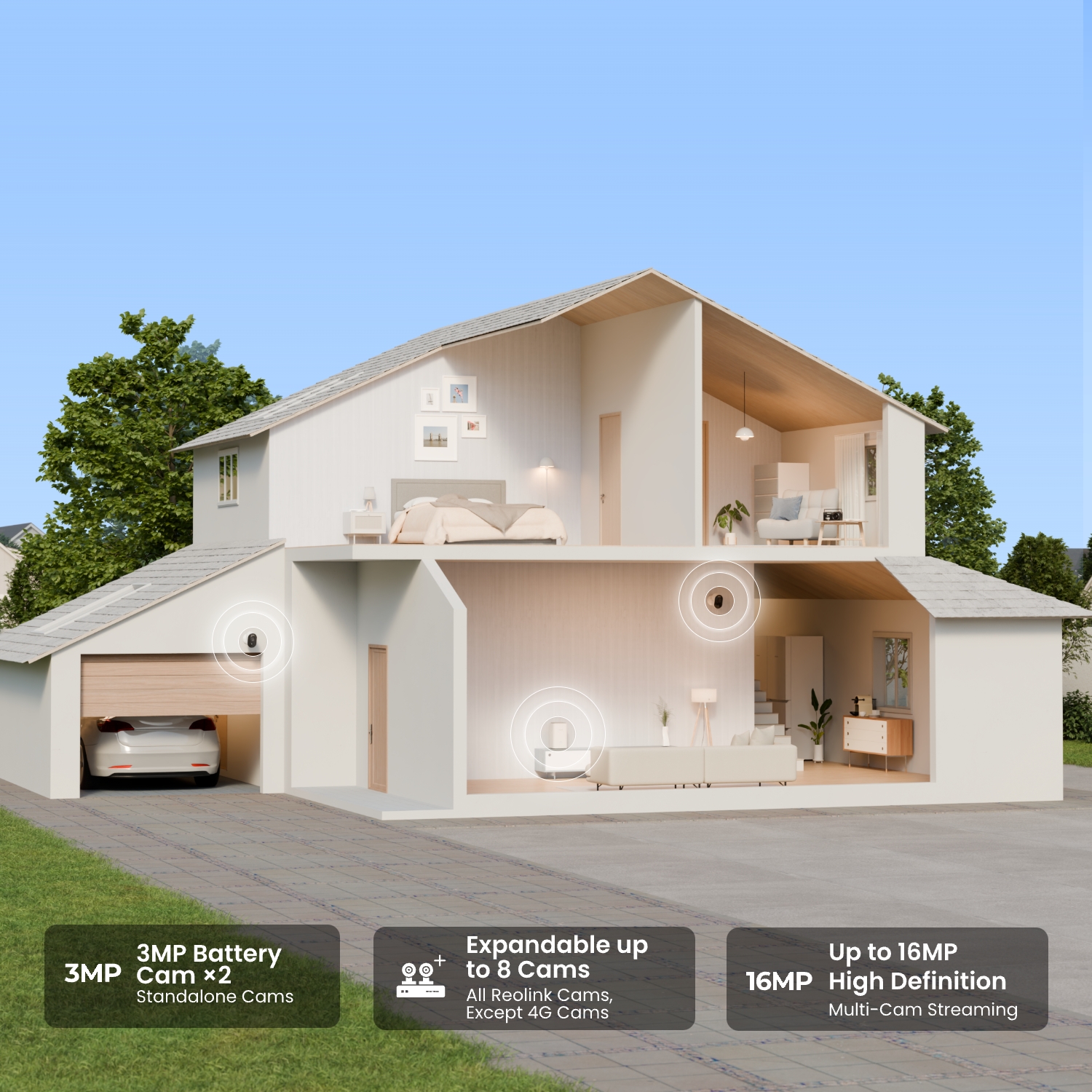
  • Expandable to 8 Reolink Cams
  • 1 Year of Local Storage

Feature Highlights

3MP Color Night Vision

Captures 3MP sharp views at night for spotlight night vision or IR night vision.
Large Local Storage

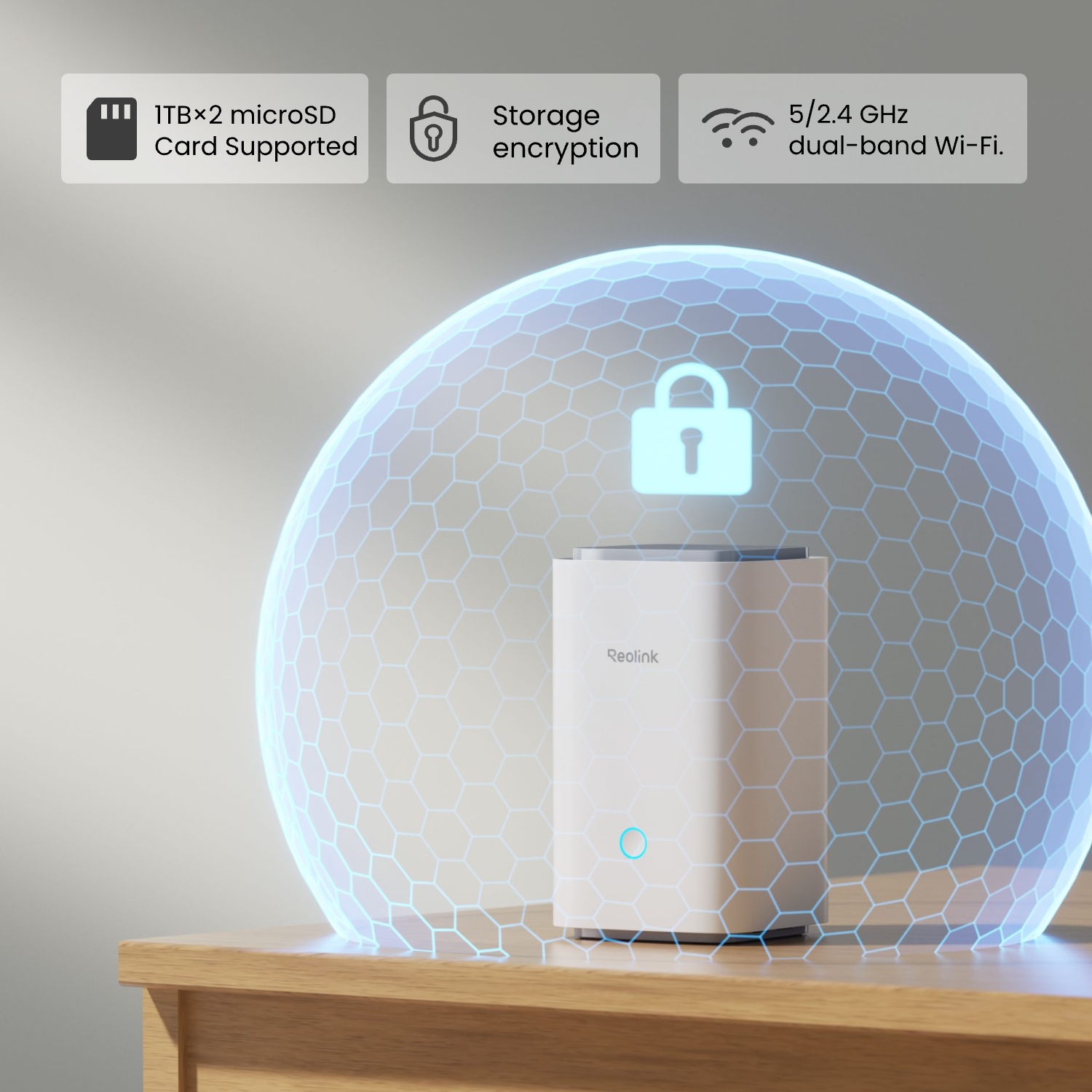
Up to 2× 1TB microSD cards, no monthly fees.

Expandable Up to 8 Cams

Supports all Reolink cameras (except 2MP battery or 4G cameras).

Wi-Fi Connection

Works independently with 2.4 GHz Wi-Fi connection for flexible setup. No wiring hassles.

Smart Detection

Accurate person/animal/vehicle detection captures what matters.

Regular Security Summary

View event statistics with daily/weekly insights for fast review.
What’s in the Box & Setup Guide (with Video)

  • Security Bracket ×2
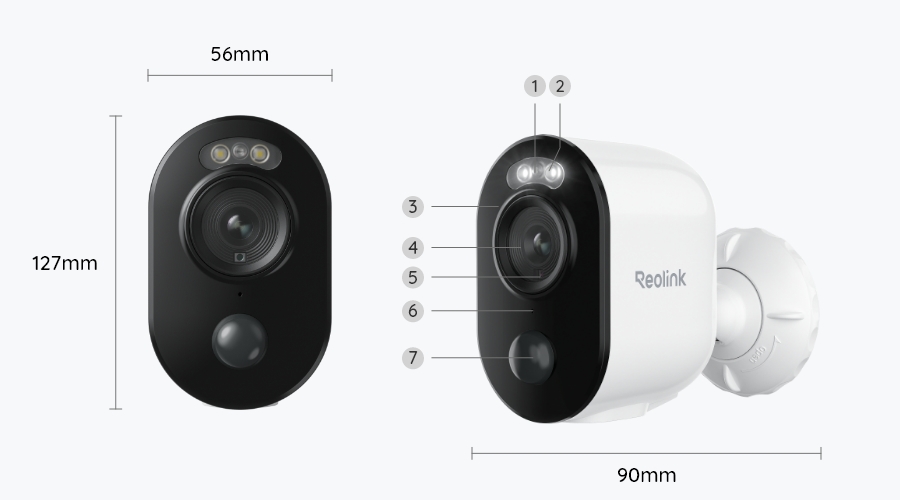
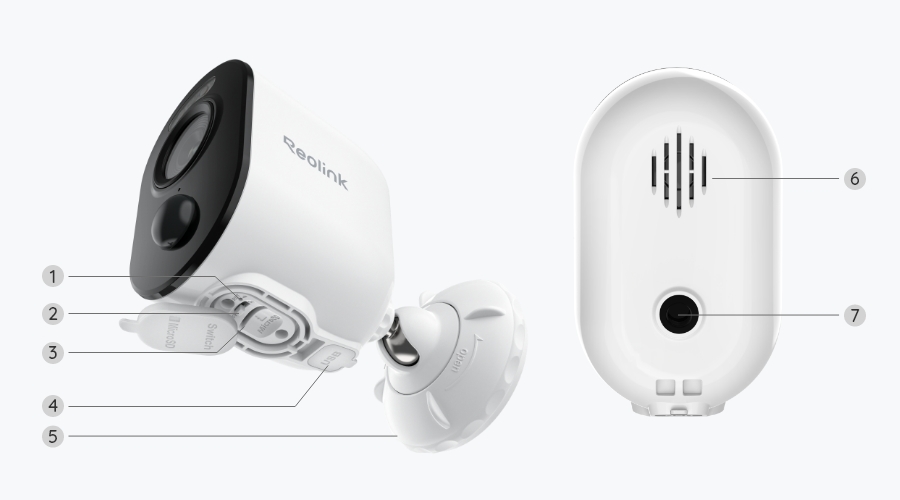
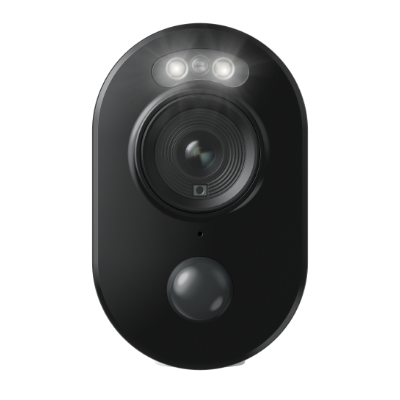
  • Reolink Argus 3E ×2
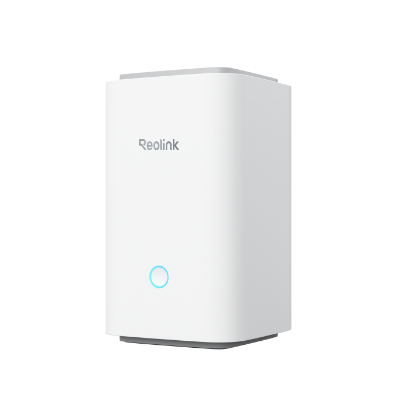
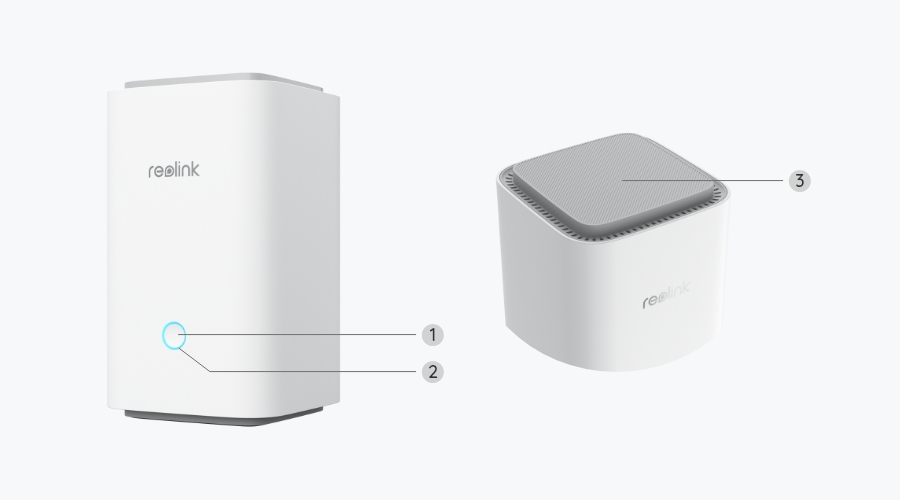
  • Reolink Home Hub ×1
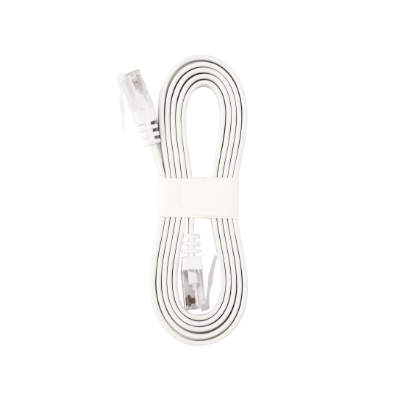
  • 1m Network Cable ×1
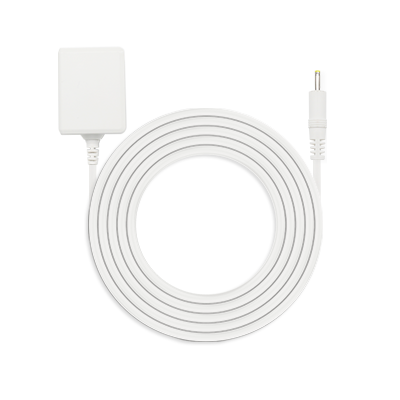
  • Power Adapter ×1
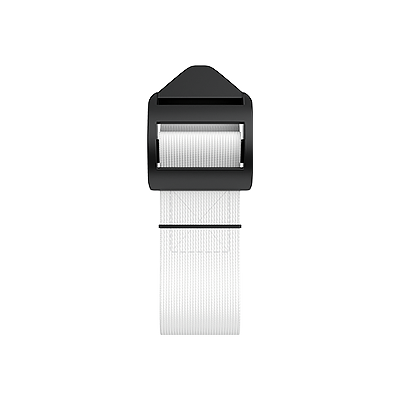
  • Strap ×2
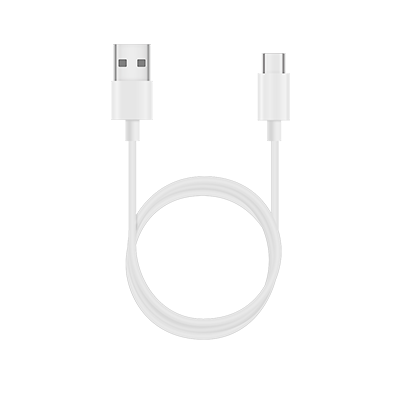
  • USB-C Cable ×2

FAQs

Functions
Which Reolink cameras are compatible with Reolink Home Hub?
Reolink Home Hub is compatible with all Reolink Wi-Fi/PoE cameras (except 4G cameras, cameras in NVR security kits, and add-on cameras). Learn more about Reolink Home Hub compatibility: https://support.reolink.com/hc/en-us/articles/32379509281561-Reolink-Home-Hub-Compatibility/
Can all the IP cameras under the same router network connect to Reolink Home Hub?
Yes. All Reolink battery cameras, PoE cameras, and plug-in Wi-Fi cameras connected to the same router can connect to Reolink Home Hub.
Can a Reolink IP camera be added to multiple home hubs or NVRs?
No, one Reolink security camera can only be added to one home hub or NVR.
Can a Reolink IP camera be added to the hub if it is not under the same LAN as the hub?
No, a Reolink IP camera must be on the same LAN as the hub to be added.
How long can the camera record footage to Reolink Home Hub?
The recording duration depends on the camera's bit rate, recording resolution, local storage, and recording frequency. For example, with two 4K cameras connected, Reolink Home Hub with a 64GB microSD card can store up to 1 year of 4K color footage, assuming each camera records 20 motion events per day, with each recording lasting 15 seconds. Learn more about the recording duration.https://support.reolink.com/hc/en-us/articles/33312364391449-How-Long-Can-the-microSD-Card-of-Reolink-Home-Hub-Record-for-Battery-powered-WiFi-Cameras/
Can the camera continue recording to Reolink Home Hub when the network connection is interrupted?
Yes, cameras can continue recording and save videos to the microSD card of the Reolink Home Hub during an Internet outage.
What are Event History and Weekly Summary?
Event History collects all 24/7 footage from connected cameras, enabling smart playback of detection events across multiple cameras and video filtering by date range, device, and event type.
Weekly Summary provides statistics on detection events, including daily alarms, alarm types, and involved devices, helping you understand when and where break-ins are most likely to occur.
How Long Can Reolink Battery-Powered Wi-Fi Cameras Last After Being Added to Reolink Home Hub?
Adding the Argus 3E to the Reolink Home Hub can extend its battery life to up to 6 months. For more details, please refer to How Long Can Reolink Battery-Powered Wi-Fi Cameras Last after Added to Reolink Home Hub?
Can this camera be used outdoors/indoors?
This camera can be used both indoors and outdoors.
It is weatherproof and its operating temperature is from -10°C to 55°C (14°F to 131°F), perfect for outdoor and indoor usage.
How long does the battery last?
The camera comes with a rechargeable battery. Normally, the battery lasts for about 1-4 weeks per charge (Actual use varies based on settings, use conditions and environmental factors.) When the battery level goes down to 10%, the camera will send you a low-battery notification.
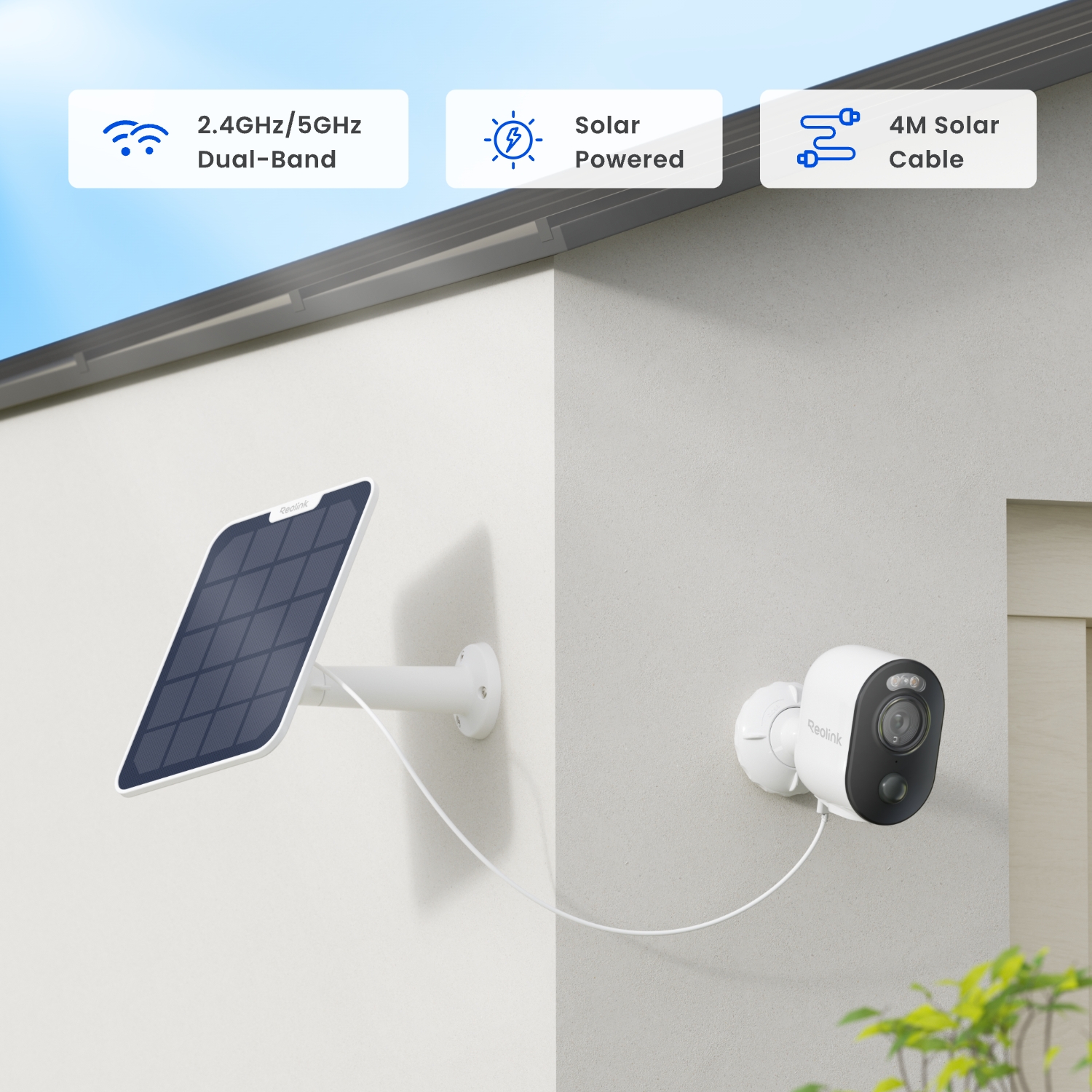
For non-stop power supply, you can connect the camera to a Reolink Solar Panel (purchased separately).
What does the PIR sensor work for?
PIR sensors are more sensitive to the infrared radiations from humans or animals, and thus can dramatically reduce false alarms caused by fluttering moths or flying twigs.
Its full name is passive infrared sensor. It measures the infrared (IR) light radiating from objects with a temperature above absolute zero. When the amount of infrared radiation changes, it triggers detection.
How can I charge this camera? Is the solar panel a must?
You have two charging options (including solar charging):
Option 1. Have the camera connected to a solar panel for non-stop power supply.
( Also recommended as the most friendly charging option for the cam's battery.)
Option 2. Charge the camera (with its non-removable battery) via a 5V 2A USB charger. (Please note that it's ok to charge the cam while it's working, but not for long.)
(Note: To purchase one Reolink Solar Panel, you can choose "1 Camera + 1 Solar Panel" option while buying this camera; or you can buy it separately from https://store.reolink.com/accessories/.)
Does my camera support person/vehicle/animal detection?
Yes, this camera supports person/vehicle/animal detection.
Can this camera support time-lapse function?
Yes, the camera can support time-lapse. It can save time-lapse photos and videos to the microSD card.
How to Set Up Time Lapse?
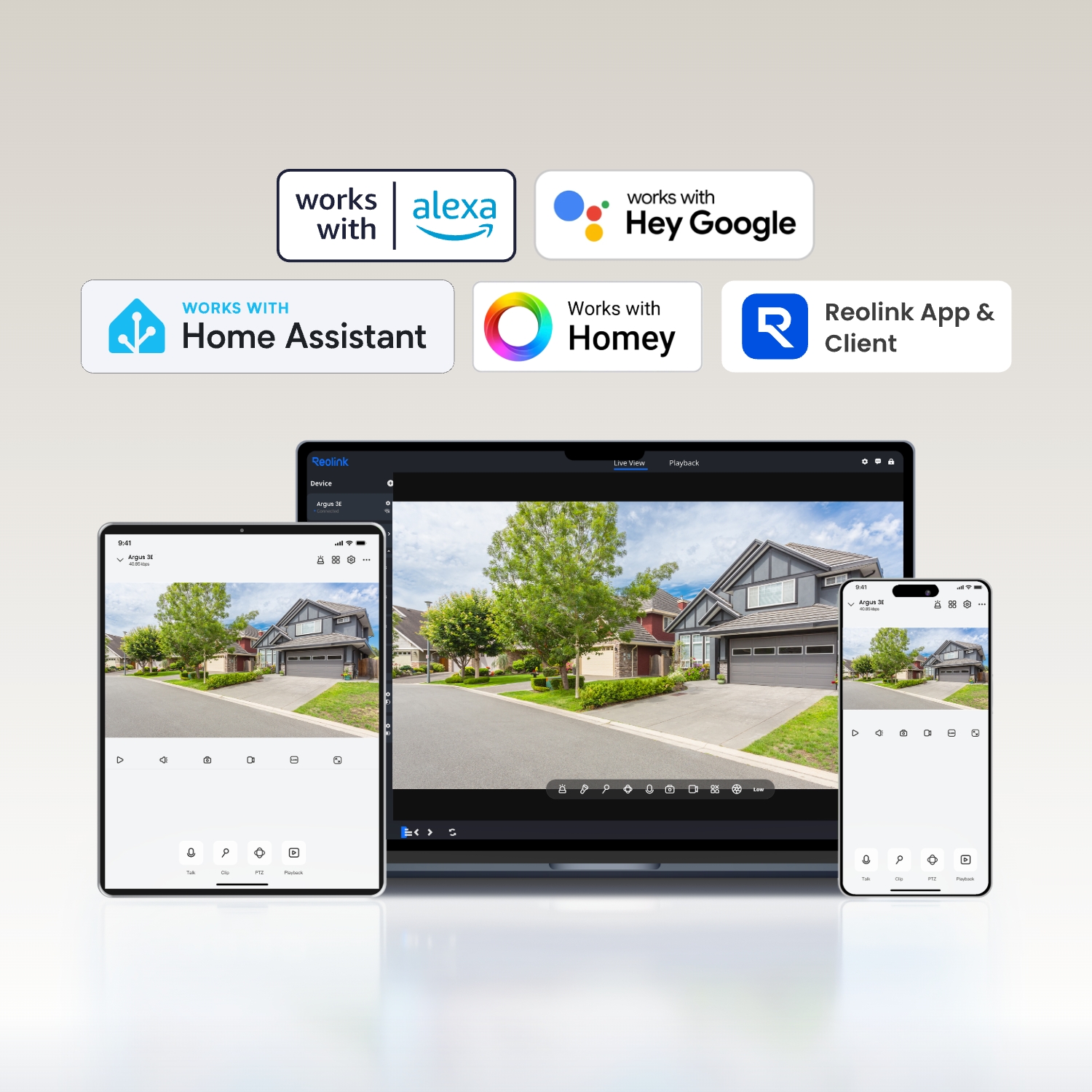
Does it support smart home integration like Google Assistant?
Yes, currently, this camera can work with Google Assistant.
Tips: How to add this camera to Google Assistant?
Does the camera support cloud storage?
Yes. You can refer to Reolink Cloud to check its available countries.
Note: You can also save video clips into a microSD card (supports up to 128GB).
  • 30-Day Money Back Guarantee
    30-Day Money Back Guarantee
  • Free Shipping on All Orders
    Free Shipping on All Orders
  • 2-Year Limited Warranty.
    2-Year Limited Warranty.
  • 24/6 Online Support 1-on-1
    24/6 Online Support 1-on-1

Discontinued

Home Hub with Argus 3E is discontinued. For any questions or product service, please contact Support for assistance.

You will be redirected to the Reolink Official Store in 20s.