Reolink Go Ultra
Overview
Specs
Accessories
Review
Comparison
FAQs
Reolink Go Ultra

4K 8MP Smart 4G LTE Battery-Powered Solar Camera with Solar Panel 2, SIM Card Included

1 Camera (White) + 1 Solar Panel 2 (White) + SIM Card

Feature Highlights

8MP Ultra HD

Never miss clearer views and finer details.
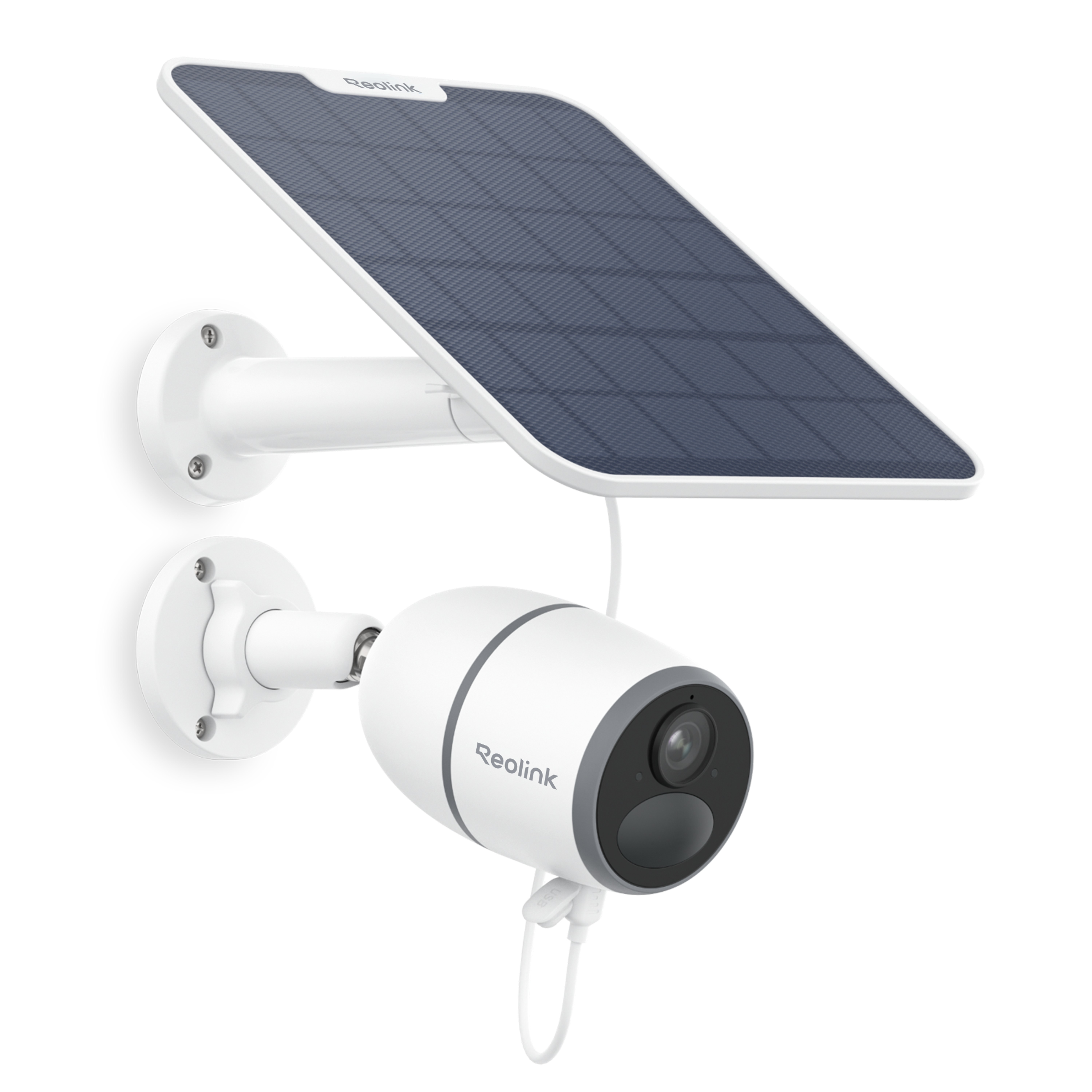
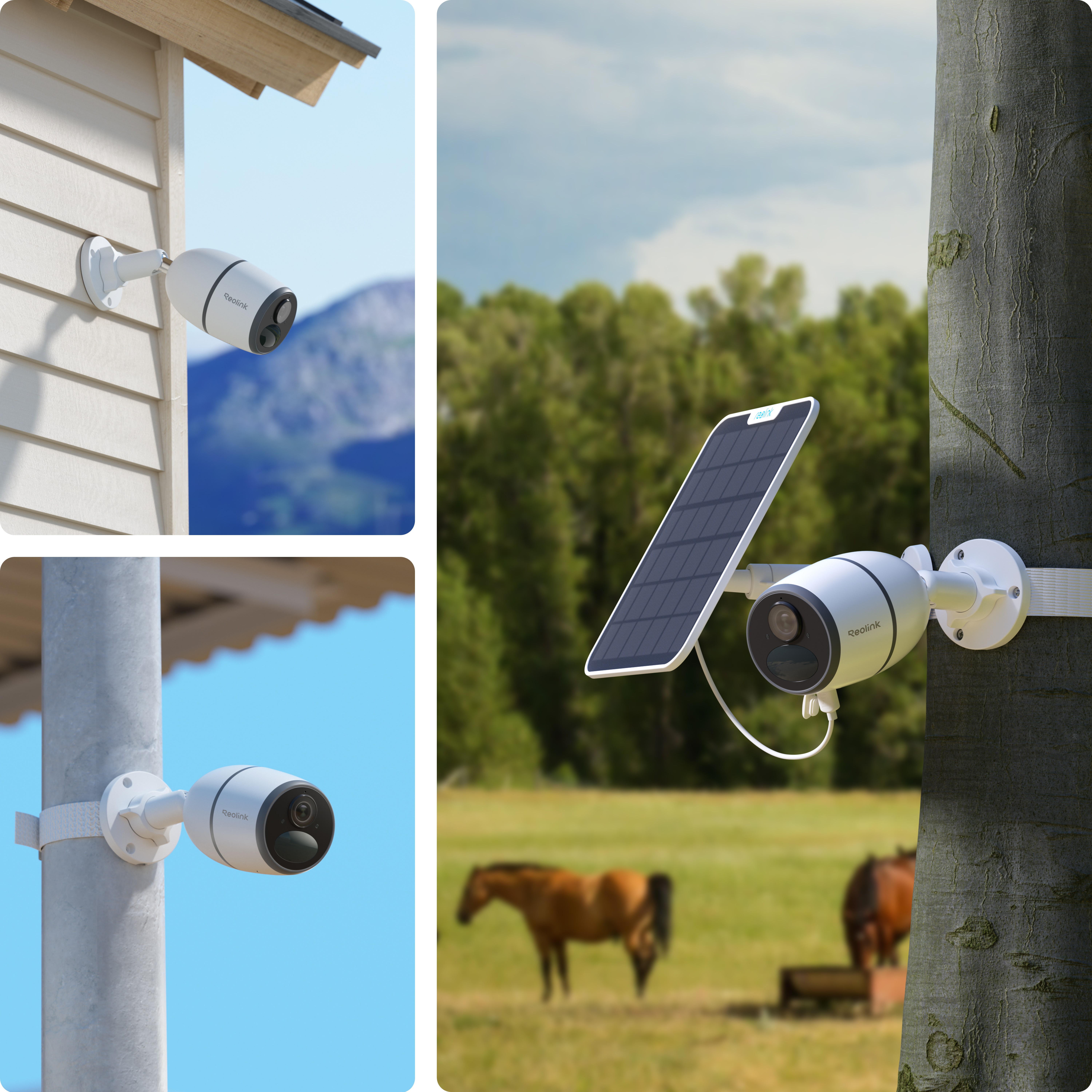
Powering Methods

Via rechargeable battery or solar power.

Smart Detection

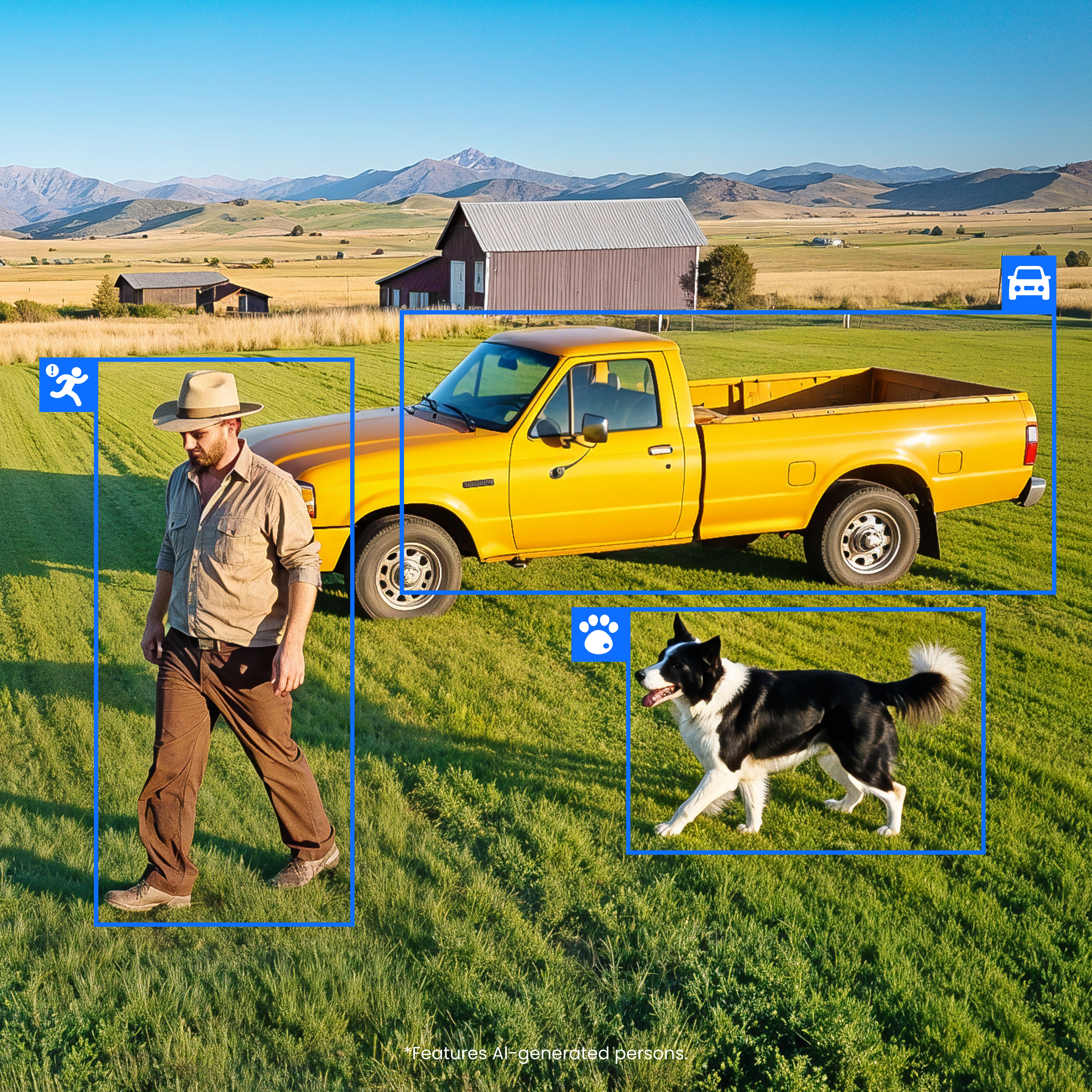
Accurate person/animal/vehicle detection captures what matters.

Quality Night Vision

Captures sharp details at night with ultra HD definition and infrared LEDs.

IP65 Weatherproof

Works well in rain, storms, dust, and other harsh conditions.

Two-Way Audio

Hear & talk with the person on the camera side via the Reolink App.
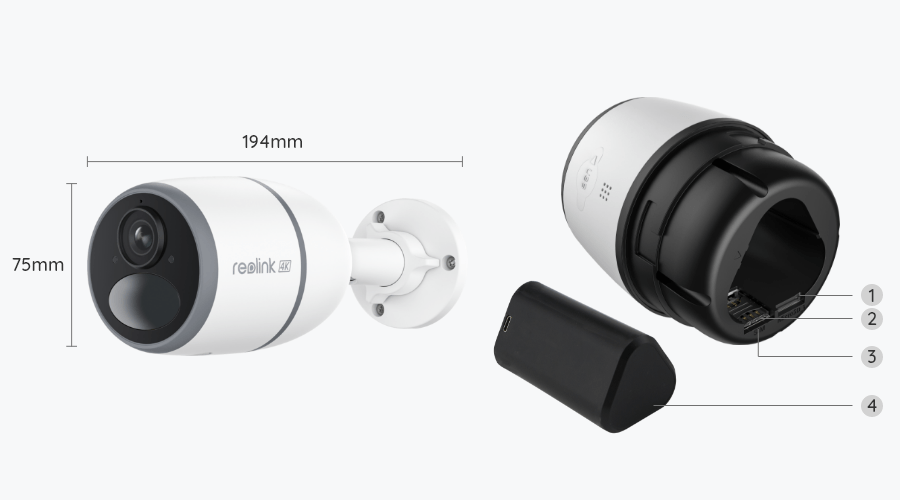
What’s in the Box & Setup Guide (with Video)

  • Camouflage Skin ×1
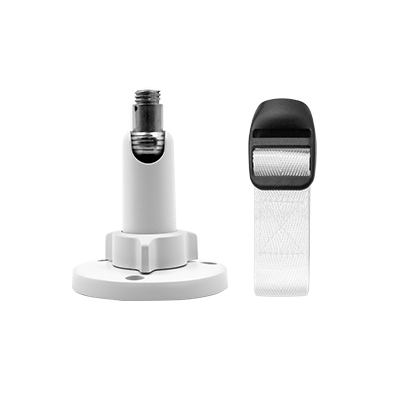
  • Mount ×1
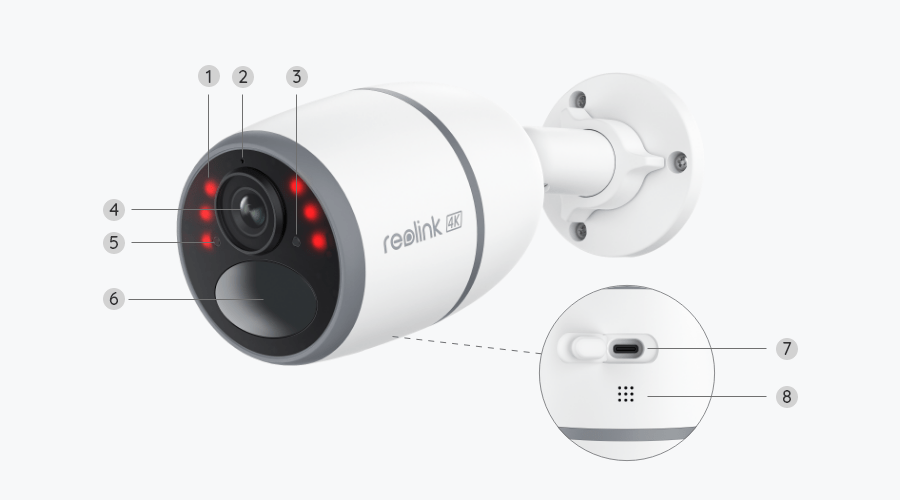
  • Reolink Go Ultra ×1
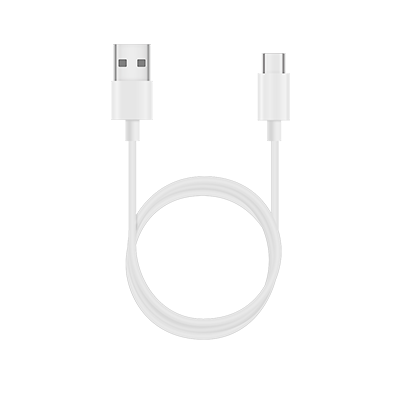
  • USB-C Cable ×1

FAQs

How-to Videos

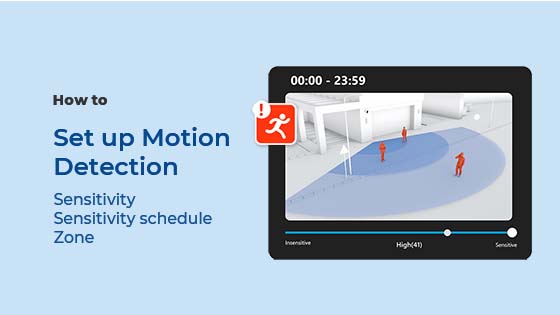
How to Set up Motion Detection via the Reolink App, Client, or NVR
How to Reset Your Reolink Security Cameras to Factory Settings in 1 Min
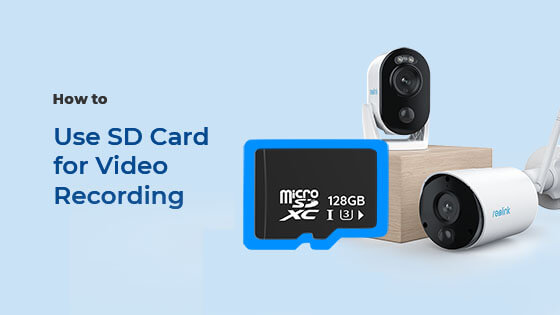
How to Set up SD Card Recording

Payment & Shipping
What are your payment options? And what currencies do you support?
You can use PayPal (available in 202 countries and 25 currencies) to purchase Reolink security products, or use credit or debit cards (Visa, MasterCard, American Express, Discover) directly without logging into your PayPal account. See details of Payment Policy.
How much are the customs duties?
Customs duties depend on where your items are shipped from and shipped to. See details in Shipping Fees part of Shipping & Delivery Policy.
Where can you ship? How long will it take to receive my items?
Reolink sells security cameras to the United States, Germany, the United Kingdom and other dozens of countries.
And we handle orders within 24 hours and pass the packages to our forwarders within 48 working hours. The delivery time varies due to where your items are shipped from and shipped to. See details of Shipping & Delivery Policy.
Functions
Does the camera work with my Reolink PoE NVR?
If you want to buy a new one: the currently on-sale NVRs work with all PoE and plug-in WiFi cameras.
If you already have one:
Please first refer to this article for its hardware version.
For the NVR with the hardware N7MB01, N6MB01, or N5MB01, it works with all PoE and plug-in WiFi cameras.
For the NVR with the hardware N2MB02, N3MB01, or H3MB18, it works with all PoE and plug-in WiFi cameras. But you can not have a full-resolution live view of the following cameras: RLC-1212A, RLC-1224A, Reolink Duo 2 PoE, Reolink Duo 2 WiFi, Reolink Duo Floodlight WiFi, Reolink Duo Floodlight PoE.
For the NVR with the rest hardwares such as H3MB17, H3MB02, and H3MB16, please refer to Introduction to Hardware Versions of Reolink NVRs for more detailed information.
Can this camera be used outdoors/indoors?
This camera can be used both indoors and outdoors.
It is IP65 certified weatherproof and its operating temperature is from -10°C to 55°C (14°F to 131°F), ideal for outdoor and indoor usage.
Can this camera support time-lapse function?
Yes, the camera can support time-lapse. It can save time-lapse photos and videos to the SD card.
How to Set Up Time Lapse?
Does the camera support cloud storage?
Yes. You can refer to Reolink Cloud to check it available countries.
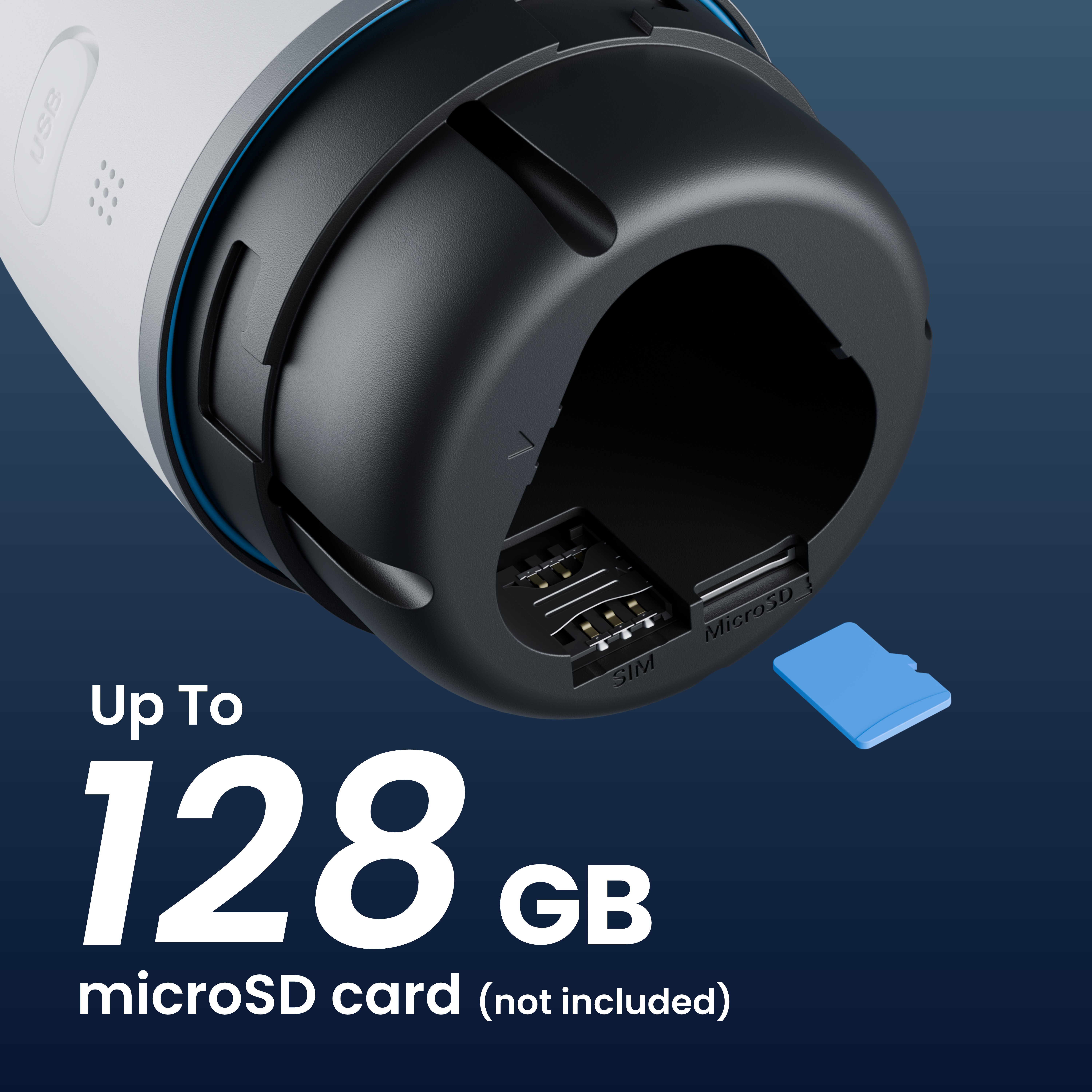
Note: You can also save video clips into a micro SD card (supports up to 128GB).
Does the camera support NVR or a third-party storage device such as NAS?
No, but you can record videos to a micro SD card and play back them via Reolink App and Client, no subscription fees required.
Can I talk to someone via the Reolink App? (Two-way audio)
Yes, this security camera features two-way audio, which means you can listen and talk to someone in real time with simple clicks in App.
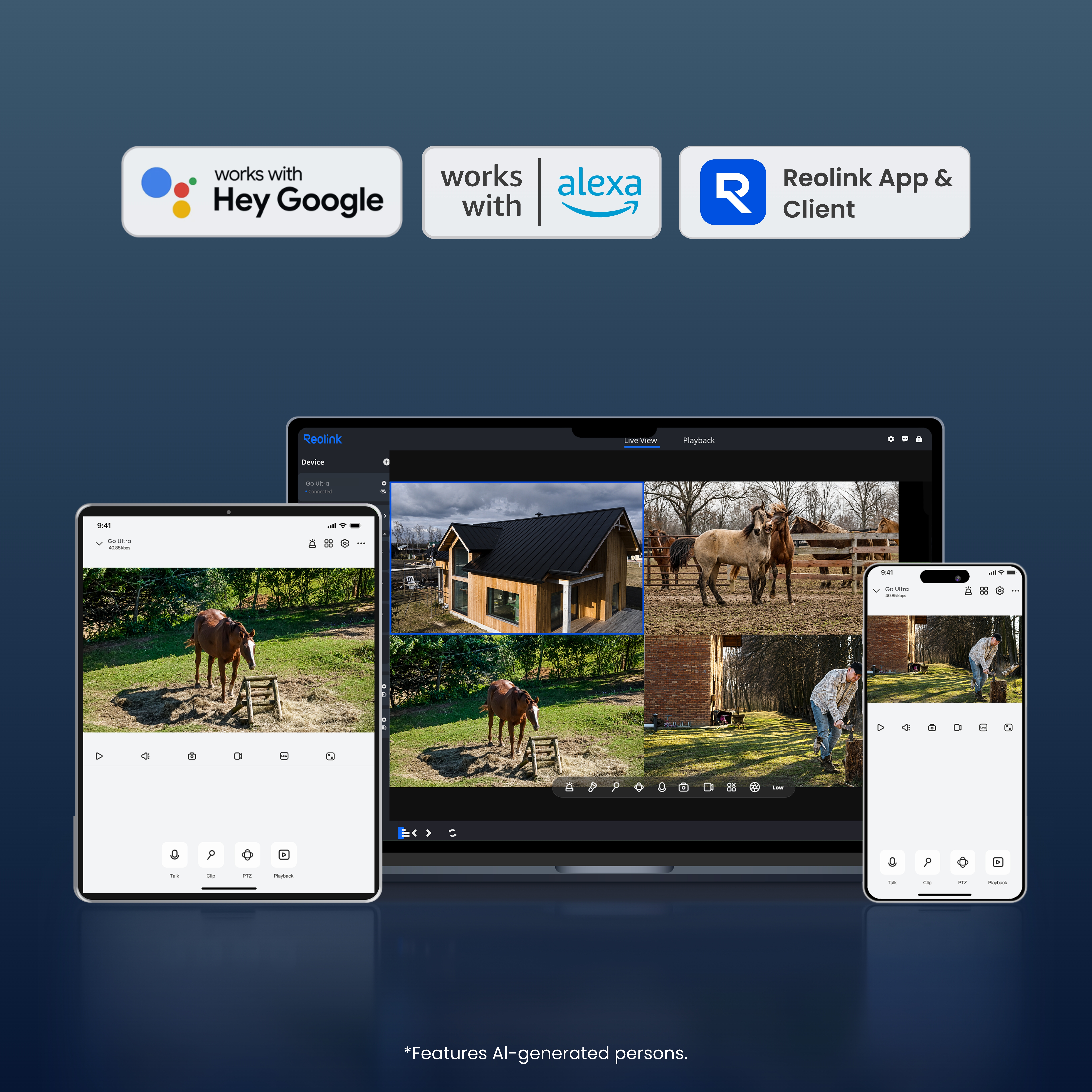
Can this camera support smart home like Google Assistant?
Yes, currently, this camera can work with Google Assistant.
Tips: How to add this camera to Google Assistant?
How can I charge this camera? Is the solar panel a must?
You have three charging options (including solar charging):
Option 1. Have the camera connected to a solar paner for non-stop power supply.
(????Also recommended as the most friendly charging option for the cam's battery.)
Option 2. Pull off the battery from the camera, connect it to power outlet via 5V 2A USB charger.
Option 3. Charge the camera with its battery in via a 5V 2A USB charger. (Please note that it's ok to charge the cam while it's working, but not for long.)

(Note: To purchase one Reolink Solar Panel, you can choose "1 Camera + 1 Solar Panel" option while buying this camera; or you can buy it separately from https://store.reolink.com/accessories/.)
How long does the battery last?

The camera comes with a rechargeable battery. Normally, the battery lasts for about 2 months per charge (Actual use varies based on settings, use conditions and environmental factors.) When the battery level goes down to 10%, the camera will send you a low-battery notification.
For non-stop power supply, you can connect the camera to a Reolink Solar Panel (purchased separately).

Does my camera support person/vehicle detection?
Yes, this camera supports person/vehicle detection. In addition, pet detection is added.
Does the camera have an SD card?
No, the camera does not come with a micro SD card built in. But it has a micro SD card slot.
This camera supports Max. 128GB micro SD cards with FAT32 format and Class 10 or higher read & write speed.
Does the camera have a SIM card?
No, the camera does not come with a SIM card and Reolink doesn't have SIM card for sale, so you need to get one from a compatible cellular service provider. Every 4G camera needs a physical SIM card and does not support an e-SIM card. And note that Reolink 4G camera can only provide network for itself with a SIM card inserted, and cannot work as a hotspot to provide WiFi for other devices.
How does 4G work on this security camera?
Similar to your cellular phone, cellular security cameras need a SIM card with a data plan to tramsmit video signals over 3G/4G network.
The common SIM cards offered by carriers like T-Mobile and Vodafone can work for Reolink 4G camers (as they can for your cellular phone). Click to check supported carriers in available countries and regions for this camera.
You can also contact our support team for consultation.
Does the camera work on 5G/4G/3G/2G?
The camera works on 4G networks. It also supports 3G, which is not recommended though (since wireless companies are working to retire older network technologies). It does not supports 5G or 2G SIM card.
Yet it does not matter you use a 4G or 5G mobile phone to access the camera. The camera needs a SIM card of its own, which is totally irrelevant to your mobile's SIM card.
Note:
(1) The camera does not support WiFi connection.
(2) As of July 1, 2022 T-Mobile’s older 3G UMTS network will be retired.
How much data does the camera use?
Data usage of this camera depends on the bitrate you set up. 1 hour of live feed in Clear mode (default bitrate: 4Mbps) will use about 2GB of data. And if you use 1GB of data to stream live feed in Fluent mode (default bitrate: 672kbps), you can watch for 3.5 hours. Based on that, you can estimate the data usage to choose the right data plan for you.
Note: The above information is just for reference. The actual data usage is based on the actual working situation and may vary from the SIM card providers.
  • 30-Day Money Back Guarantee
    30-Day Money Back Guarantee
  • Free Shipping on All Orders
    Free Shipping on All Orders
  • 2-Year Limited Warranty.
    2-Year Limited Warranty.
  • 24/6 Online Support 1-on-1
    24/6 Online Support 1-on-1