E1 Outdoor SE PoE
Overview
Specs
Accessories
Review
Comparison
FAQs
E1 Outdoor SE PoE

4K 8MP Auto-Tracking PoE IP Camera with 360° Coverage

1 Camera

Feature Highlights

360° Auto Tracking

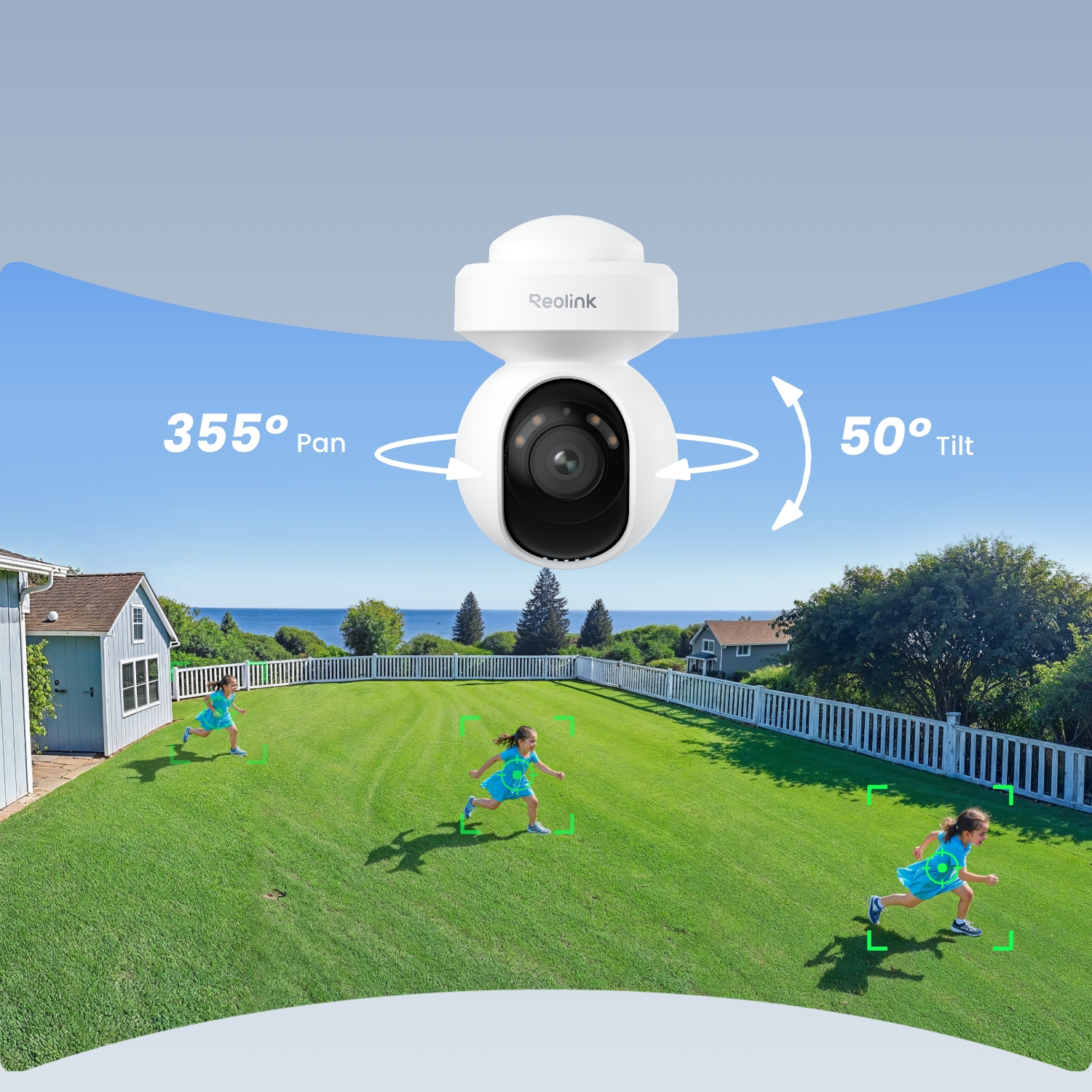
355° pan & 50° tilt keep what matters in frame all the time.
Ultra High Definition

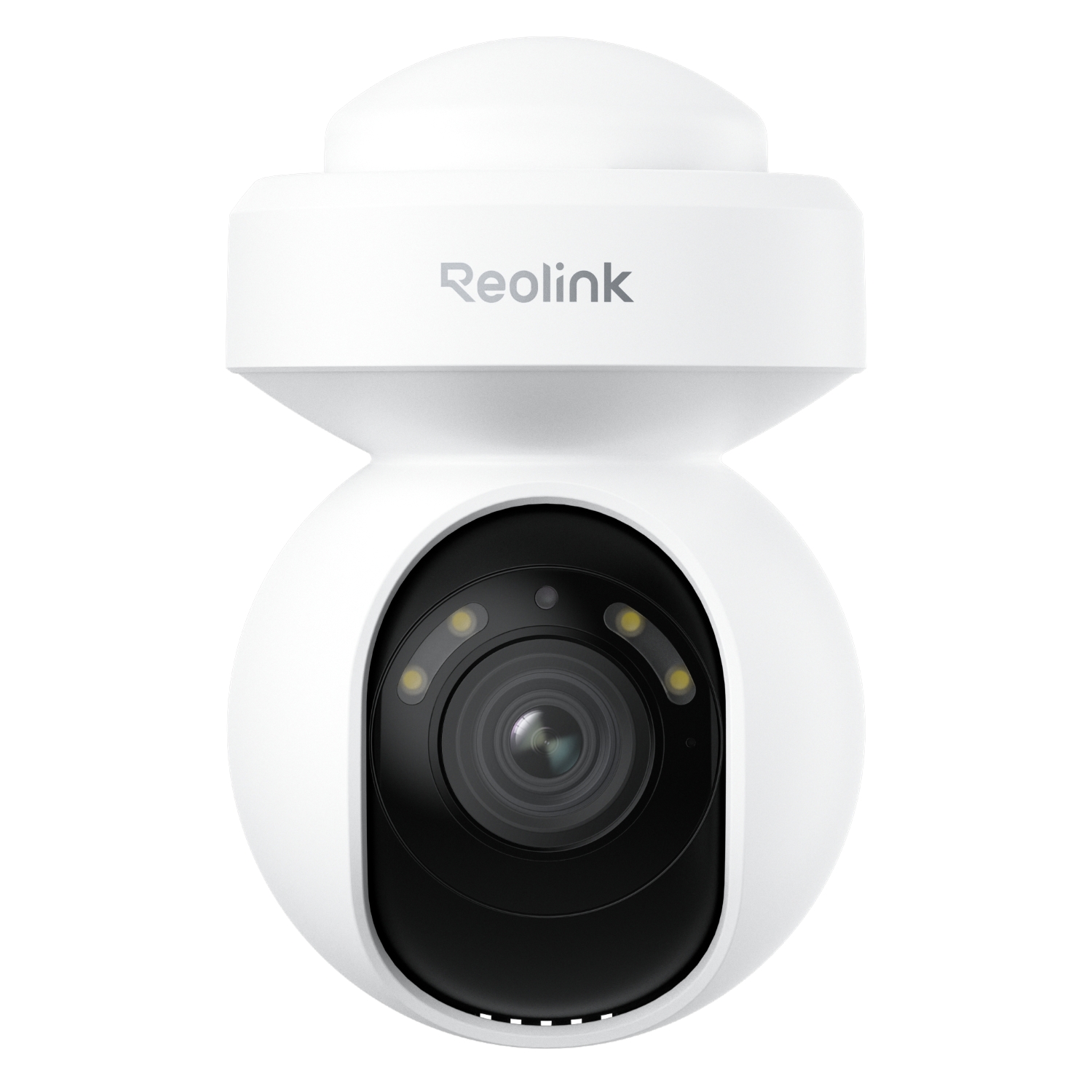
4K 8MP Ultra HD delivers clear views and fine details.

Color Night Vision

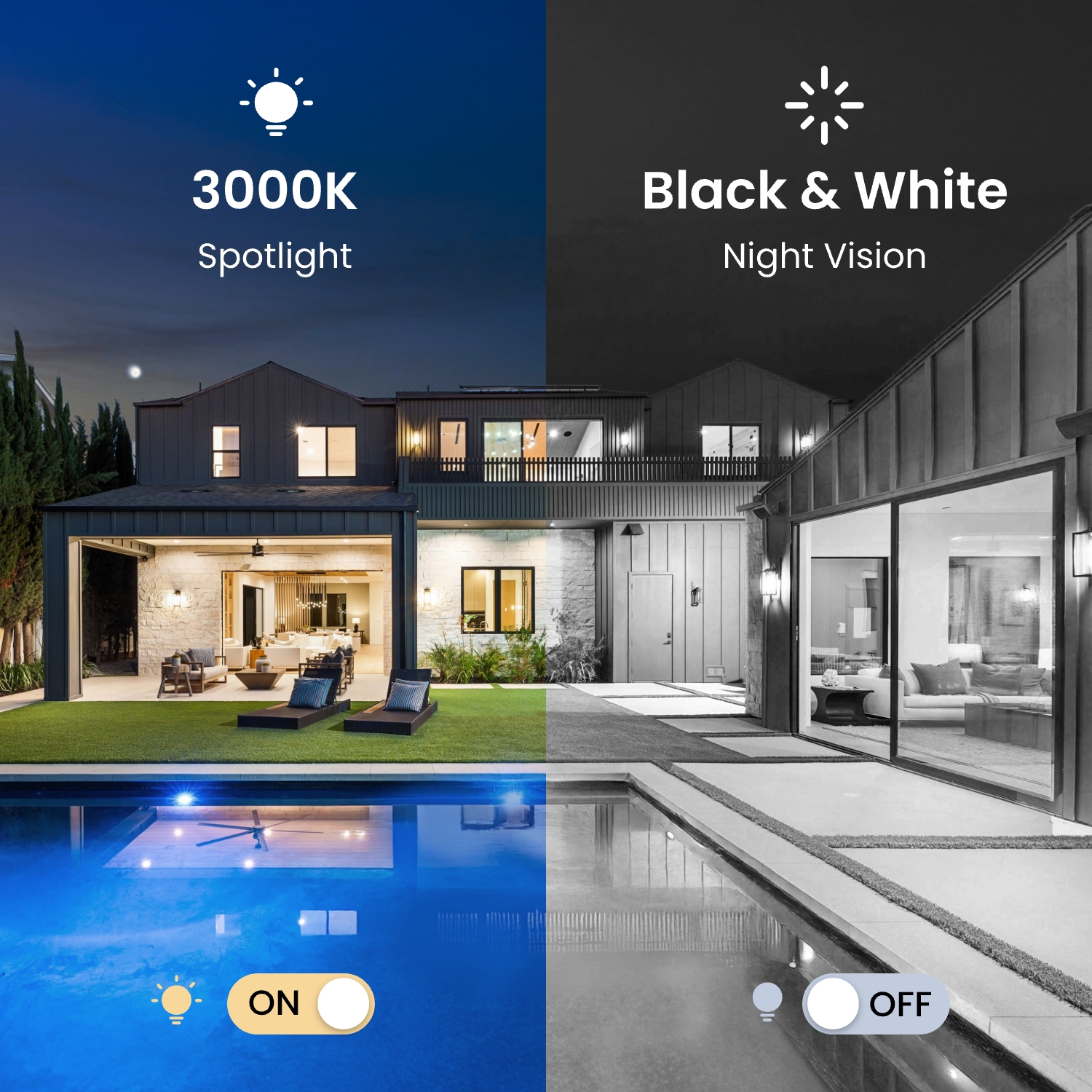
F1.2 aperture & 3000K adjustable spotlights.

Smart Detection

Detects a person/vehicle/animal and sends instant alerts. No monthly fees are needed.

Video Compression

H.264/H.265 ensures better compression and equivalent video quality.

IP65 Weatherproof

Withstands dust, rain, and harsh outdoor conditions for reliable performance.
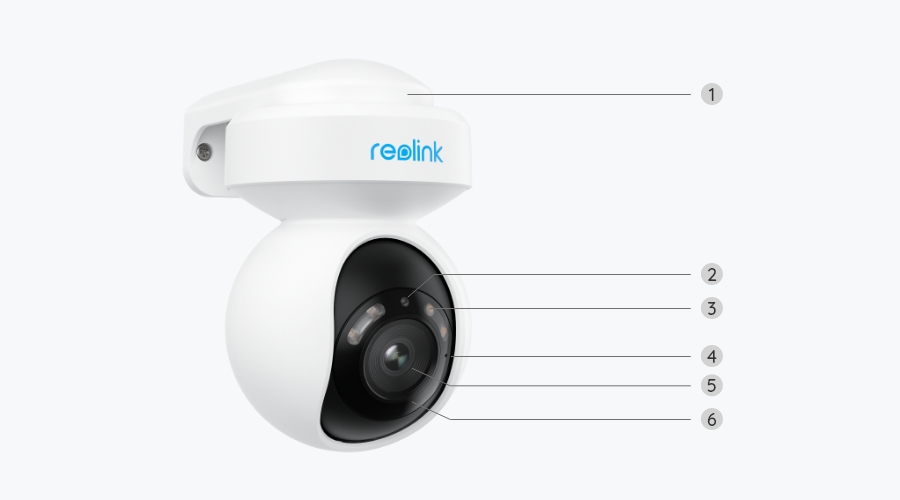
Specs

Image Sensor
1/2.7" CMOS sensor
Resolution
3840x2160 (8 megapixels)@25fps
Lens
f=4mm, F1.6
Video Compression
H.265/H.264
Zoom
10X digital zoom
Field of View
Horizontal: 88°
Vertical: 45°
Infrared Night Vision
Up tp 12 meters(40ft); LED: 10pcs/1.4w/850nm
(Auto-switching with IR-cut filter)
Color Night Vision
With spotlights: 4pcs/3.3w/3000K (Adjustable)
Frame Rate
Main stream: 2fps - 25fps (default: 25fps)
Sub stream: 4fps - 15fps (default: 10fps)
Code Rate
Main stream: 2048Kbps - 8192Kbps (default: 6144Kbps)
Sub stream: 64Kbps - 512Kbps (default: 256Kbps)
Audio
Two-way audio
PoE
IEEE 802.3af, 48V, active
DC Power
DC 12V⎓1A, <12W
Power Port
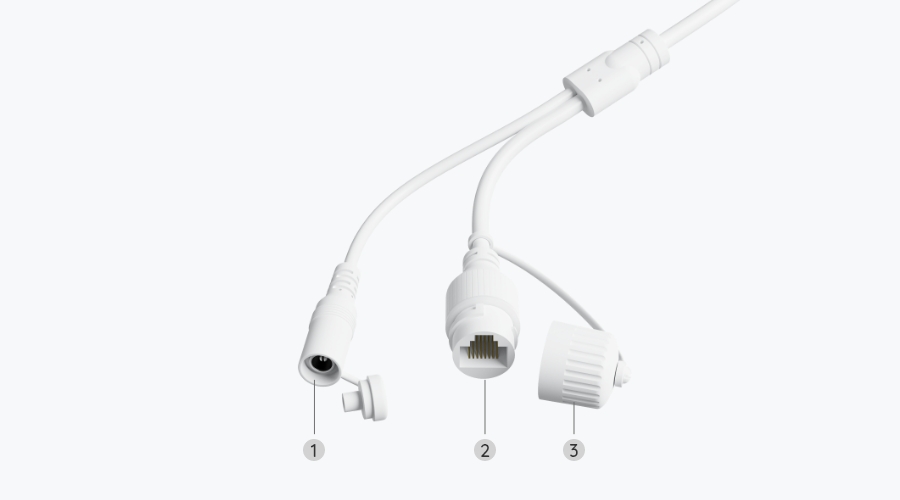
DC power port
Ethernet Port
One 10M/100Mbps; RJ45
SD Card Slot
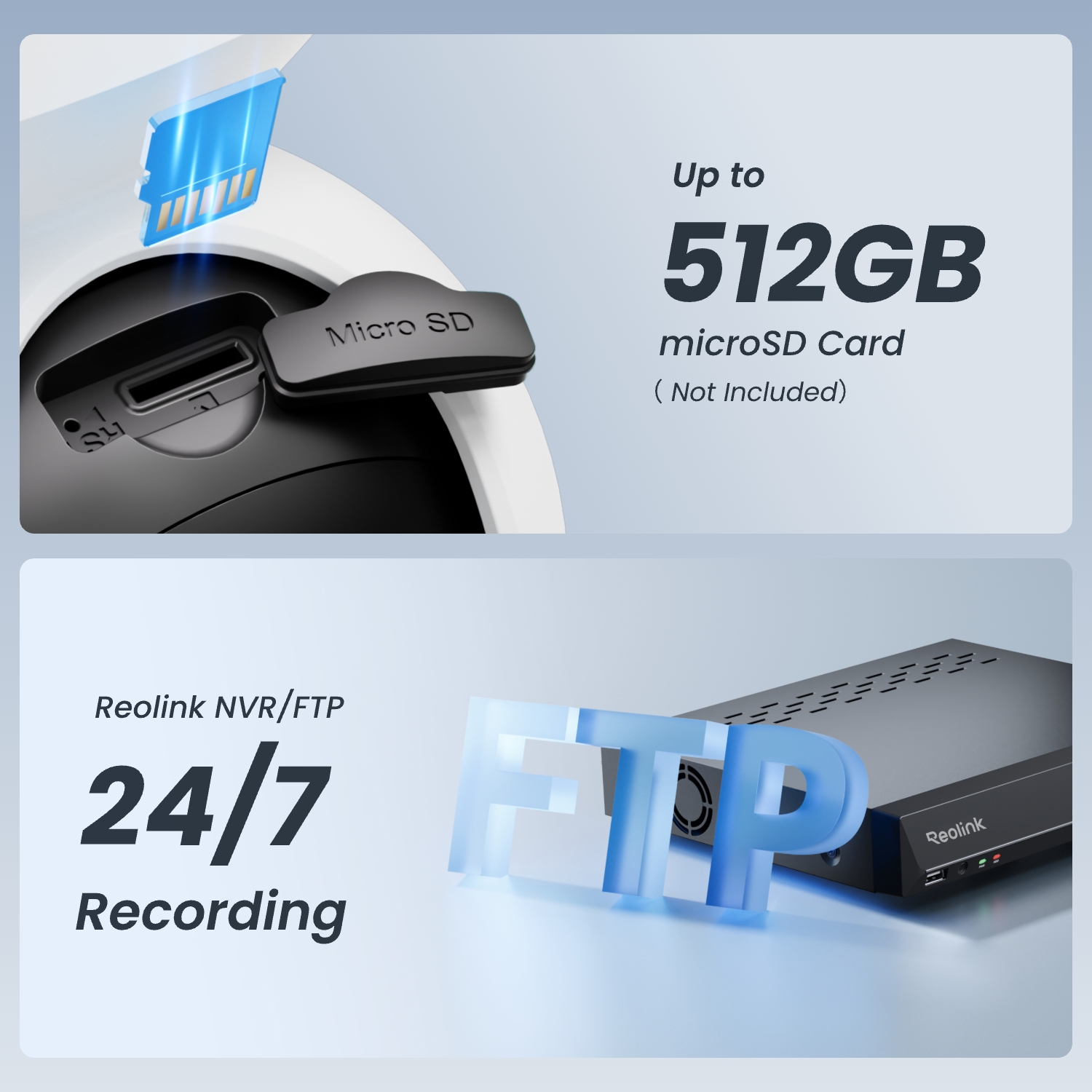
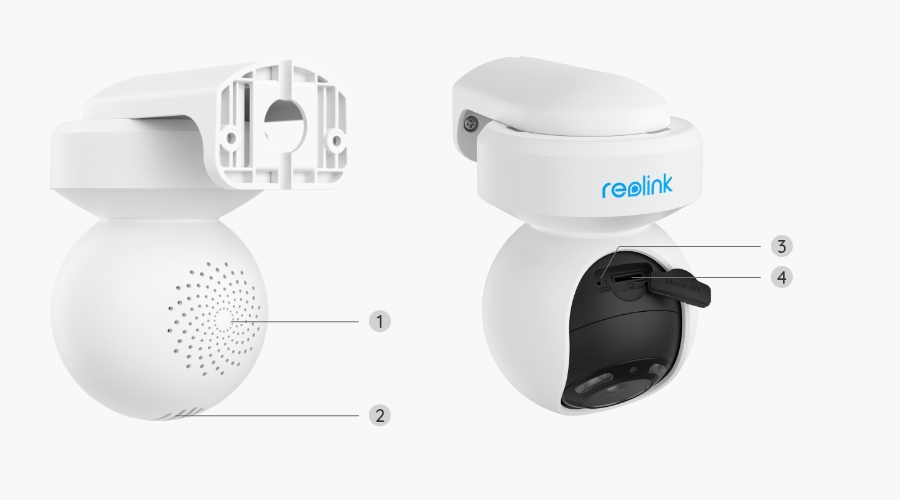
Supports Max. 512GB microSD card
Reset Button
YES
Audio In/Out
Built-in microphone and speaker
PT Angle(Max.)
Pan: 355°, Tilt: 50°
Preset Points
Suppots 1 guard position & up to 64 preset positions
Auto Tracking
YES
Browsers Supported
Edge, Chrome, Firefox, Safari
OS Supported
PC: Windows, Mac OS; Smartphone: iOS, Android
Protocols & Standards
HTTPS, SSL, TCP/IP, UDP, HTTP,IPv4, UPnP, RTSP, RTMP, ONVIF, SMTP, NTP, DHCP, DNS, DDNS, FTP, P2P
User Access
Max. 20 users (1 admin & 19 users);
Max. 12 simultaneous streams (2 main & 10 sub streams)
Smart Alarm
Motion detection; person detection; vehicle detection; animal detection
Recording Modes
Motion-triggered recording (default); scheduled recording; 24/7 recording
Time Lapse
YES
Smart Home Compatibility
Google Assistant
Operating Temperature
-10°C~+50°C (14°F~126°F)
Operating Humidity
20% ~ 85%
Weatherproof
IP65
Dimensions
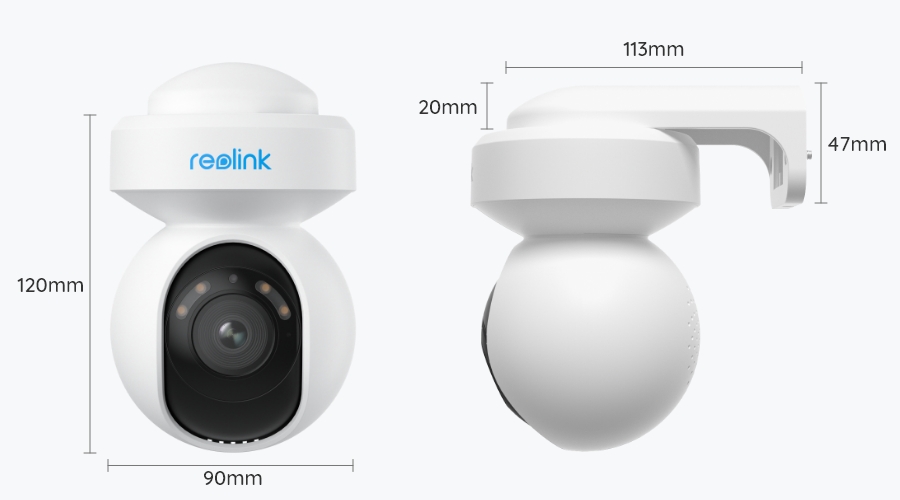
Φ90x120mm
Weight
446g
Limited Warranty
2-year limited warranty. For support, visit https://support.reolink.com/hc/en-us/.

FAQs

Payment & Shipping
What are your payment options? What currencies do you support?
You can use PayPal (available in 202 countries and 25 currencies) to purchase Reolink security products, or use credit or debit cards (Visa, MasterCard, American Express, Discover) directly without logging into your PayPal account. See details of Payment Policy.
How much are the customs duties?
Customs duties depend on where your items are shipped from and shipped to. See details in the Shipping Fees part of Shipping & Delivery Policy.
Where can you ship? How long will it take to receive my items?
We sell security cameras to the United States, Germany, the United Kingdom and other dozens of countries.
And we handle orders within 24 hours and pass the packages to our forwarders within 48 working hours. The delivery time varies due to where your items are shipped from and shipped to. See details of Shipping & Delivery Policy.
Functions
Can the camera support time-lapse function?
Yes, the camera can support time-lapse. It can save time-lapse photos and videos to the SD card.
How to Set Up Time Lapse?
Does my camera support person/vehicle/animal detection?
Yes, this camera supports person/vehicle/animal detection.
Does the camera support two-way audio?
Yes, the camera supports two-way audio via its built-in mic and speaker. You can not only capture videos with audio recorded but also have real-time communication with people on the camera's end through Reolink App or Client.
Can I turn off the spotlights and siren?
Yes, you can turn off the spotlights and siren manually.
By default, the camera's spotlights and siren are motion activated: they will be turned on automatically when a motion is detected. You can turn them off, adjust the brightness of spotlights, or customize the siren to your liking.
Please note that with the spotlights on you can enjoy clear color night vision, but if the spotlights are turned off, you will only see black and white images at night.
Does the camera support smart home like Google Assistant?
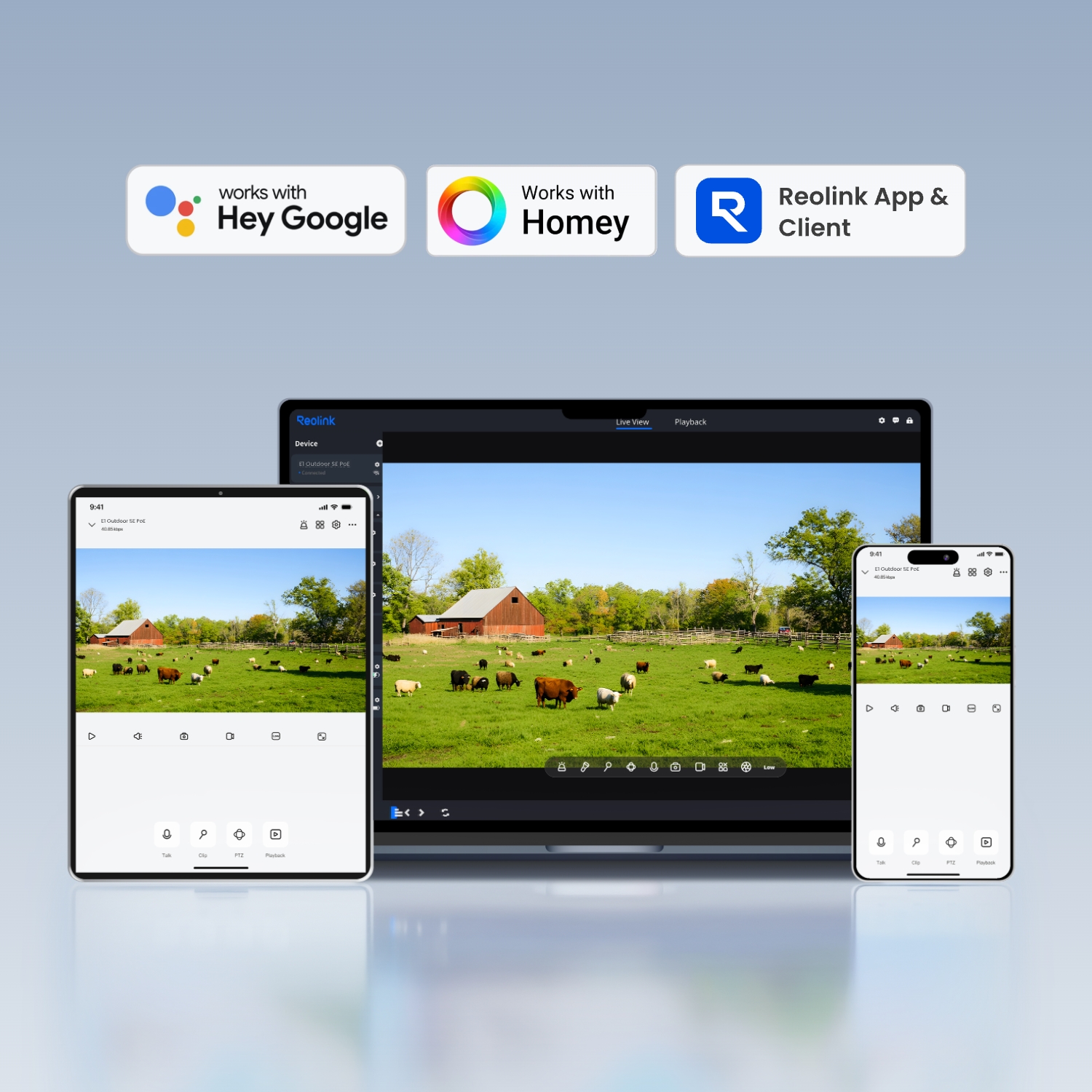
Yes, currently, this camera can work with Google Assistant.
Tips: How to add this camera to Google Assistant?
How do I use live view and playback?
You can add and set up the camera on Reolink APP/Client. Then click the camera to check the live view and playback of it from anywhere, at any time.
Reolink APP/Client is free of charge and the service is free of subscription.
How can I power up this camera?
There are two methods:
1. Via an Ethernet cable, connect the camera to a PoE NVR, PoE injector, PoE switch, or directly to a router with a PoE port, for both power supply and video signal transmission.
Note: Please make sure that the PoE injector/switch is 802.3at compliant (48V) and supports active mode.
2.Via its DC 12V 2A power adapter for power supply only.
Where are the recordings stored? Is NVR a must?
The camera can work without an NVR.
1. When it works without an NVR, the recordings can be saved to the microSD card (purchased separately);
2. When it works with an NVR, the recordings can be saved to the NVR.
Note: For best compatibility, do not use the camera with third-party NVRs.
What kind of Ethernet cable do I need?
The camera supports T-568B connectors and 8-PIN Ethernet cables of CAT5 or higher.
What kind of microSD card can I use?
This camera supports up to 256GB microSD cards with FAT32 format and Class 10 read & write speed.
Does the camera support NAS?
Yes, the camera supports NAS.
You may want to know How to have Reolink cameras record to my NAS.
Why can't I connect it to 3rd party softwares?
The RTSP and other ports may be disabled by default. You can launch Reolink Client, then go to Device Settings >> Network >> Advanced >> Port Settings to make sure all ports are enabled before using 3rd party softwares.
Does the camera work with Reolink IoT devices (Reolink Floodlight, etc.)? How can they be linked?
Yes, the camera works with Reolink IoT devices, including Reolink Floodlight PoE/WiFi. The specific functions supported depend on the camera.
When Reolink Floodlight is linked to a camera, the floodlights and the built-in siren will be triggered once the camera detects an event. Click here to see how to link the camera to Reolink Floodlight.
  • 30-Day Money Back Guarantee
    30-Day Money Back Guarantee
  • Free Shipping on All Orders
    Free Shipping on All Orders
  • 2-Year Limited Warranty.
    2-Year Limited Warranty.
  • 24/6 Online Support 1-on-1
    24/6 Online Support 1-on-1