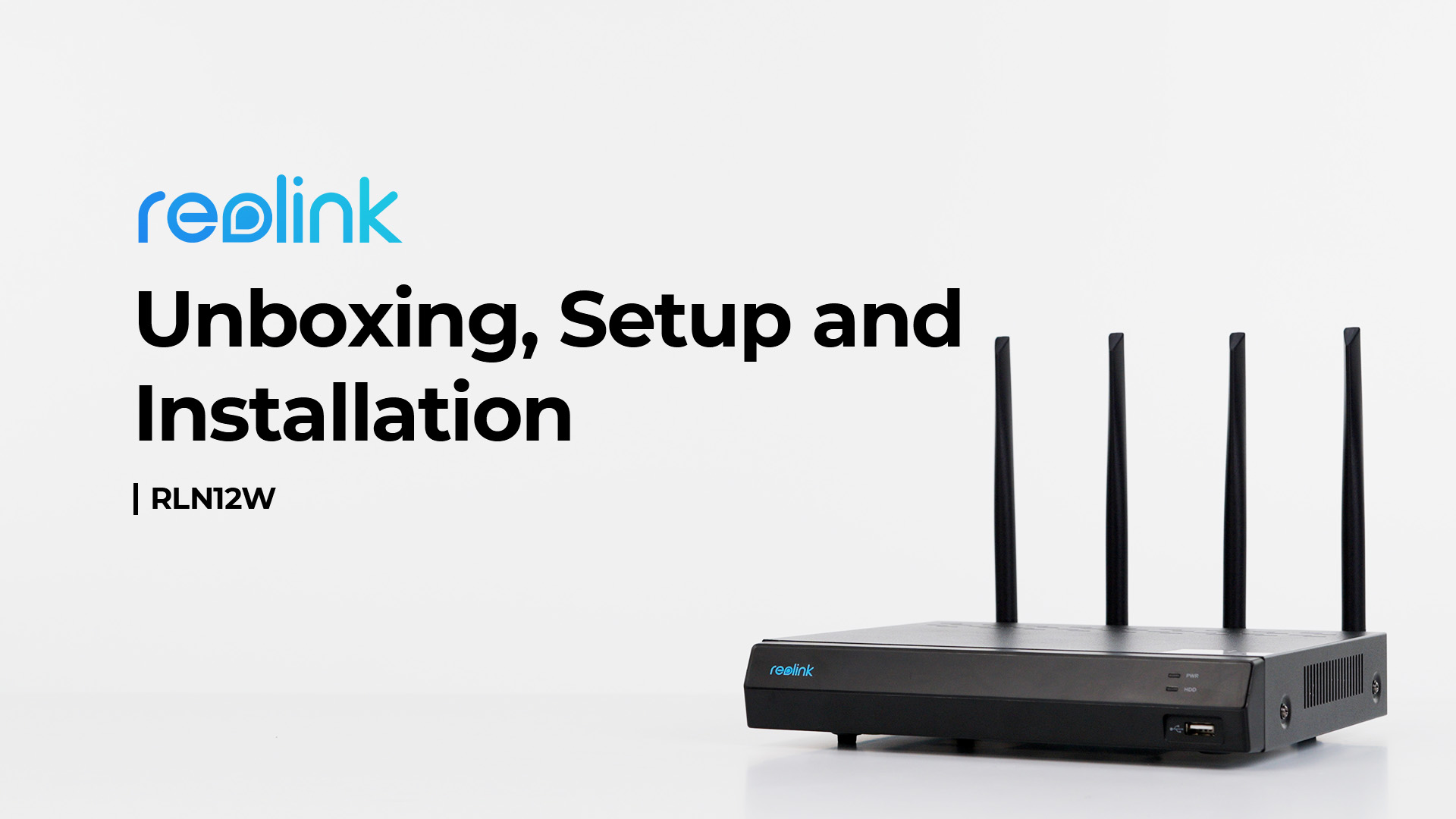
RLN12W
Overview
Specs
Accessories
Review
Comparison
FAQs
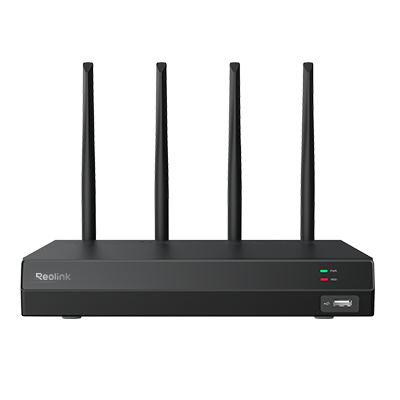
RLN12W

12-Channel Wi-Fi 6 NVR recorder with 2TB built-in HDD for 24/7 local video recording

  • 12-Channel Wi-Fi 6 NVR
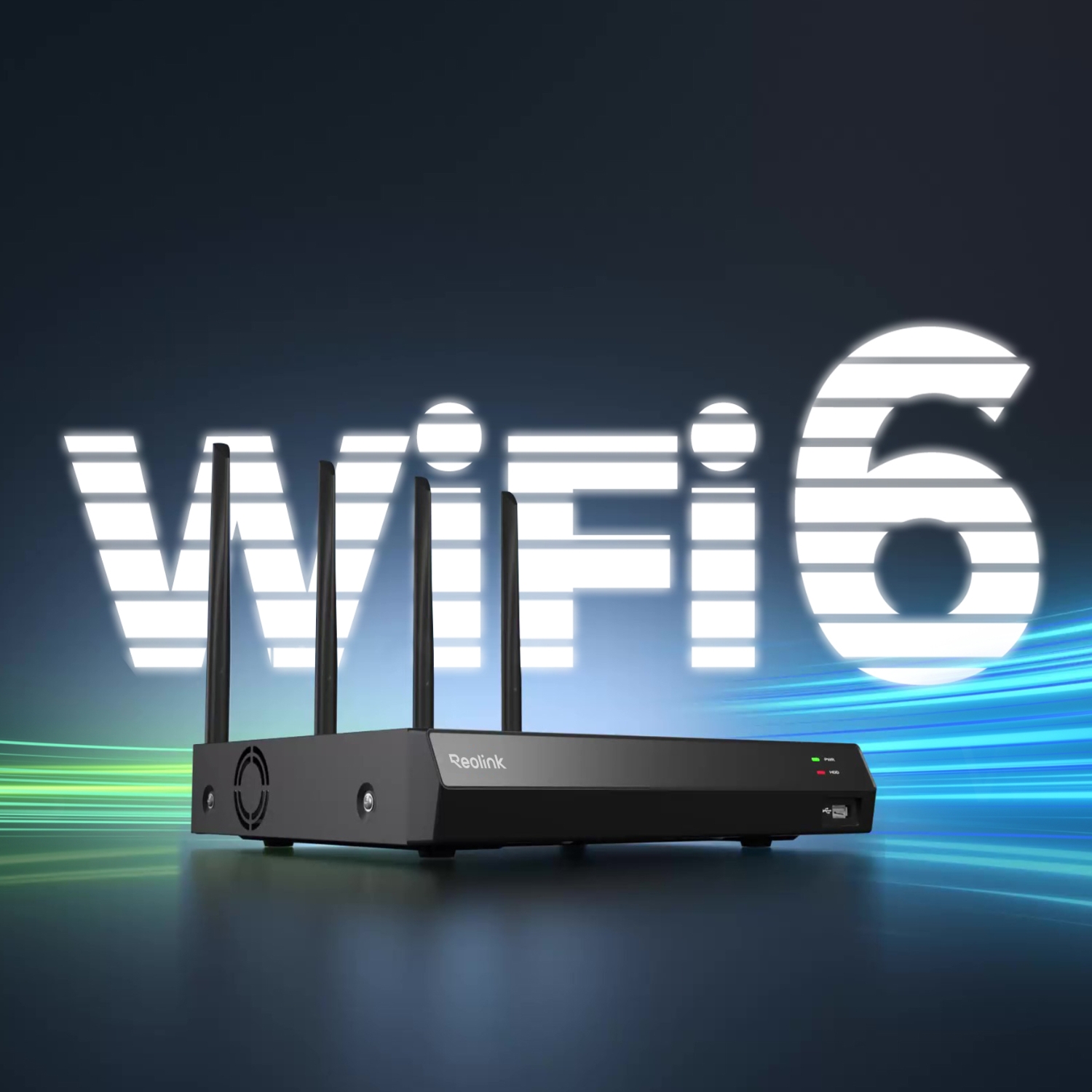
  • Dual-Band Wi-Fi Connection
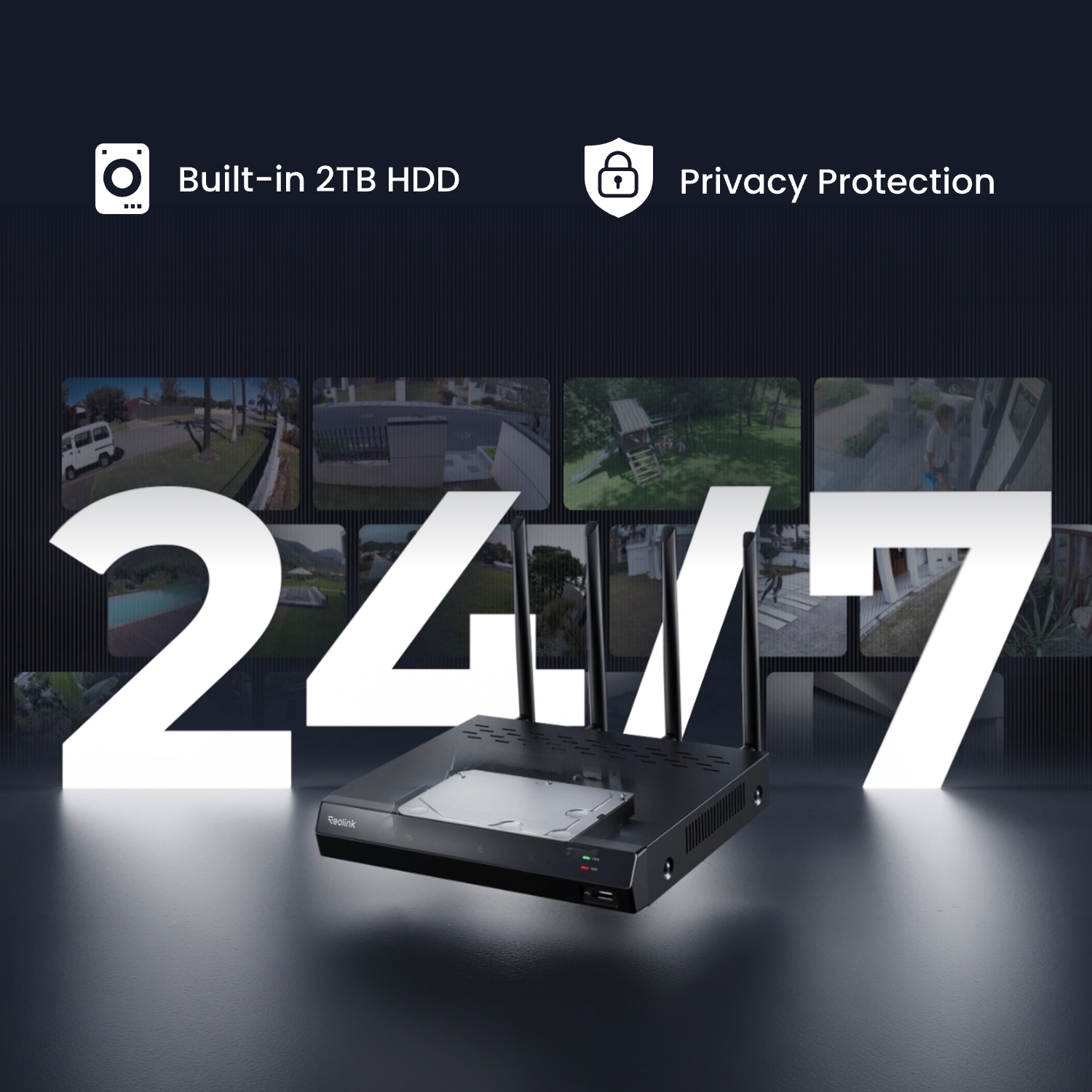
  • 2TB HDD Pre-installed

Feature Highlights

16 Channels & Max.16MP UHD

Up to 16 IP cameras (12 wired IPC + 4 battery Wi-Fi IPC or 16 battery Wi-Fi IPC)
Dual-Band Wi-Fi 6

Ensures fast, stable data transmission across wider areas.

Video Compression

H.264/H.265 ensures better compression and equivalent video quality.

Local Storage

Comes with a pre-installed 2TB HDD, expandable up to 8TB.

Preview Options

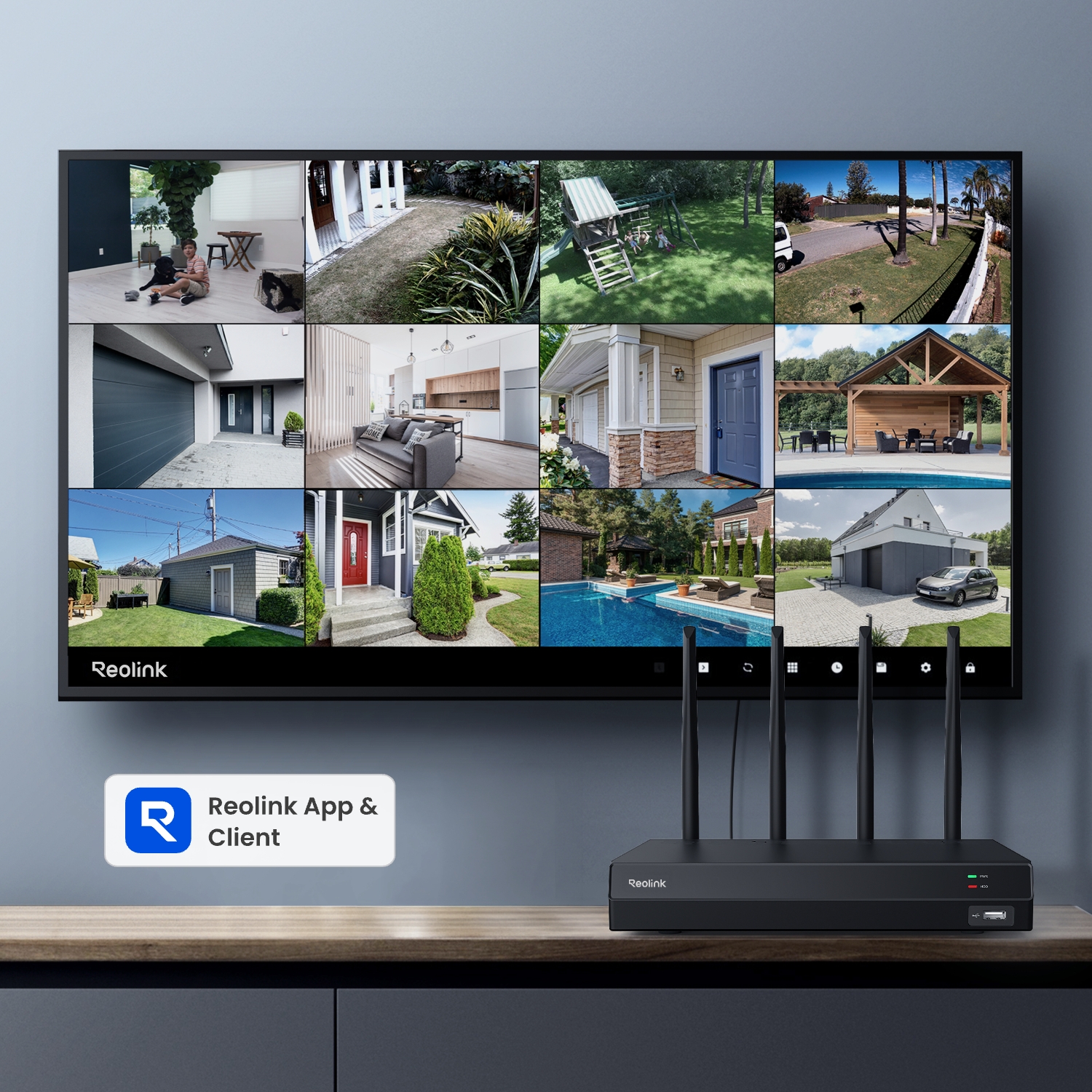
View the live view on the monitor/Reolink App/Reolink Client.

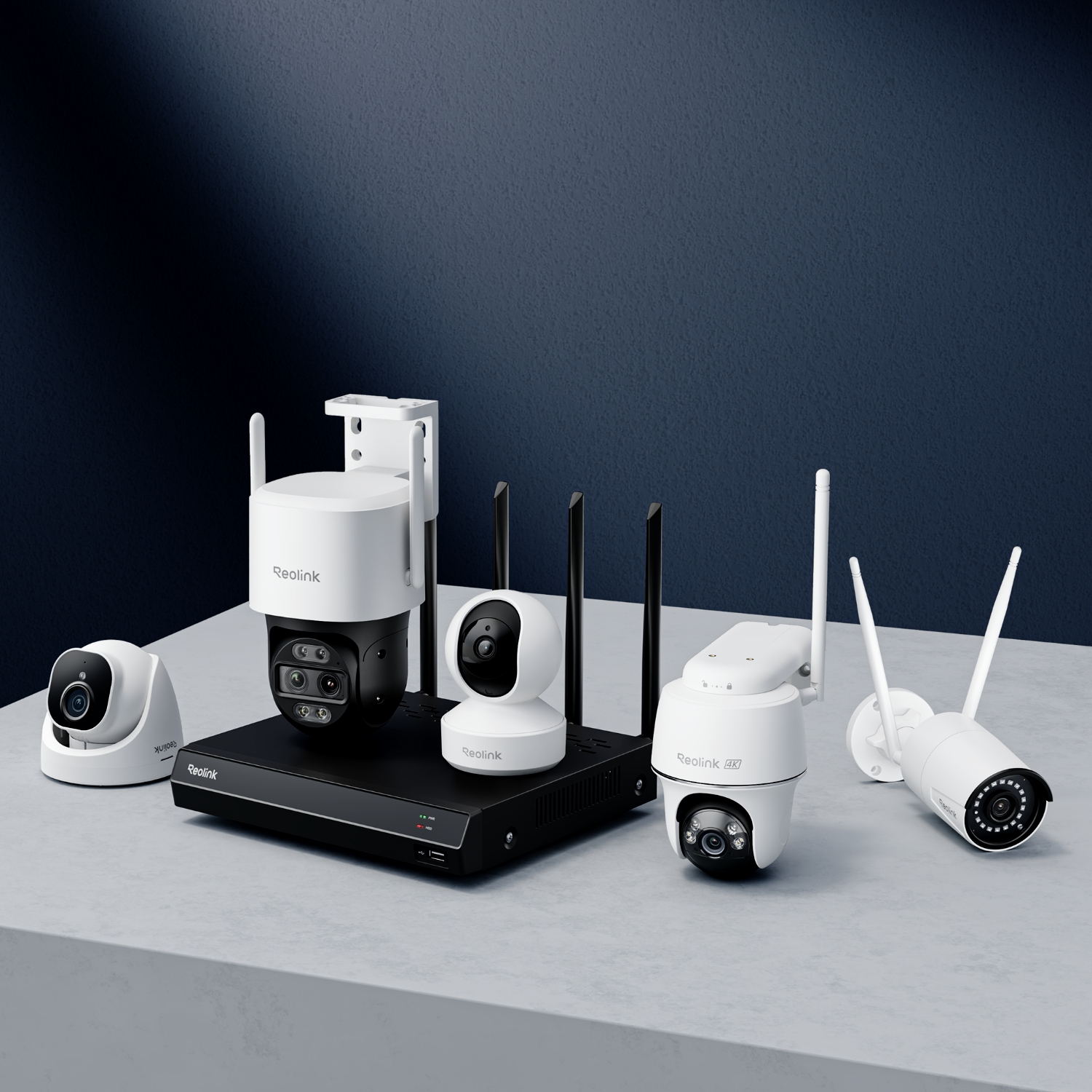
Great Compatibility

Supports all Reolink cameras, excluding the 4G LTE cameras.
Specs

IP Video Input
Up to 16 IP Cameras
Audio Input
Cameras with built-in mic
Video Output
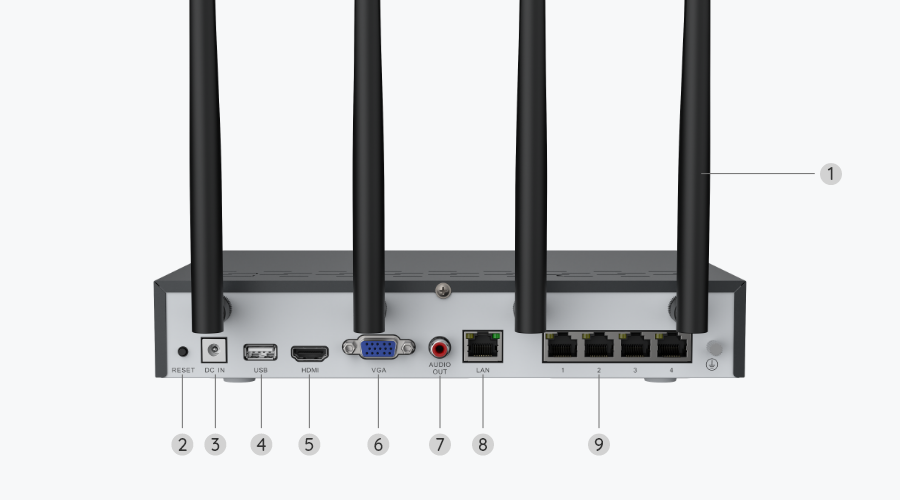
VGA, HDMI
Display Resolution
HDMI: 3840x2160, 1920x1080, 1280x1024, 1280x720, 1024x768
VGA: 1920x1080, 1280x1024, 1280x720, 1024x768
Audio Output
1-channel, RCA
Video Compression
H.265/H.264
Live View / Playback Resolution
7680×2160, 4608×1728, 4512×2512, 4096×3072, 3840×2160, 2560×2560, 2560×1920, 2560×1440, 2048×1536, 2304×1296, 1080p, 720p
Synchronous Playback
Up to 4 channels
SATA
1 x SATA interface (1 x 2TB HDD included)
Capacity
Up to 16TB
USB Interface
2 x USB 2.0
Network Interface
4 x RJ-45, 10/100 Mbps self-adaptive (for IP cameras)
1 x RJ-45, 10/100 Mbps self-adaptive (for LAN/WAN)
Wireless Standard
IEEE 802.11a/ac/ax/ b/g/n
Operating Frequency
2.4 GHz/5 GHz
Wireless Security
WPA/WPA2/WPA3
Network Protocols
HTTPS, TCP/IP, UDP, DHCP, P2P, UPNP, RTMP, RTSP, SMTP, SSL/TLS, DNS, DDNS, NTP, FTP
Browser Supported
Edge, Firefox, Chrome, Safari
OS Supported
PC: Windows, Mac OS; Smartphone: iOS, Android
Max. User Access
Max. 20 users (1 admin & 19 user);
Max. 12 simultaneous streams (10 sub & 2 mainstreams)
Power Supply
DC 12V/2A
Power Consumption
<10W (with 2TB HDD)
Working Environment
Temperature: -10°C ~ +45°C (14°F ~ 113°F);
Humidity: 10% ~ 90%
Dimensions
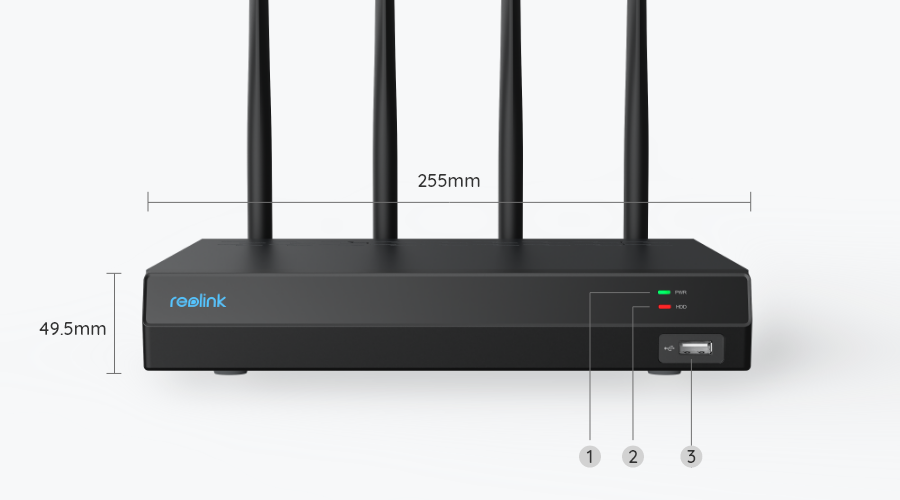
255mm(W) x 49.5mm(H) x 222.7mm(D)
Weight
1.4kg
Limited Warranty
2-year limited warranty. For support, visit https://support.reolink.com/hc/en-us/.

What’s in the Box & Setup Guide (with Video)

  • RLN12W ×1
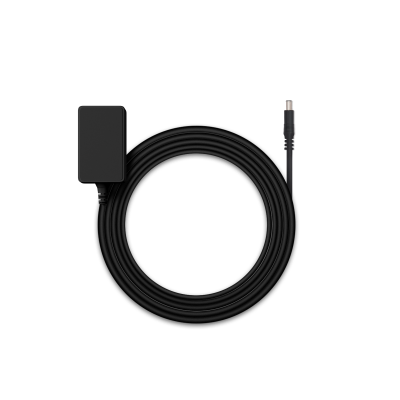
  • NVR Power Adapter ×1
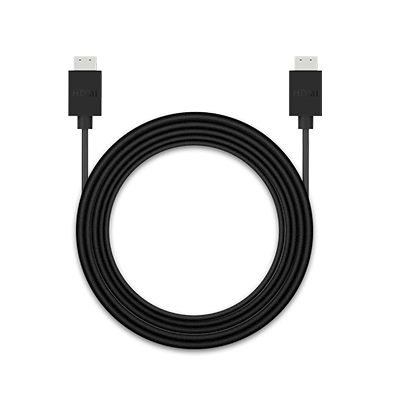
  • HDMI Cable ×1
  • USB Mouse ×1
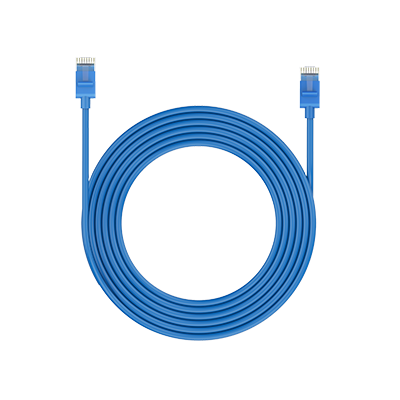
  • 1m Network Cable ×1

FAQs

How-to Videos

How to Set up & Install Reolink RLN12W
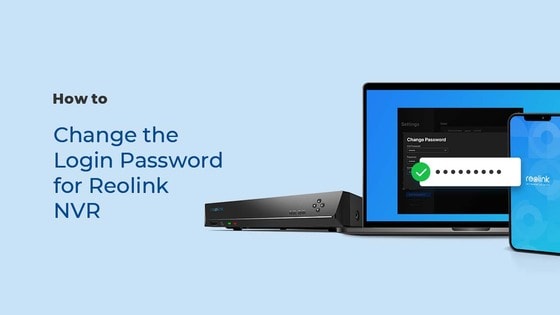
How to Change the Login Password for Your Reolink NVR (1 Min)
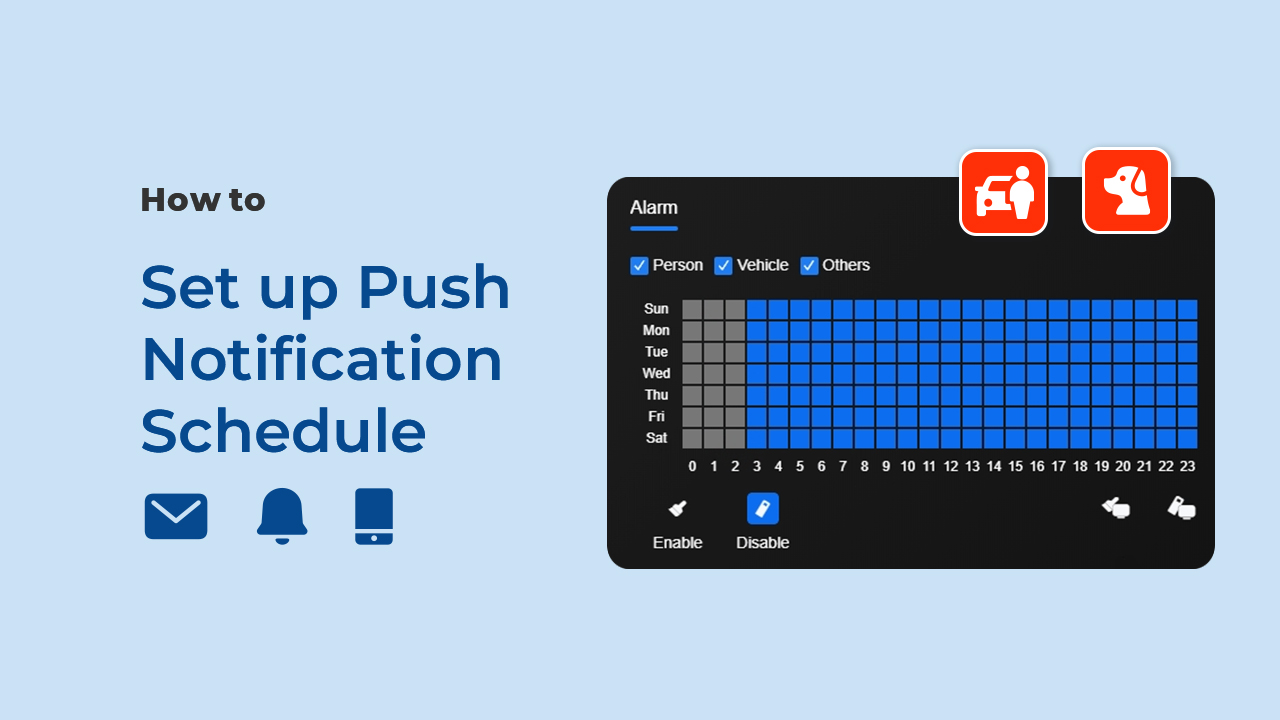
How to Set up Push Notification Schedule (via Reolink App/Client/NVR)

Payment & Shipping
How much are the customs duties?
Customs duties depend on where your items are shipped from and shipped to. See details in the Shipping Fees part of Shipping & Delivery Policy.
What are your payment options? And what currencies do you support?
You can use PayPal (available in 202 countries and 25 currencies) to purchase Reolink security products, or use credit or debit cards (Visa, MasterCard, American Express, Discover) directly without logging into your PayPal account. See details of Payment Policy.
Where can you ship? How long will it take to receive my items?
Reolink sells security cameras to the United States, Germany, the United Kingdom and other dozens of countries.
And we handle orders within 24 hours and pass the packages to our forwarders within 48 working hours. The delivery time varies due to where your items are shipped from and shipped to. See details of Shipping & Delivery Policy. Shipping & Delivery Policy.
Functions
Which cameras are compatible with the Wi-Fi NVR?
It works with all Reolink PoE and wired Wi-Fi cameras. For PoE cameras, you need to first power them on with a PoE injector, PoE switch, or power adapter before connecting to the NVR.
Do the Wi-Fi NVR's LAN ports support PoE power supply?
No, they don't. However, the NVR still works with PoE cameras. You just need to first power them on with a PoE injector, PoE switch, or power adapter before connecting to the NVR. Make sure the cameras are in the same network as the NVR.
How can I preview or playback the video?
Method 1: Connect the NVR to a monitor or TV for preview or playback.
Method 2: Download FREE Reolink APP or Client, add the NVR to the APP or Client, configure the settings, and then you can preview or playback the videos.
Can I connect the NVR to the third-party cameras?
It's not suggested to do so. Compatibility issues can occur with third-party cameras. Please contact our support team if you have any concerns about protocols.
Can I connect a Reolink NVR to one or more displays?

You can connect a maximum of two displays with the NVR via HDMI or VGA (see the diagram below).
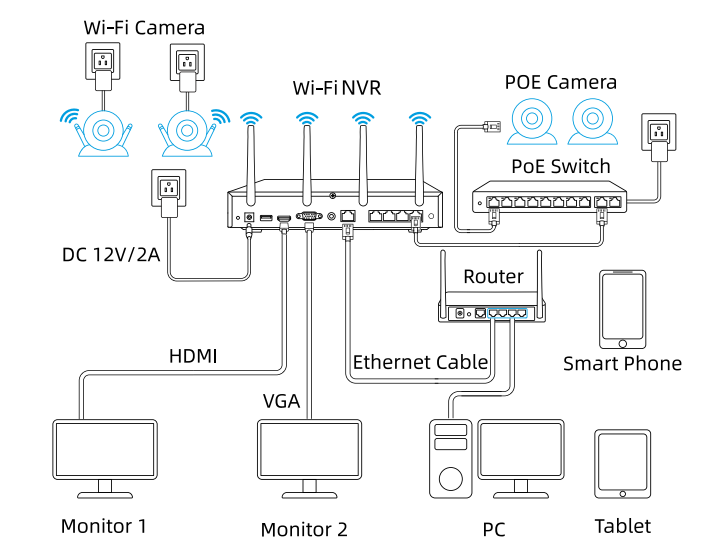
Connect Reolink WiFi NVR to Displays
Cameras connected to the NVR will be shown on the displays.

How to expand the NVR storage capacity?
You can change the pre-installed 2TB HDD to a larger one (The NVR has 1 SATA interface).
The NVR RLN12W supports Max. 8TB Storage per SATA.
Can I connect my previously purchased Reolink PoE camera to the Wi-Fi NVR?
Yes, PoE cameras can work with the Wi-Fi NVR. But you need to first power on the PoE camera with a PoE injector, PoE switch, or power adapter, and connect it to the NVR or to the same network as the NVR.
Can I connect the Wi-Fi NVR to the router wirelessly?
No, the NVR has to be connected to the router via an ethernet cable.
What are the maximum transmission distances between the NVR and the cameras, as well as between the NVR and the router?
The distance between the NVR and the router primarily depends on the length of the Ethernet cable used. In optimal conditions, the distance between the NVR and the cameras can reach up to 120 meters.
Can I switch between 2.4GHz and 5GHz WiFi networks?
Yes, our latest hardware version of Wi-Fi NVR supports manual switching between 2.4GHz and 5GHznetwork.
Does the NVR support the person/vehicle/animal detection of my Reolink cameras?
Yes, this NVR supports the cameras' smart person/vehicle/animal detection.
  • 30-Day Money Back Guarantee
    30-Day Money Back Guarantee
  • Free Shipping on All Orders
    Free Shipping on All Orders
  • 2-Year Limited Warranty.
    2-Year Limited Warranty.
  • 24/6 Online Support 1-on-1
    24/6 Online Support 1-on-1

Discontinued

RLN12W is discontinued. For any questions or product service, please contact Support for assistance.

You will be redirected to the Reolink Official Store in 20s.