Reolink Solar Floodlight Cam
Overview
Specs
Accessories
Review
Comparison
FAQs
Reolink Solar Floodlight Cam

All-in-One Solar Floodlight-Level Security Camera

1 Camera (White)

Key Features

8MP Resolution

No details go unnoticed in clear views.
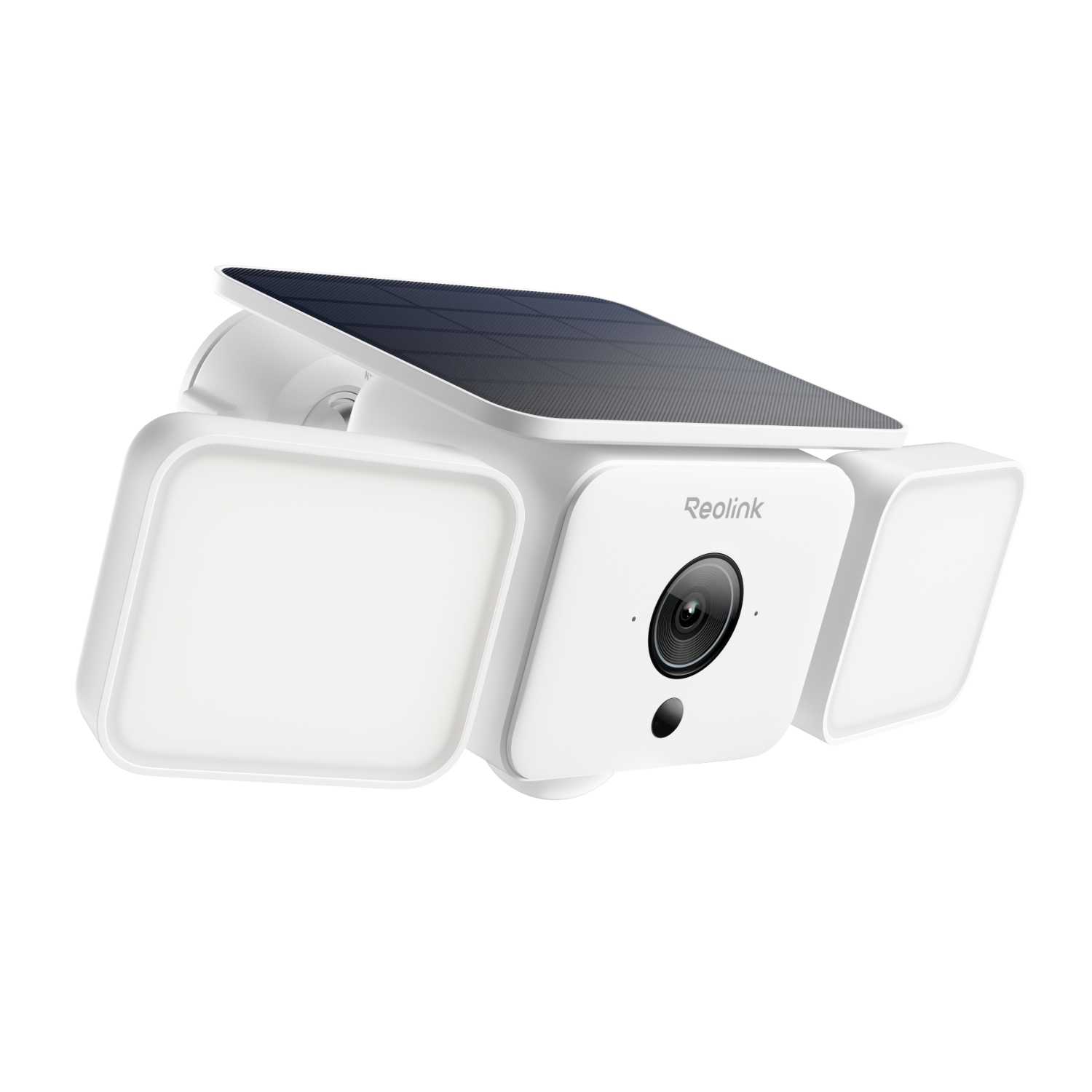
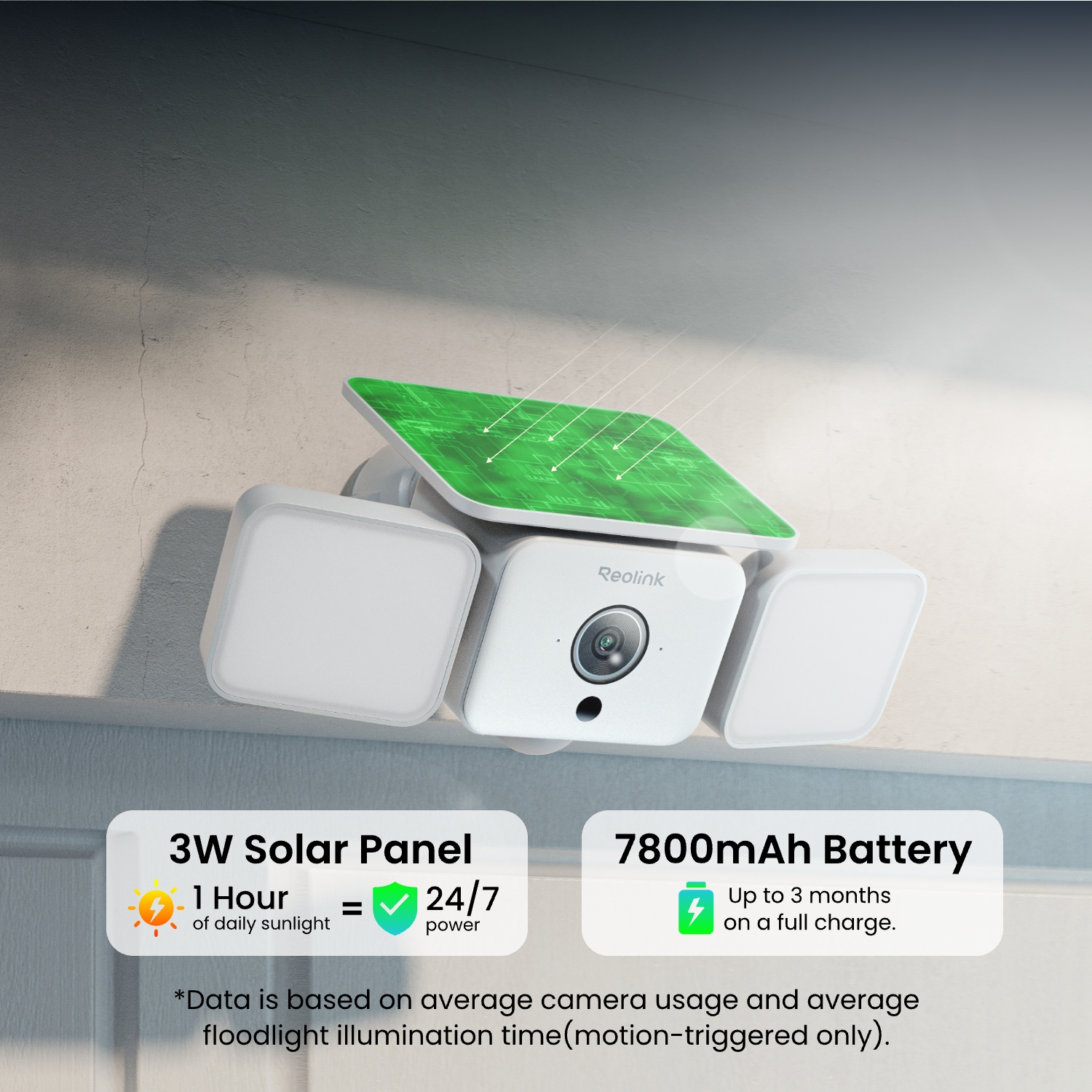
Non-stop Solar Power

Sustains normal operation with 1 hour of daily sunlight, reducing maintenance costs.

Dual-Band Wi-Fi 6

Transfers data faster across wider areas.

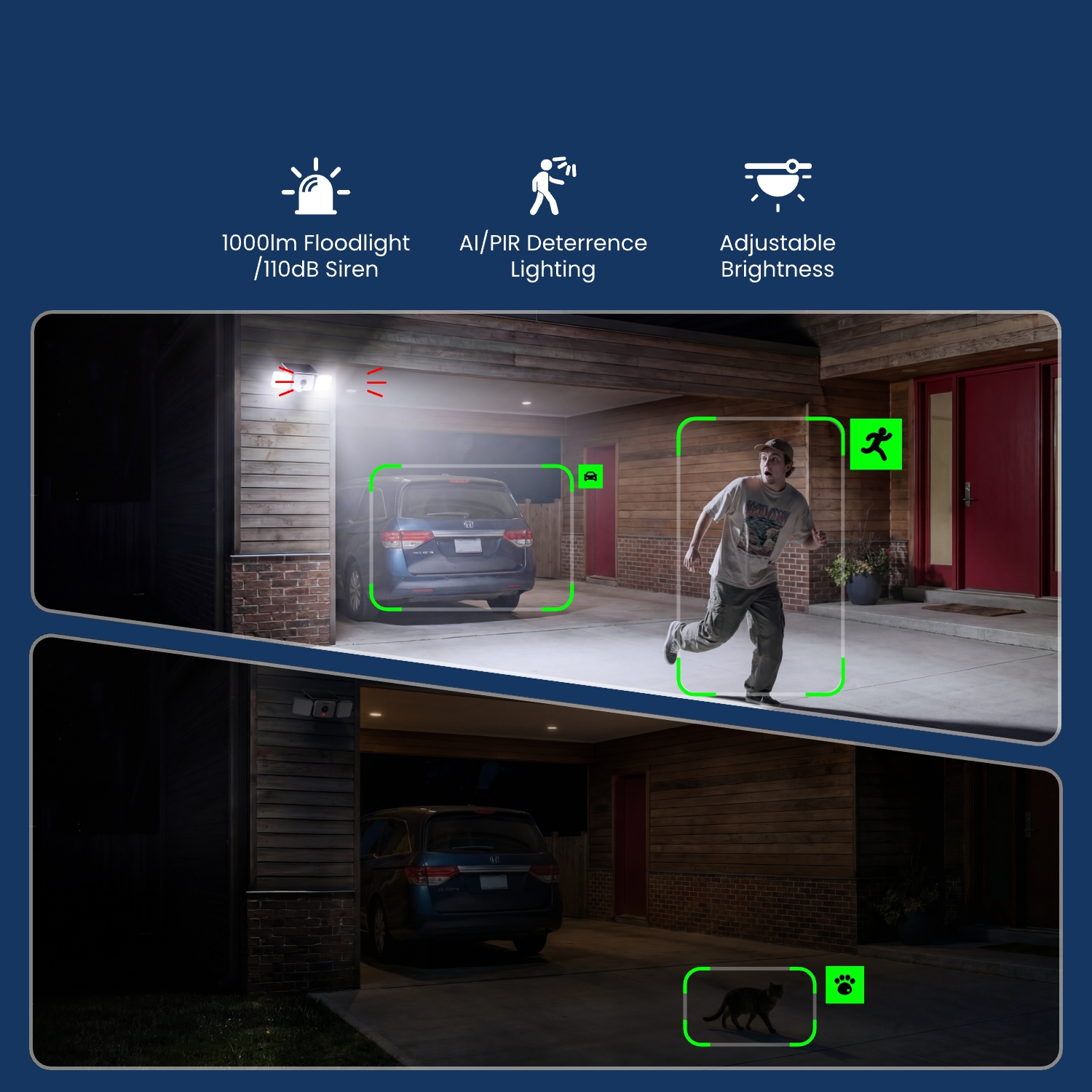
1000-Lumen Floodlight

Enhanced deterrence with 110dB siren.

AI-Based Adaptive Lighting

Triggers customized lighting responses based on the detected subject.

Smart Detection

Accurate person/pet/vehicle detection captures what matters.
What’s in the Box & Setup Guide (with Video)

  • Mounting Template ×1
  • Mounting Bracket ×1
  • Reolink Solar Floodlight Cam ×1
  • USB-C Cable ×1

FAQs

Payment & Shipping
What are your payment options? And what currencies do you support?
You can use PayPal (available in 202 countries and 25 currencies) to purchase Reolink security products, or use credit or debit cards (Visa, MasterCard, American Express, Discover) directly without logging into your PayPal account. See details of Payment Policy.
Where can you ship? How long will it take to receive my items?
We sell security cameras to the United States, Germany, the United Kingdom and other dozens of countries.
And we handle orders within 24 hours and pass the packages to our forwarders within 48 working hours. The delivery time varies due to where your items are shipped from and shipped to. See details of Shipping & Delivery Policy.
How much are the customs duties?
Customs duties depend on where your items are shipped from and shipped to. See details in the Shipping Fees part of Shipping & Delivery Policy.
Functions
Can I connect an additional solar panel to the camera?
Yes. The camera supports an additional Reolink Solar Panel for more flexible solar charging. The built-in solar panel already provides reliable power in various lighting conditions. In more challenging lighting environments, an external panel can help ensure more consistent charging performance.
Which products support Reolink SolarEase™?
Reolink SolarEase™ is available on Solar Floodlight Cam, and future Argus Solar and Argus 4S.
What is Reolink SolarEase™?
The Reolink SolarEase™ is Reolink's cutting-edge solar charging solution, boasting an industry-leading photoelectric conversion efficiency of up to 26%. It supports solar charging even when the illuminance levels are as low as 1000 lux, providing continuous power.
"Lux" is a unit of measurement for illuminance, which quantifies how much light is received on a unit surface, defined as one lumen per square meter. Direct sunlight can reach levels of 50,000 lux, while shaded areas typically range from 10,000 lux to 25,000 lux. On an overcast day, light levels are approximately 15,000 lux, whereas during sunrise and sunset, they measure around 400 lux.
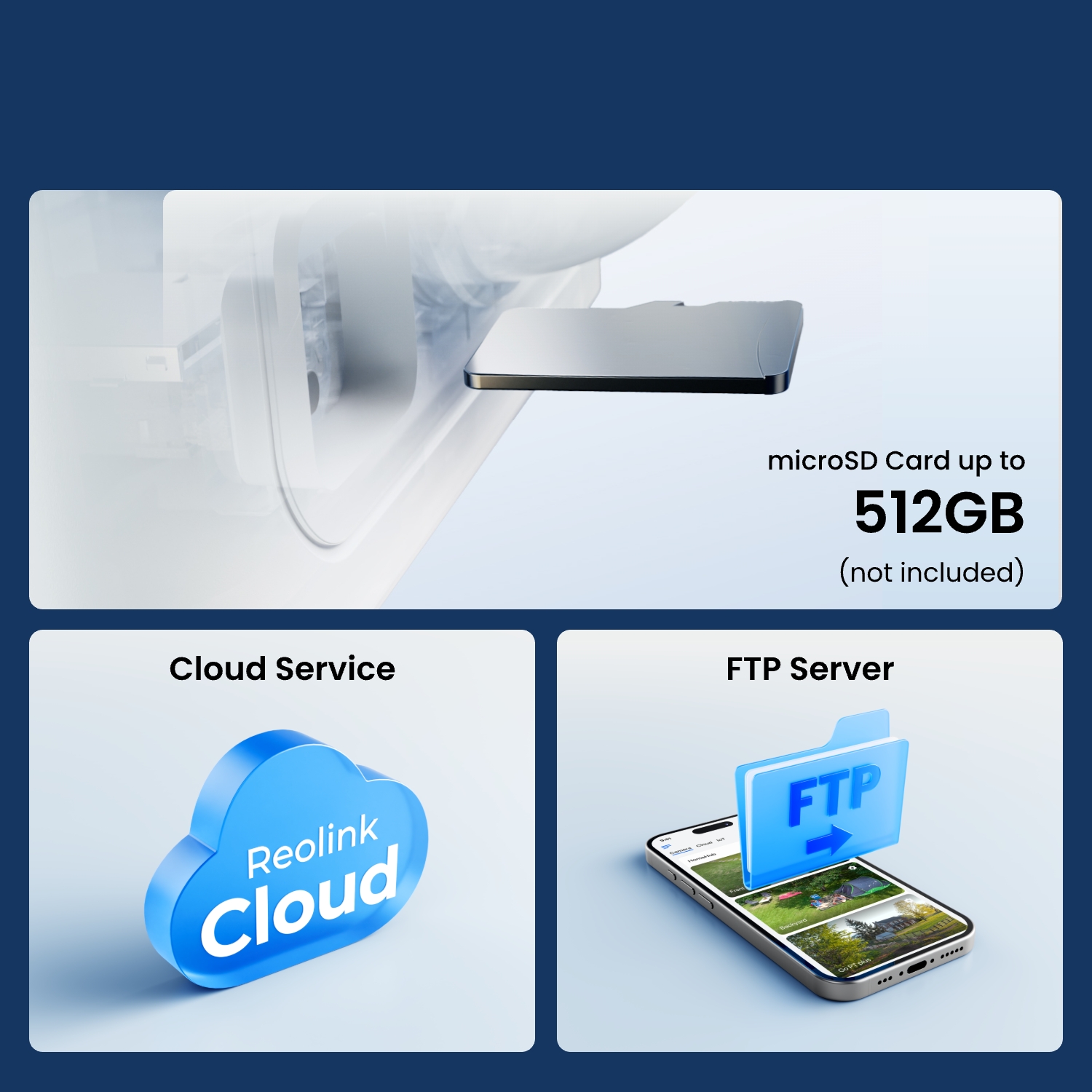
What kind of microSD card can I use?
This camera supports up to 512GB microSD cards with FAT32 format and Class 10 read & write speed.
Can this camera connect to non-Wi-Fi 6 routers?
Yes, this camera can connect to non-Wi-Fi 6 routers, but a WiFi 6 router is recommended for enhanced networking.
Does the camera support two-way audio?
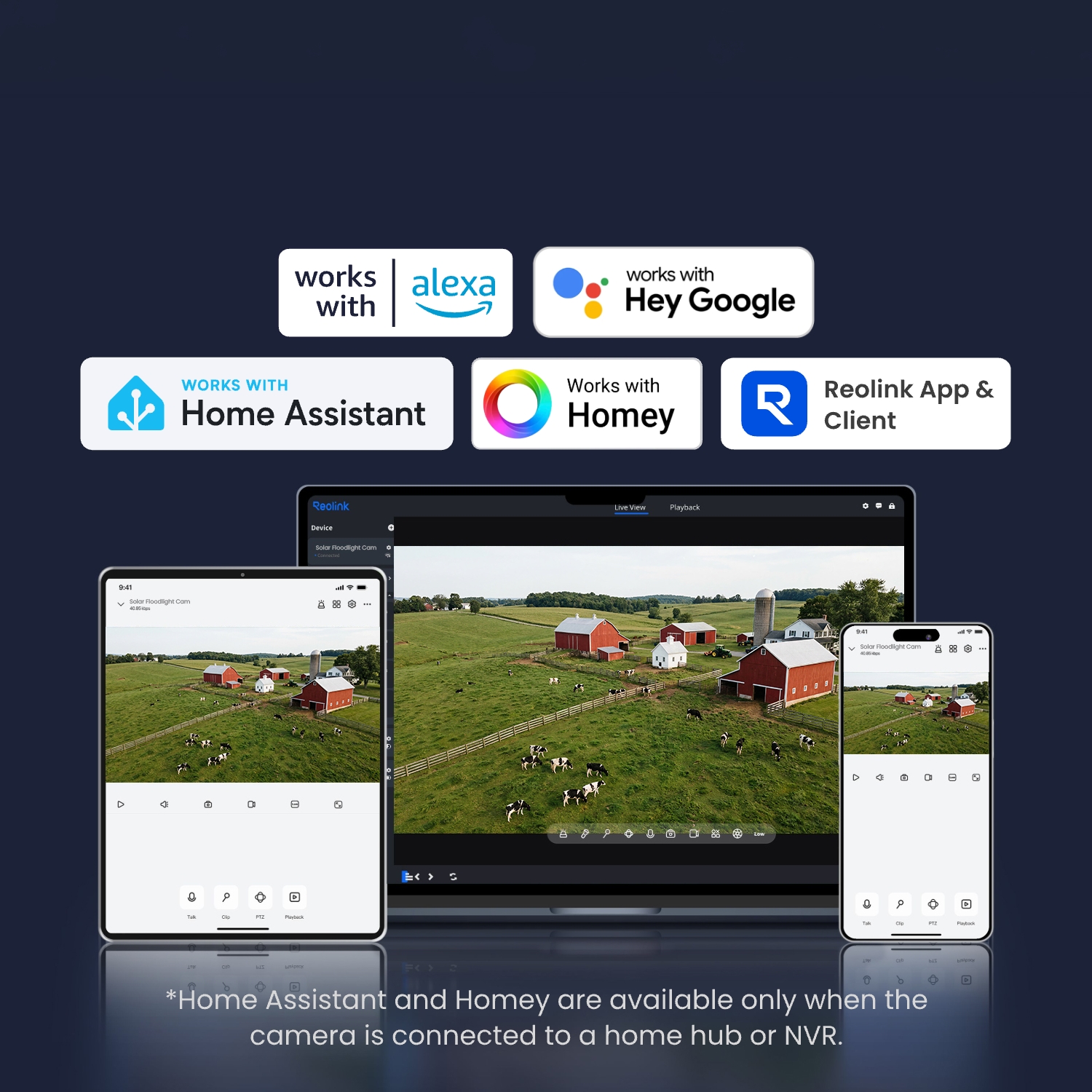
Yes, the camera supports two-way audio via its built-in mic and speaker. You can not only capture videos with audio recorded, but also have real-time communication with people on the camera's end through the Reolink App or Client.
Can I turn off the floodlights and siren?
Yes, you can manually turn off the floodlights and siren. By default, both are motion-activated and will automatically turn on when motion is detected. You can also adjust the floodlight brightness or customize the siren to suit your preferences.
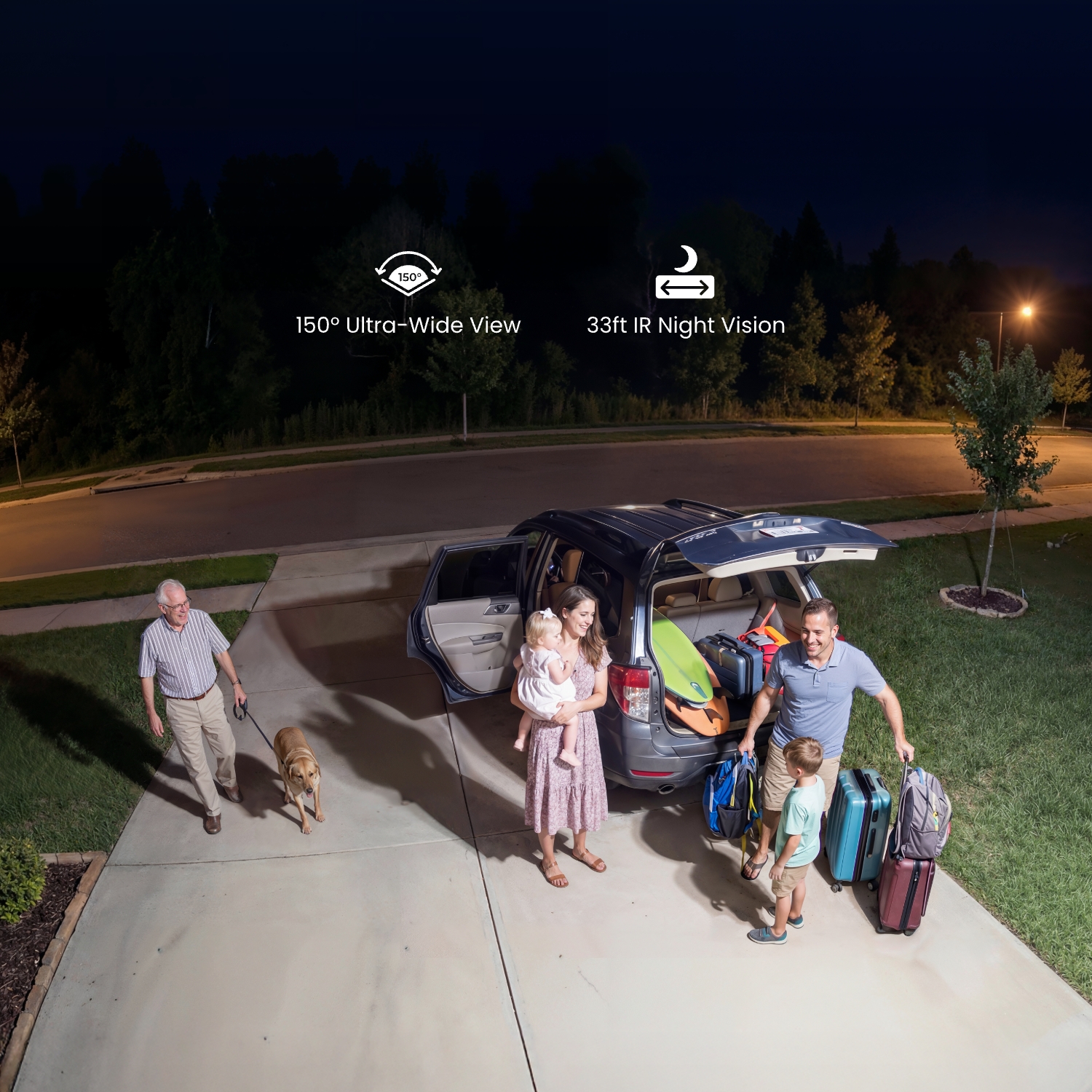
Please note that with the floodlights on, you'll get clear color night vision. However, if the floodlights are off, you'll only see black-and-white images at night.
Why can't I connect it to 3rd party softwares?
You can add a camera to the Home Hub to support RTSP. If this does not apply to you, you can launch Reolink Client, then go to Device Settings >> Network >> Advanced >> Port Settings to make sure all ports are enabled before using 3rd party softwares.
How to add a Reolink camera to the Home Hub?
You can add your new camera to Home Hub/Home Hub Pro via Reolink APP/Client.
How to Add Reolink Camera to Home Hub Series<