RP-PN8 (No HDD)
Overview
Specs
Accessories
Review
Comparison
FAQs
RP-PN8 (No HDD)

12-Channel PoE NVR for 24/7 Continuous Recording

1 Pack

Feature Highlights

Large Storage

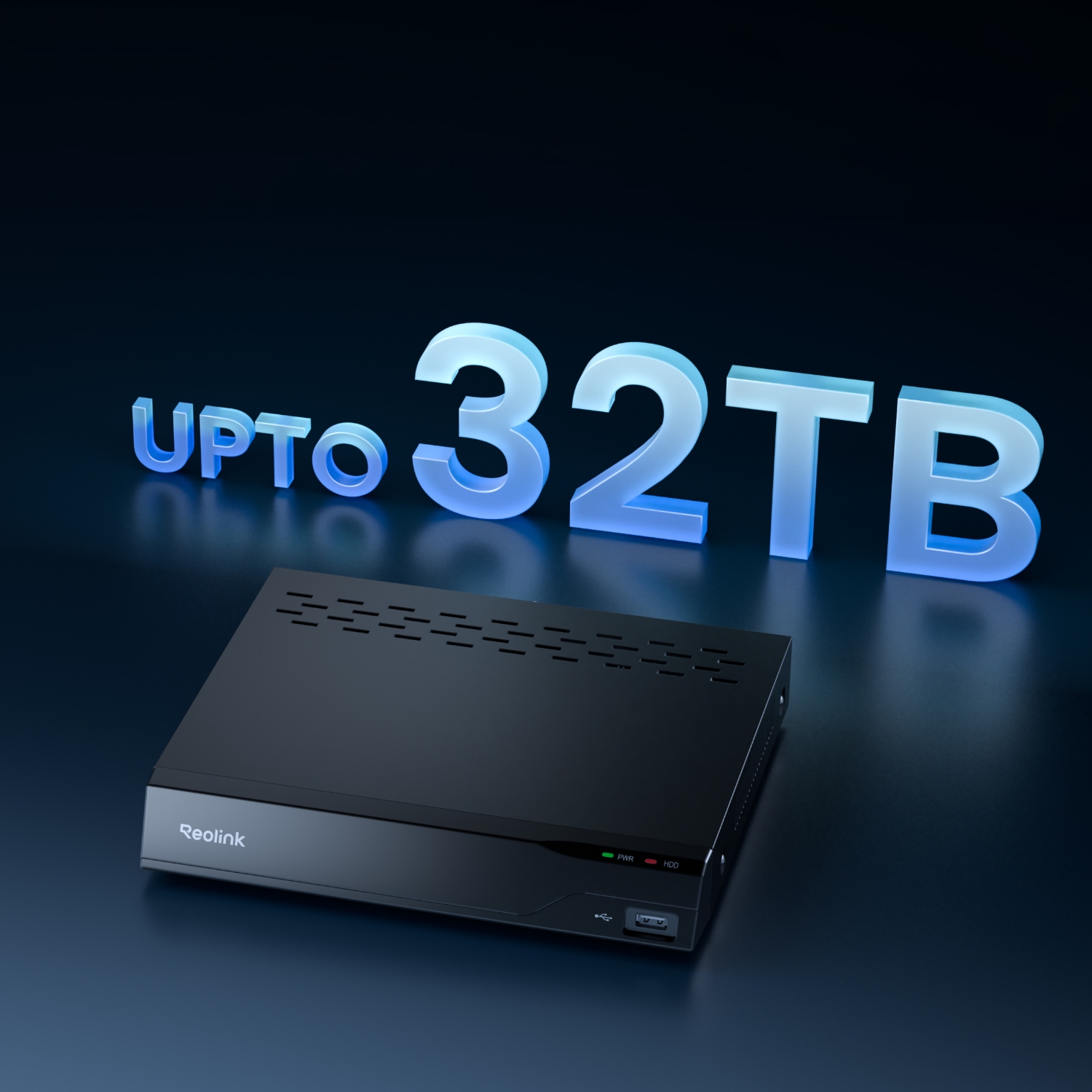
Supports up to 32TB HDD (16TB via SATA & 16TB via eSATA) and video encryption.
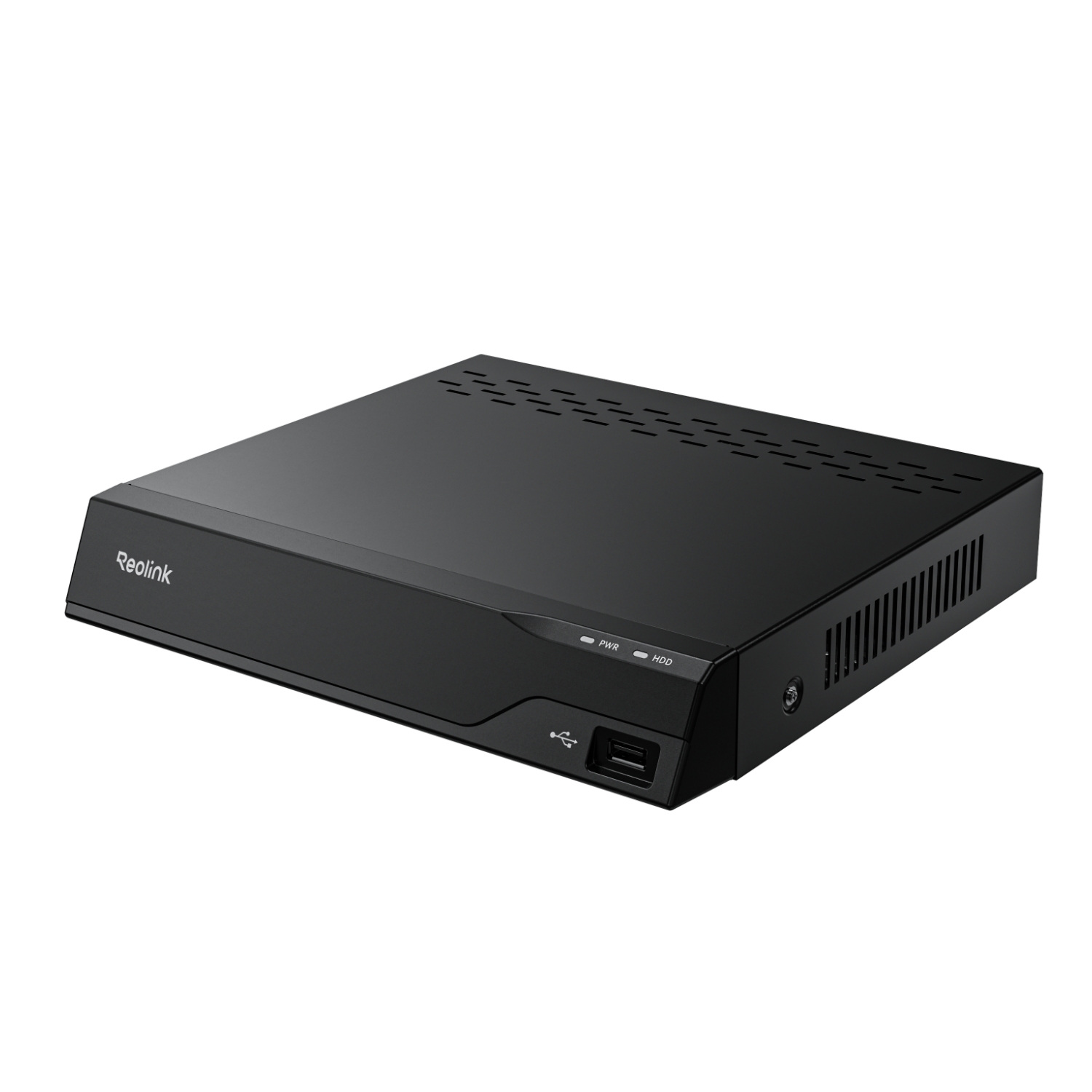
Up to 12 Cameras Supported

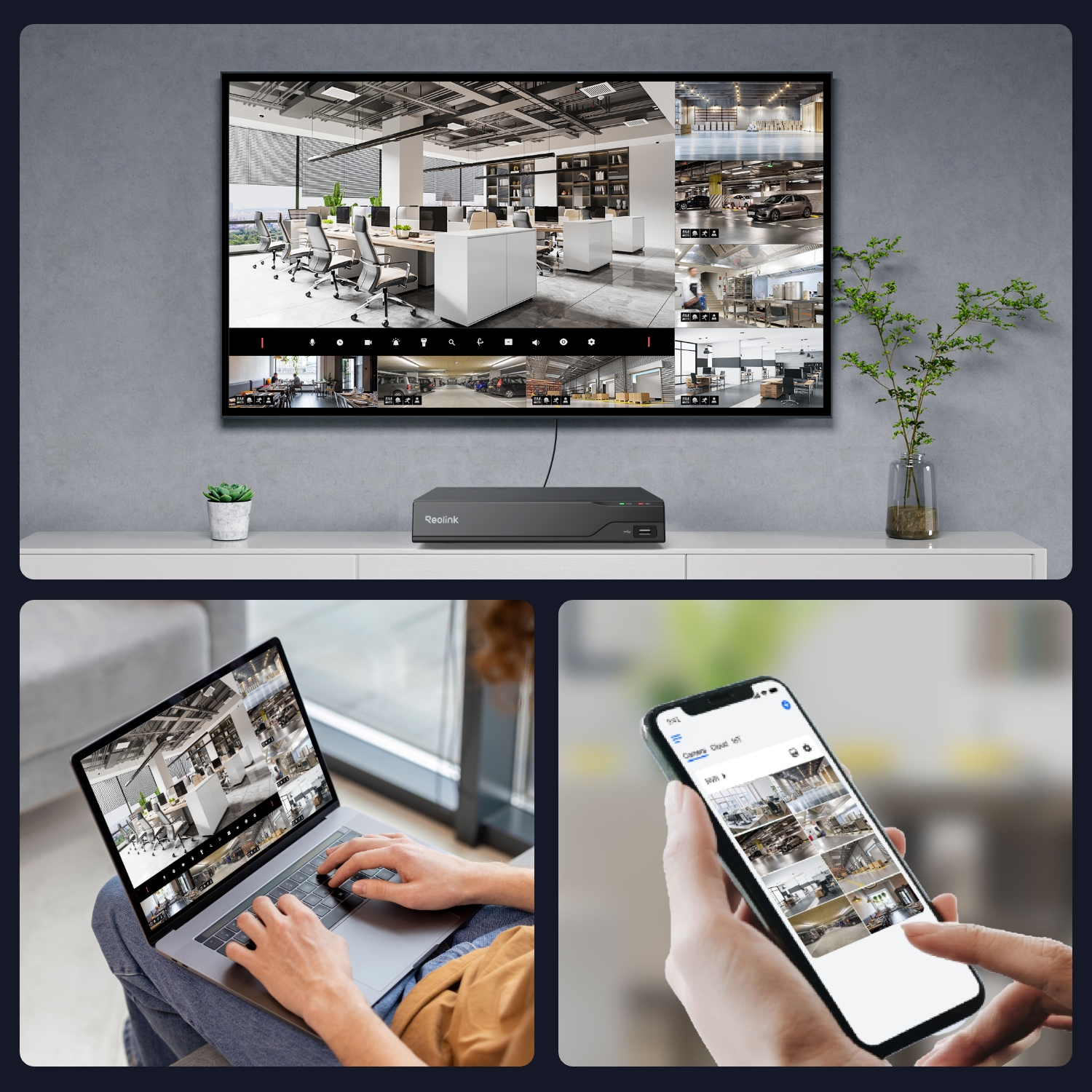
Pairs with 8 PoE/plug-in Wi-Fi cameras plus 4 battery-powered Wi-Fi cameras, or 12 battery-powered Wi-Fi cameras.

Heat Map Technology

Demonstrate crowd footprint frequency and activity patterns with colors.

AI Video Search

Input descriptive keywords to find videos instantly.

Perimeter Protection

Line Crossing Alert, Zone Intrusion Alert, and Zone Lingering Alert

Smart Event Detection (Beta)

Objects removal or forgotten object supported.
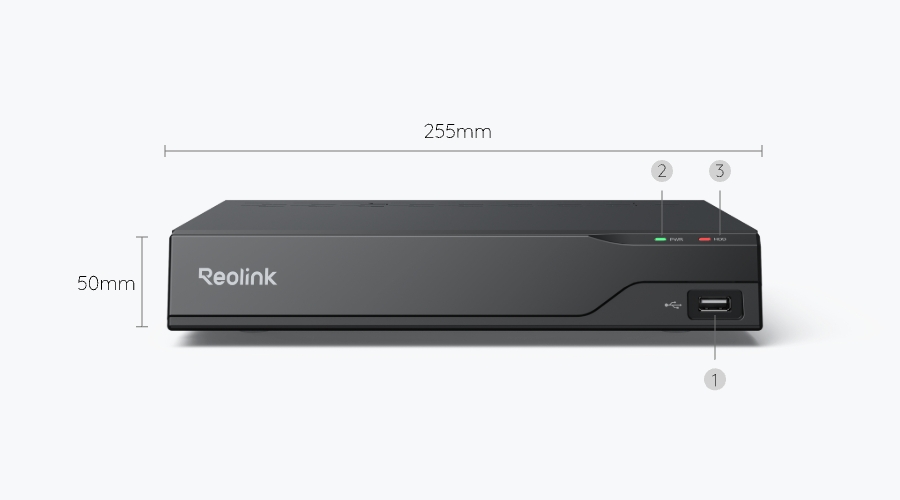
What’s in the Box & Setup Guide (with Video)

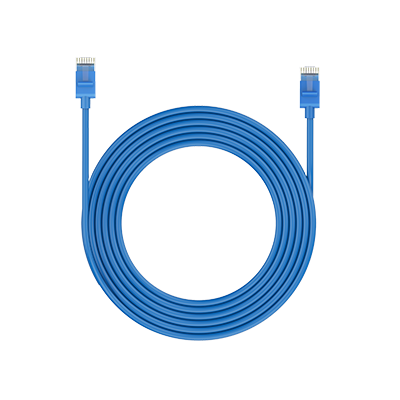
  • 1m Network Cable ×1
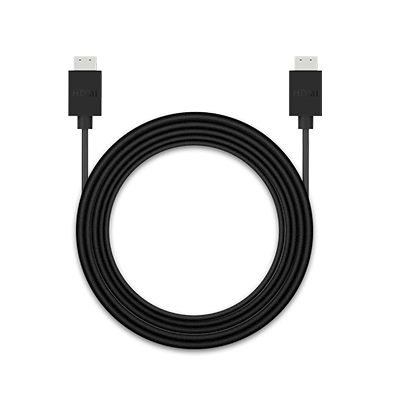
  • HDMI Cable ×1
  • NVR Power Adapter ×1
  • Operational Instruction ×1
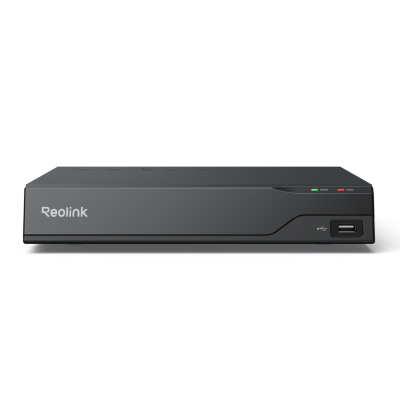
  • RP-PN8 ×1
  • USB Mouse ×1

FAQs

Payment & Shipping
What are your payment options? And what currencies do you support?
You can use PayPal (available in 202 countries and 25 currencies) to purchase Reolink security products, or use credit or debit cards (Visa, MasterCard, American Express, Discover) directly without logging into your PayPal account. See details of Payment Policy.
How much are the customs duties?
Customs duties depend on where your items are shipped from and shipped to. See details in the Shipping Fees part of Shipping & Delivery Policy.
Where can you ship? How long will it take to receive my items?
We sell security cameras to the United States, Germany, the United Kingdom and other dozens of countries.
And we handle orders within 24 hours and pass the packages to our forwarders within 48 working hours. The delivery time varies due to where your items are shipped from and shipped to. See details of Shipping & Delivery Policy.
Functions
What storage capacities does the RP-PN8 support?
The RP-PN8 supports up to 32TB of storage: Max. 16TB via internal SATA, Max. 16TB via external eSATA.
Can I add a PoE switch?
Yes, there are three common connection methods
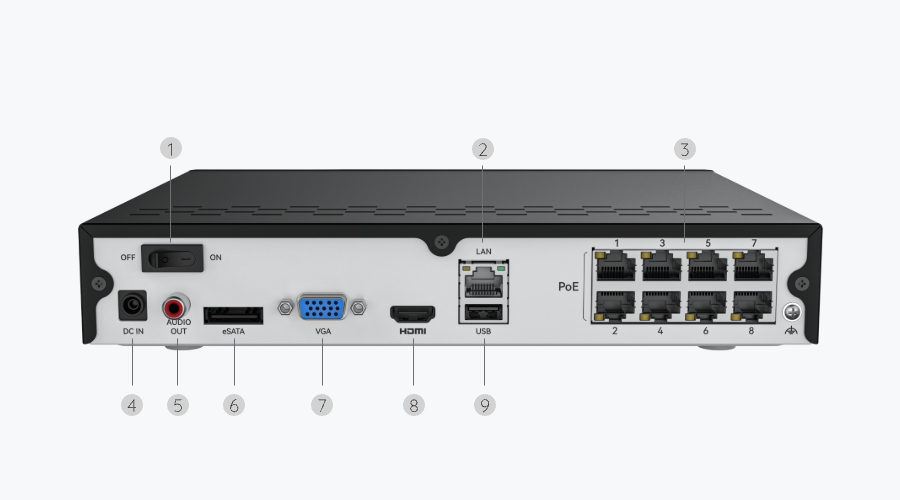
Method 1: Connect both the PoE NVR and PoE switch to the same router via Ethernet cables. Then connect cameras to the switch or NVR.
Method 2: Connect the PoE switch to the NVR, then connect the NVR's LAN port to the router.
Method 3: Connect the PoE switch to the router, then connect the NVR's LAN port to the switch.
For more details please refer to: How to Connect PoE Switch Router and PoE NVR
Note: Adding PoE switches does not allow for an increase in number of cameras your NVR is able to support, as its channel limit is fixed.
Can I connect the NVR to the router wirelessly?
No, the NVR must be connected to the router via an Ethernet cable.
Can I use third-party cameras with the NVR?
It's not recommended. Third-party cameras may have compatibility issues. Please contact our support ream for protocol-relatiod inquires.
How long can the NVR record?
Recording time depends on the bit rate setting—the higher the bit rate, the better the quality, leading to a larger file size. Please refer to: How Long Can Reolink NVR Record for
Are the RLC, Argus, TrackMix, and Duo Series compatible with RP-PN8?
Yes, these models are compatible except the 4G/LTE version.
  • 30-Day Money Back Guarantee
    30-Day Money Back Guarantee
  • Free Shipping on All Orders
    Free Shipping on All Orders
  • 2-Year Limited Warranty.
    2-Year Limited Warranty.
  • 24/6 Online Support 1-on-1
    24/6 Online Support 1-on-1