Reolink Duo Floodlight WiFi
Overzicht
Specs
Accessoires
Beoordeling
Vergelijking
FAQs
Reolink Duo Floodlight WiFi

4K Dual-Lens WiFi IP Camera with Floodlights and Panoramic View

  • Dual Lens
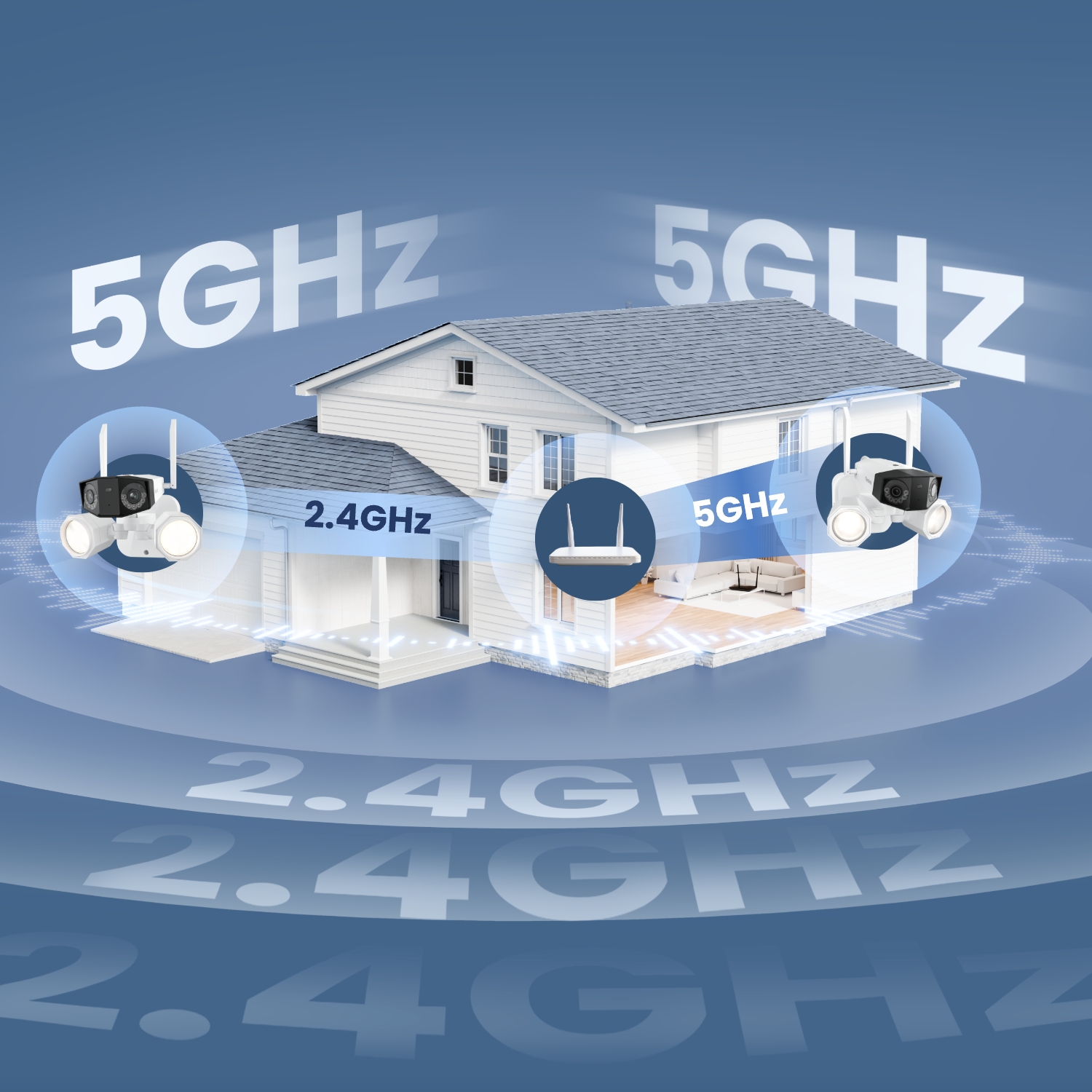
  • Dual-Band WiFi
  • 4K 180° Panorama
  • Powerful Floodlights

Belangrijkste kenmerken

8MP Ultra HD

Mis nooit meer een beweging met ultrahoge resolutie.
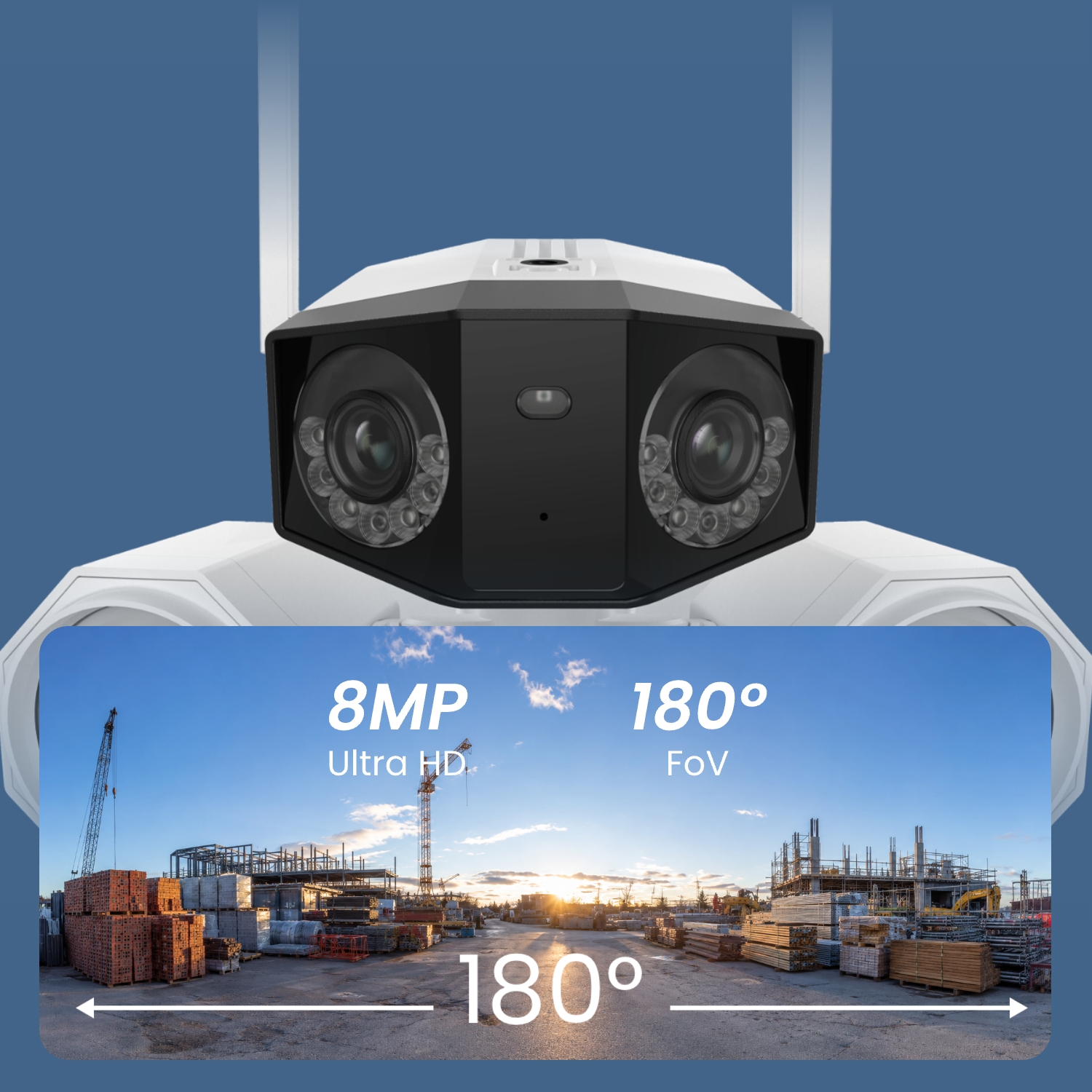
Dubbele lens 180° panorama

Bestrijkt grotere gebieden met minder dode hoeken.

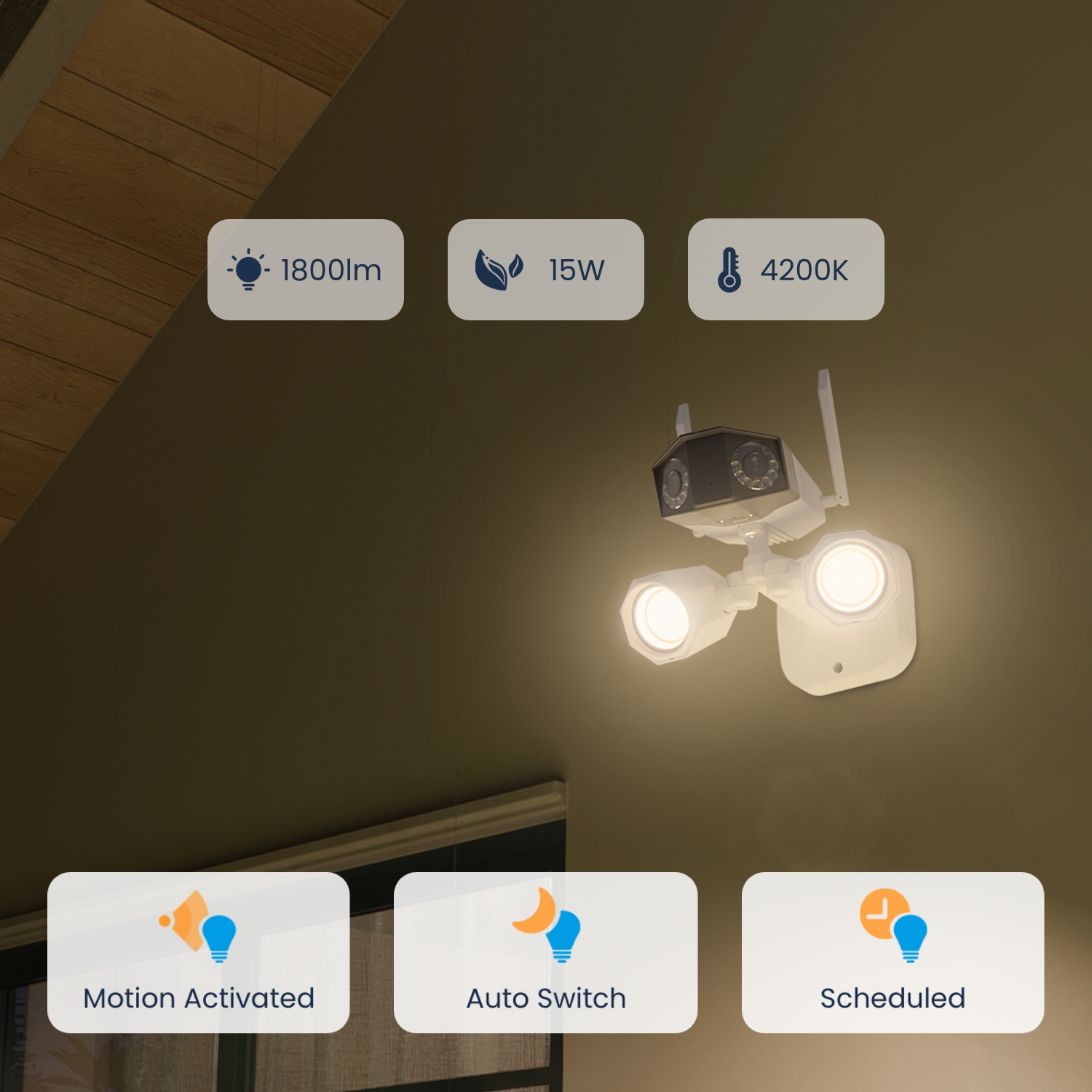
LED-lampen van 1800 lumen

Aanpasbare helderheid afgestemd op uw behoeften, van verlichting tot waarschuwing.

Dual-band WiFi

2,4/5 GHz WiFi biedt een snelle en stabiele netwerkverbinding en gegevensoverdracht.

Directe waarschuwingen

Activeert de verlichting en sirene zodra er een alarm optreedt en stuurt direct een melding naar uw telefoon.

Slimme detectie

Nauwkeurige detectie van personen/dieren/voertuigen en neemt op wat belangrijk is.
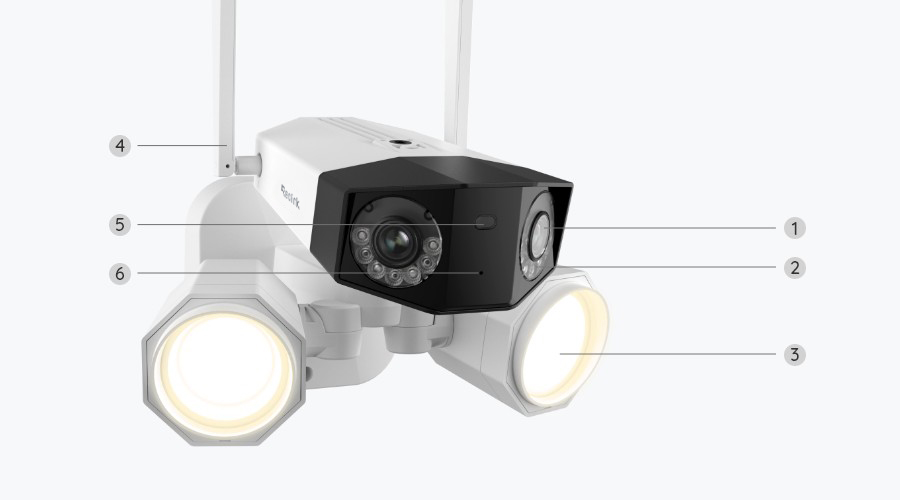
Specificaties

Beeldsensor
1/2.7" CMOS  Sensors
Resolution
4608x1728(8 Megapixels) @20fps
Lens
f=3.2mm fixed, F=2.0
Videoformaat
H.265
Gezichtsveld
Horizontal: 180°;
Vertical: 60°
Infrared Night Vision
Up to 30 meters (100ft); LED: 14pcs/20mil/850nm
Color Night Vision
Floodlight: 40pcs SMD LEDs/15W/4200K/1800 Lumens
Frame Rate
2fps - 20fps(Default: 20fps)
Code Rate
Main stream: 3072Kbps - 10240Kbps(Default: 5120Kbps);
Sub stream: 256Kbps - 2048Kbps(Default: 1024Kbps)
Audio
Two-way audio
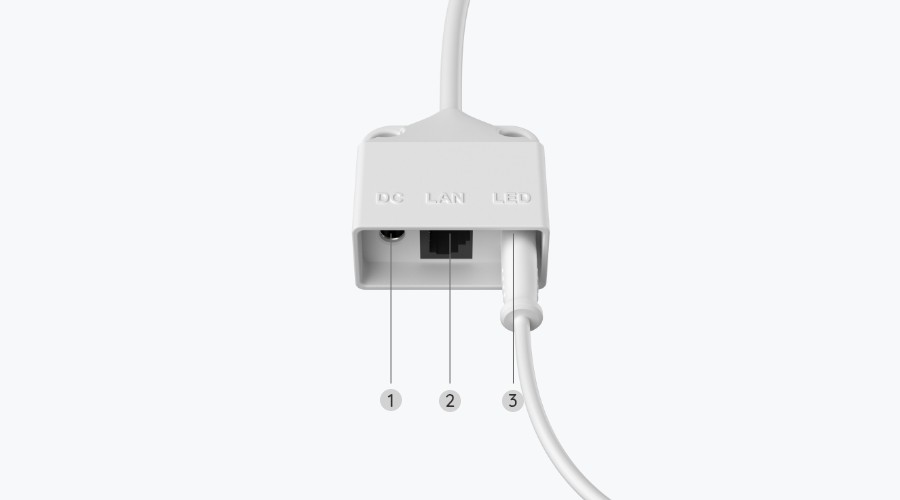
DC Power
AC 100V~240V, 50~60Hz; DC 13V⎓2A
Power Port
DC power port
Reset Button
YES
microSD Card Slot
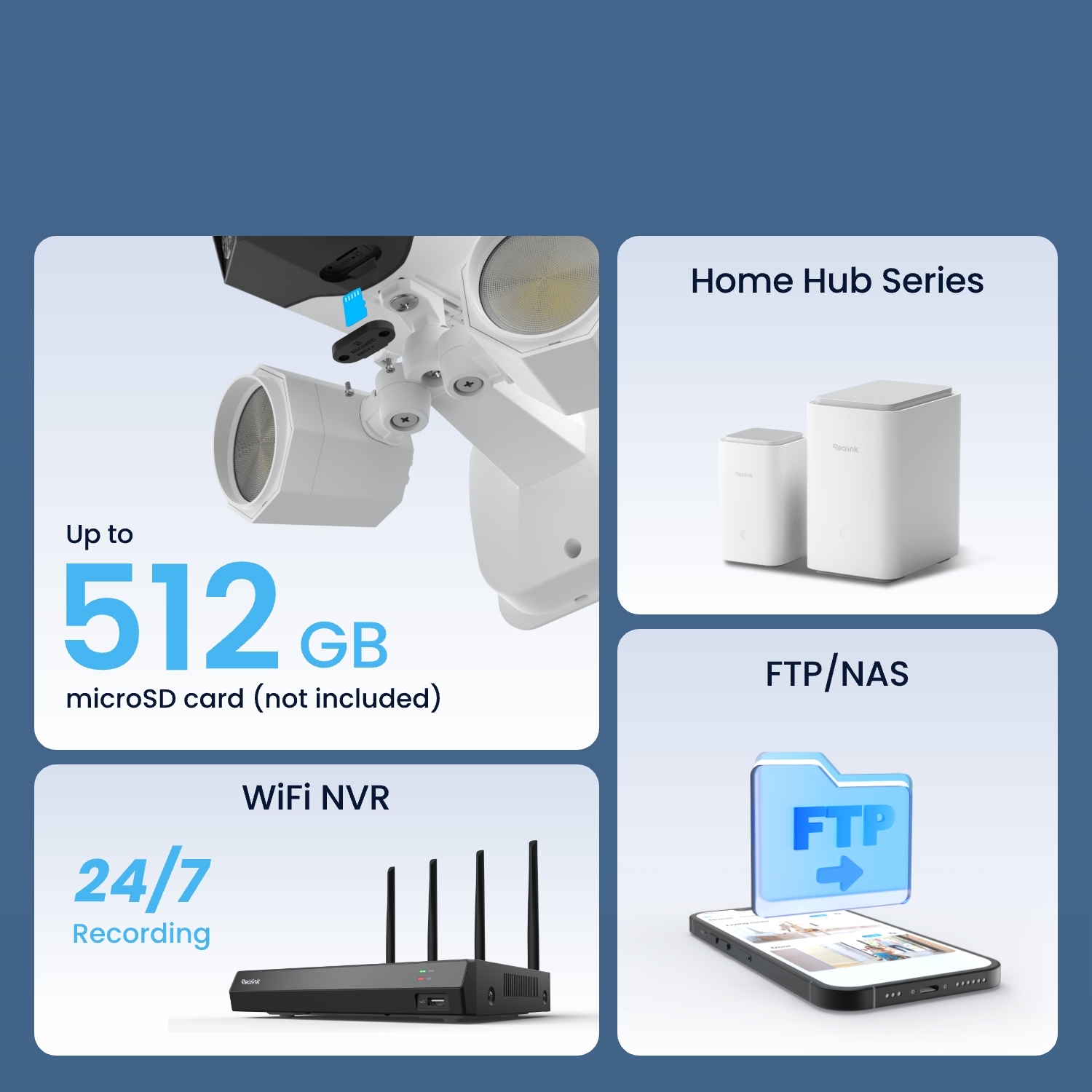
Supports max. 512GB microSD card
Audio In/Out
Built-in microphone and speaker
Wireless Standard
IEEE 802.11 ac/ax/a/b/g/n
Operating Frequency
2.4 GHz/5 GHz
Wireless Security
WPA/WPA2/WPA3
Browsers Supported
Edge, Chrome, Firefox, Safari
OS Supported
PC: Windows, Mac OS; Smartphone: iOS, Android
Protocols & Standards
HTTPS, SSL, TCP/IP, UDP, HTTP, IPv4, UPnP, RTSP, RTMP, ONVIF, SMTP, NTP, DHCP, DNS, DDNS, FTP, P2P
User Access
Max. 20 users (1 admin & 19 users);
Max. 12 simultaneous streams (2 main & 10 sub streams)
Smart Alarm
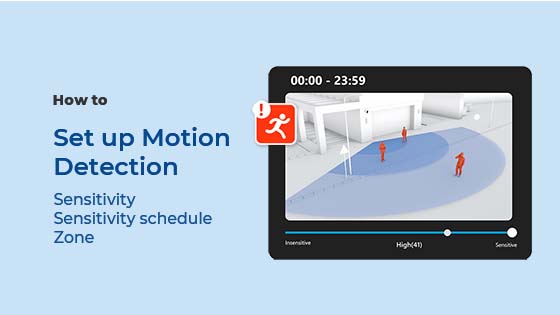
Motion detection; Person/vehicle/animal detection
Record Mode
Motion-triggered recording (Default); Scheduled recording
Time Lapse
YES
Smart Home Compatibility
Google Assistant
Operating Temperature
-10°C~+55°C  (14°F~131°F)
Operating Humidity
10% ~ 90%
Weatherproof
IP67
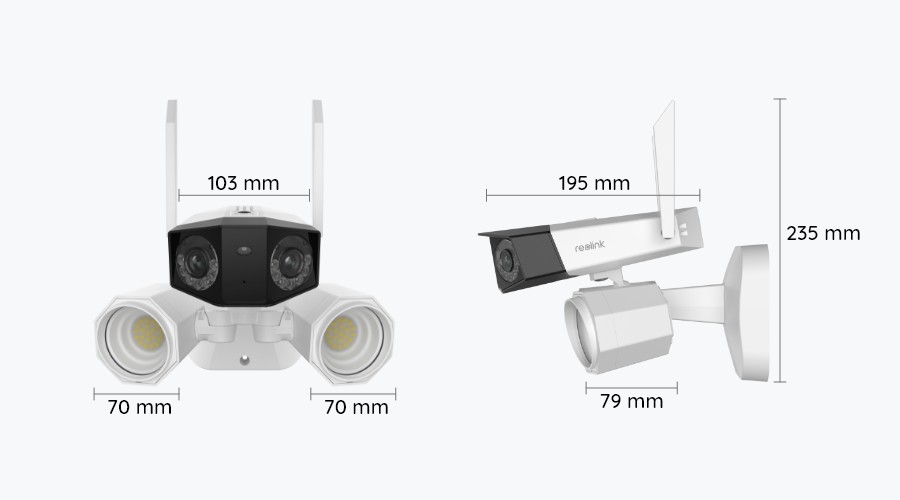
Dimensions
195x 103x 56 mm
Weight
1.25kg
Beperkte garantie
2-year limited warranty. For support, visit https://support.reolink.com/hc/en-us/

Veelgestelde vragen

How-to Videos

Payment & Shipping
What are your payment options? And what currencies do you support?
You can use PayPal (available in 202 countries and 25 currencies) to purchase Reolink security products, or use credit or debit cards (Visa, MasterCard, American Express, Discover) directly without logging into your PayPal account. See details of Payment Policy.
How much are the customs duties?
Customs duties depend on where your items are shipped from and shipped to. See details in the Shipping Fees part of Shipping & Delivery Policy.
Where can you ship? How long will it take to receive my items?
We sell security cameras to the United States, Germany, the United Kingdom and other dozens of countries.
And we handle orders within 24 hours and pass the packages to our forwarders within 48 working hours. The delivery time varies due to where your items are shipped from and shipped to. See details of Shipping & Delivery Policy.
Functions
Do I need to charge the floodlights?
No. Power supply is required for the camera only.
Does the camera work with my Reolink PoE NVR?
If you want to buy a new one: the currently on-sale NVRs work with all PoE and plug-in WiFi cameras.
If you already have one:
Please first refer to this article for its hardware version.
For the NVR with the hardware N7MB01, N6MB01, or N5MB01, it works with all PoE and plug-in WiFi cameras.
For the NVR with the hardware N2MB02, N3MB01, or H3MB18, it works with all PoE and plug-in WiFi cameras. But you can not have a full-resolution live view of the following cameras: RLC-1212A, RLC-1224A, Reolink Duo 2 PoE, Reolink Duo 2 WiFi, Reolink Duo Floodlight WiFi, Reolink Duo Floodlight PoE.
For the NVR with the rest hardwares such as H3MB17, H3MB02, and H3MB16, please refer to Introduction to Hardware Versions of Reolink NVRs for more detailed information.
What is the difference between spotlights and floodlights?
Spotlights can provide condensed and bright lighting for the smaller areas, while floodlights bring more powerful lighting for the larger areas with widely and evenly distributed lights.
Can I use this camera with Synology?
Yes, this WiFi IP camera can work with Synology. There are 2 methods for you to save videos in it.
Method 1 (recommended): You can add this camera to the Synology Surveillance Station. Check this article to learn how to add a camera.
Method 2: You can treat your Synology device as an FTP server. For detailed steps, check How to Set up FTP for Reolink Products.
Can this camera support time-lapse function?
Yes, the camera can support time-lapse. It can save time-lapse photos and videos to the SD card.
How to Set Up Time Lapse?
Can this camera support smart home like Google Assistant?
Yes, currently, this camera can work with Google Assistant.
Tips: How to add this camera to Google Assistant?
Does the camera support NAS?
Yes, the camera supports NAS.
You may want to know How to have Reolink cameras record to my NAS.
Can I turn off the floodlights and siren?
Yes, you can turn off the floodlights and siren manually.
By default, the camera's floodlights and siren are motion-activated: they will be turned on automatically when motion is detected. You can turn them off, adjust the brightness of floodlights, or customize the siren to your liking.
Please note that with the floodlights on, you can enjoy clear color night vision, but if the floodlights are turned off, you will only see black and white images at night.
Which NVR can work with the camera?
The camera can work with NVRs with the Hw_H3MB18, Hw_N3MB01, Hw_N2MB02, Hw_N5MB01, Hw_N6MB01 and Hw_N7MB01 hardware.
For the NVR with the Hw_H3MB18, Hw_N3MB01, and Hw_N2MB02 hardware, you need to upgrade the NVR's firmware to the latest version for video displaying. In such case, the camera can only support up to 6MP video resolution.
For the NVR with the Hw_N5MB01, Hw_N6MB01 and Hw_N7MB01 hardware, the camera's maximum video resolution can be 8MP.
If you want to buy a new compatible NVR, you can check its hardware version on its Specs page before placing the order.
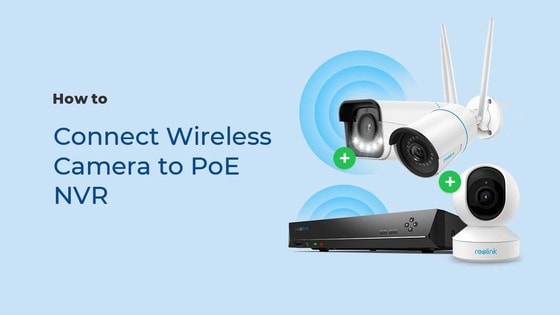
Can I connect the camera to my PoE NVR or PoE NVR system?
Yes, Reolink Wi-Fi cameras can be connected to Reolink PoE NVR in an indirect way. You can follow these steps to connect them:
Step 1: Connect the camera to a Wi-Fi router via wifi signals or an Ethernet cable, and it needs to be powered via a power adapter.
Step 2: Connect the NVR to the same router by a network cable.
The NVR will pick up all the cameras on the same network.
When it works with a Reolink NVR, the recordings can be saved to the NVR, and the transmission will use one NVR channel.
Please note that when using live view or playback on Reolink NVR, you may be prompted to switch the preview resolution, and following the prompt is recommended to avoid potential impact on performance.
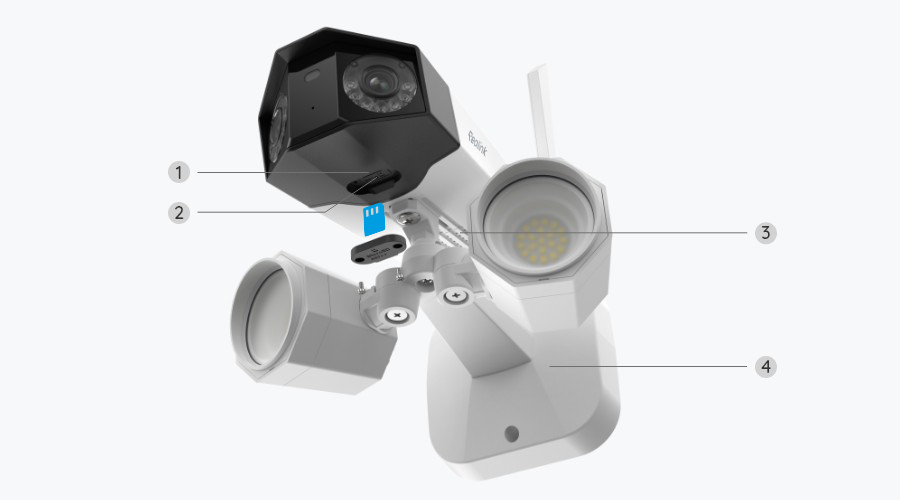
What kind of microSD card can I use?

This camera supports up to 512GB microSD cards with FAT32 format and Class 10 read & write speed.

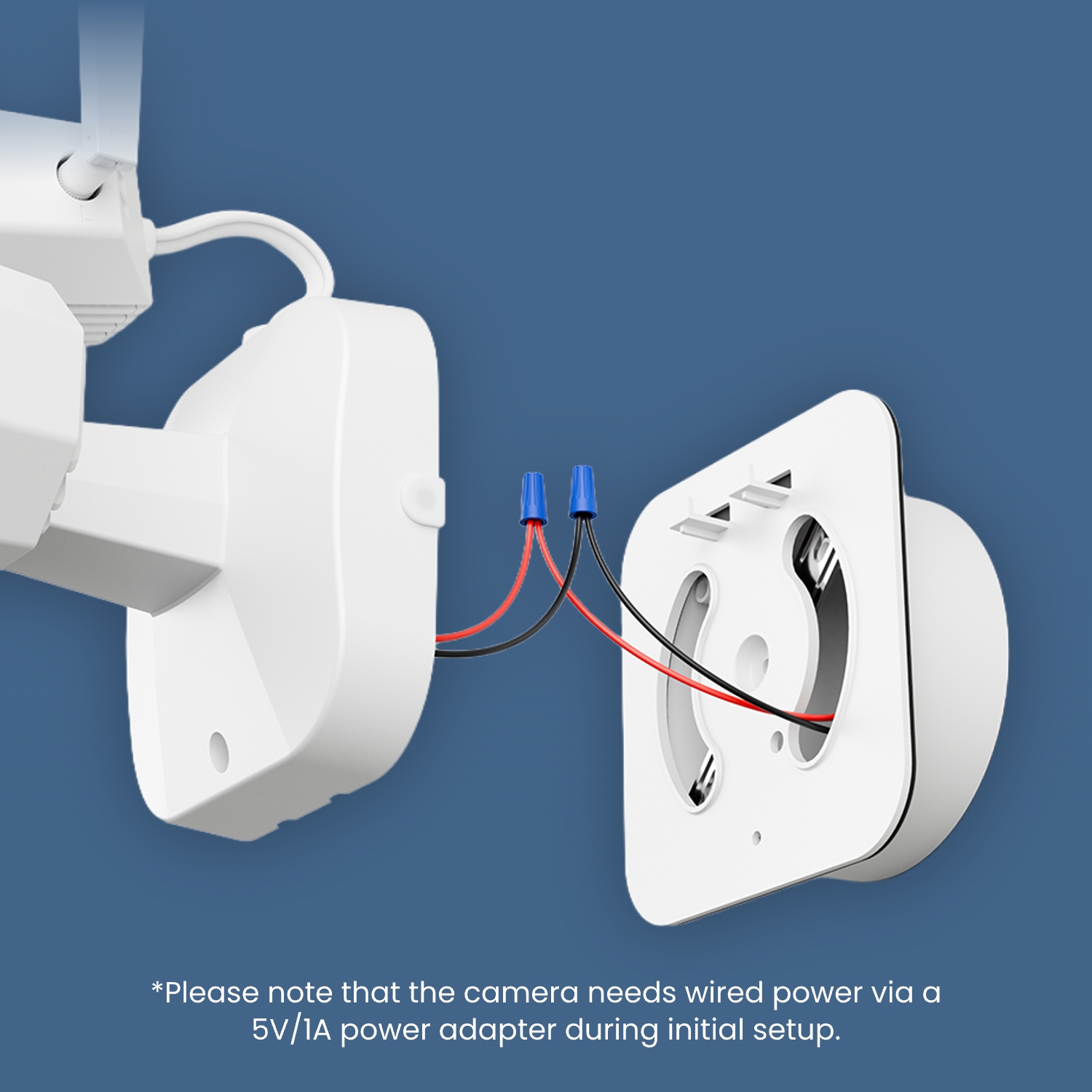
How can I power up this camera?
The camera can be powered by a 12V 2A DC power adapter (A 1.2-meter power adaptor and a 4.5m extension cable are shipped with the camera). You can check what is in the box at the end of the overview page.
Can this camera be used outdoors/indoors?

This camera can be used both indoors and outdoors.
It is IP67 certified weatherproof and its operating temperature is from -10°C to 55°C (14°F to 131°F), perfect for outdoor and indoor usage.

Does this camera support person/vehicle/animal detection?
Yes, this camera supports person/vehicle/animal detection.
What are the advantages of the dual-lens camera?

This dual-lens camera is equipped with two lenses that capture views in 4K Ultra HD from a 180° ultra-wide angle. You don't need two or more single-lens cameras to monitor a large area. Instead, with only one dual-lens camera you can save installation time and enjoy much broader images with lower distortion. Images from the dual lens are seamlessly merged into one frame both in live view and playback.

Why can't I connect it to 3rd party softwares?
The RTSP and other ports may be disabled by default. You can launch Reolink Client, then go to Device Settings >> Network >> Advanced >> Port Settings to make sure all ports are enabled before using 3rd party softwares.
  • 30 dagen geld-terug-garantie
    30 dagen geld-terug-garantie
  • Gratis verzending voor alle bestellingen
    Gratis verzending voor alle bestellingen
  • 2 jaar beperkte garantie.
    2 jaar beperkte garantie.
  • 24/6 online-ondersteuning 1-op-1
    24/6 online-ondersteuning 1-op-1