RLN16-410
Overzicht
Specs
Accessoires
Beoordeling
Vergelijking
FAQs
RLN16-410

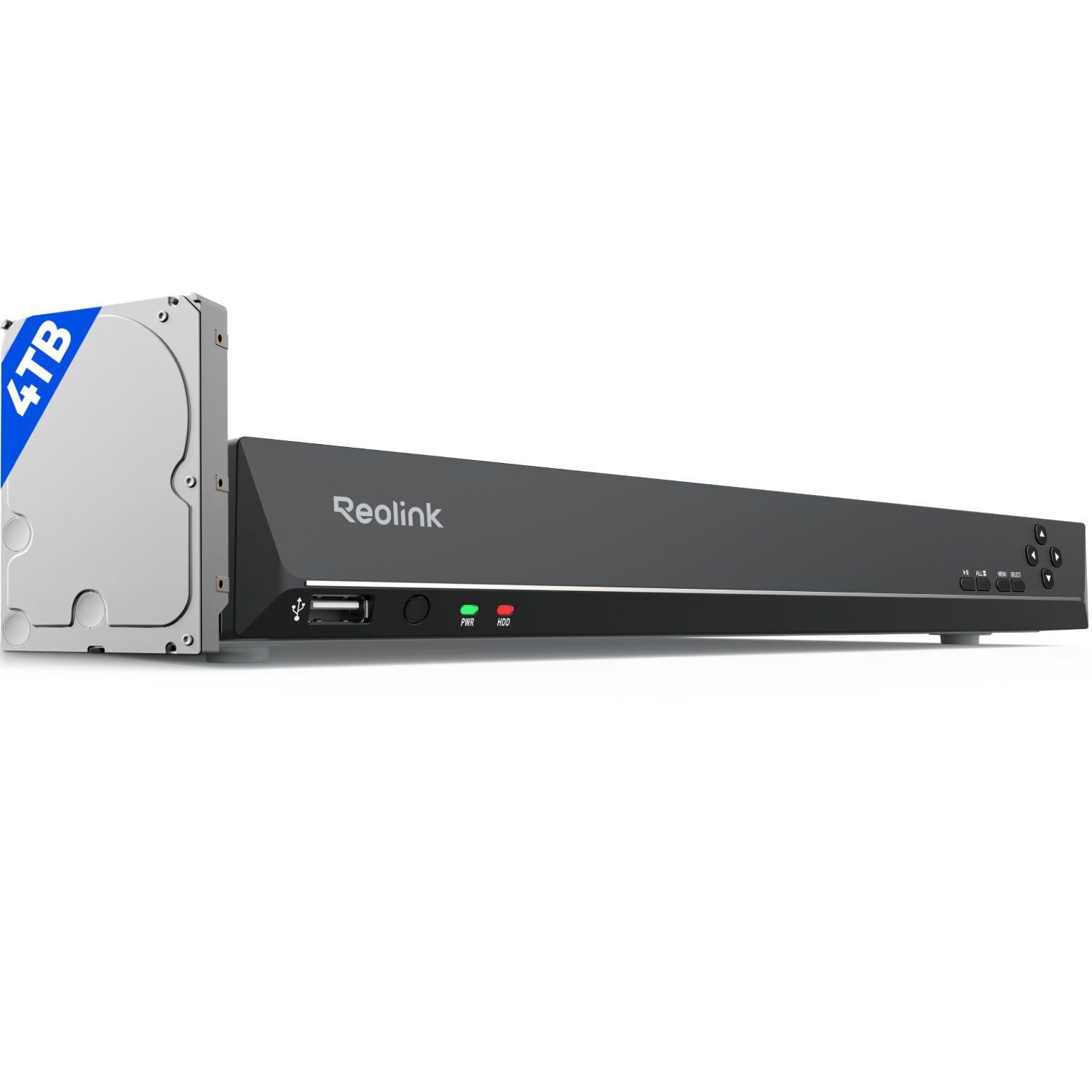
24-kanaals PoE NVR met 4TB HDD voor 24/7 continue opname

24-kanaals PoE NVR voor 24/7 continue opname, zonder voorgeïnstalleerde HDD

RLN16-410 (4TB HDD)

Belangrijkste kenmerken

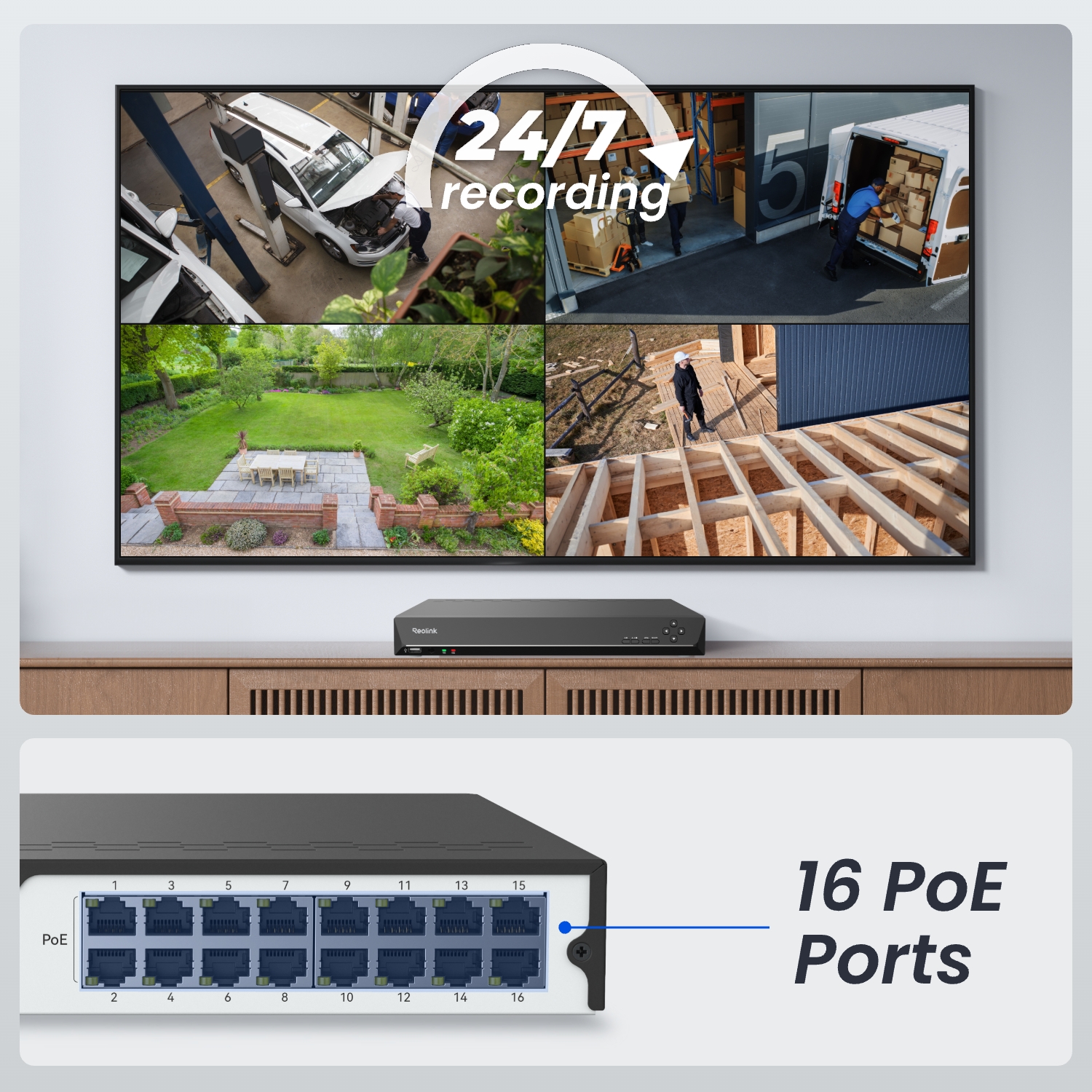
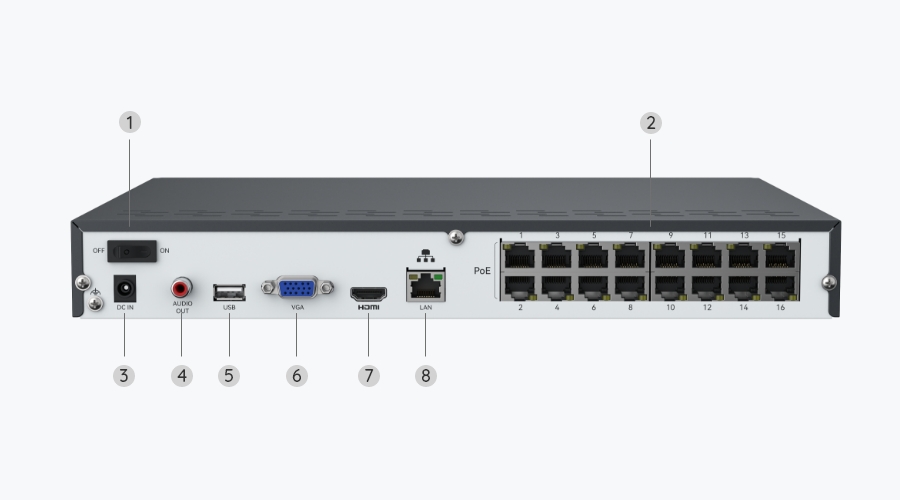
16 PoE-poorten

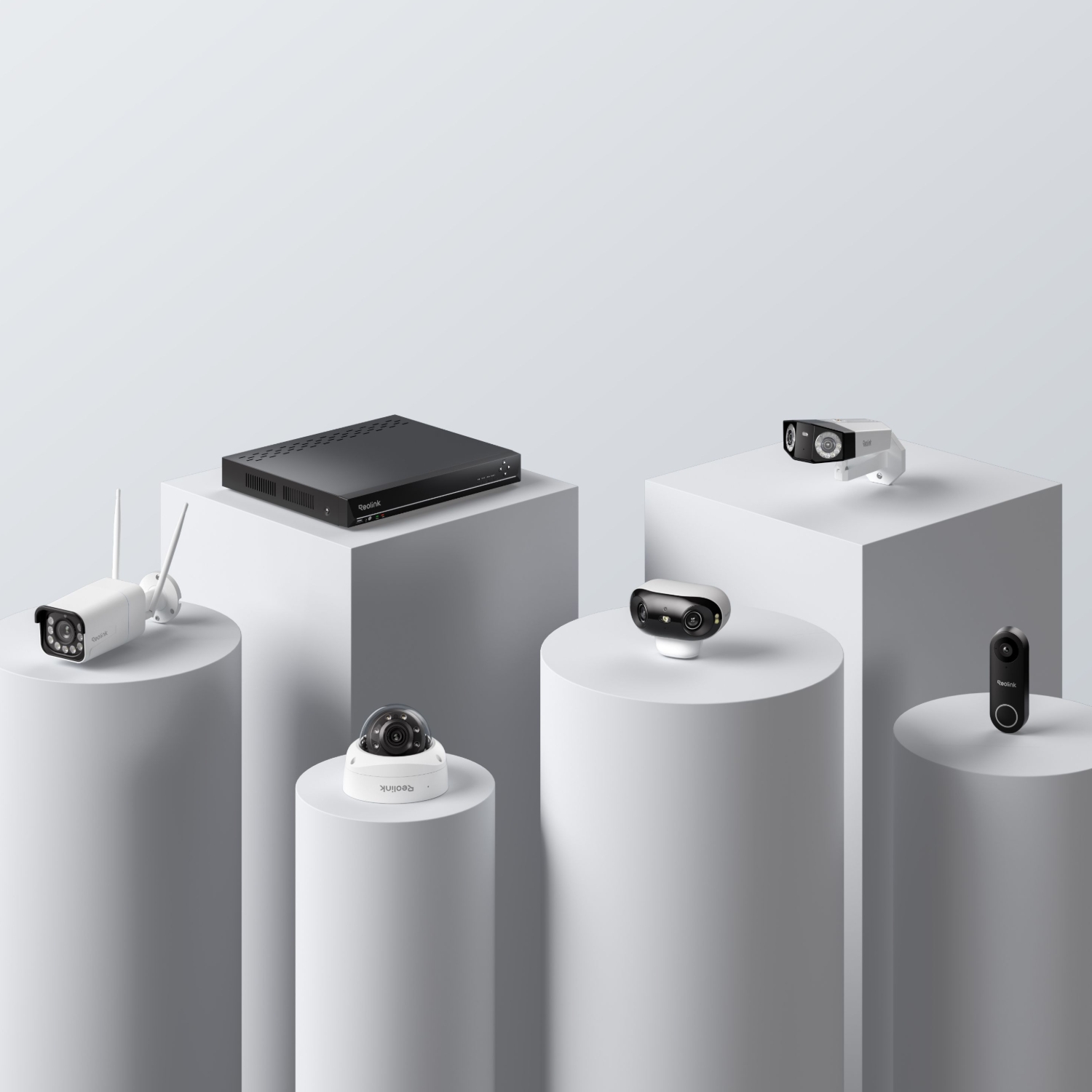
Ondersteunt tot 24 camera's.
Tot 16 MP UHD

Adembenemende beelden in ultrahoge definitie.

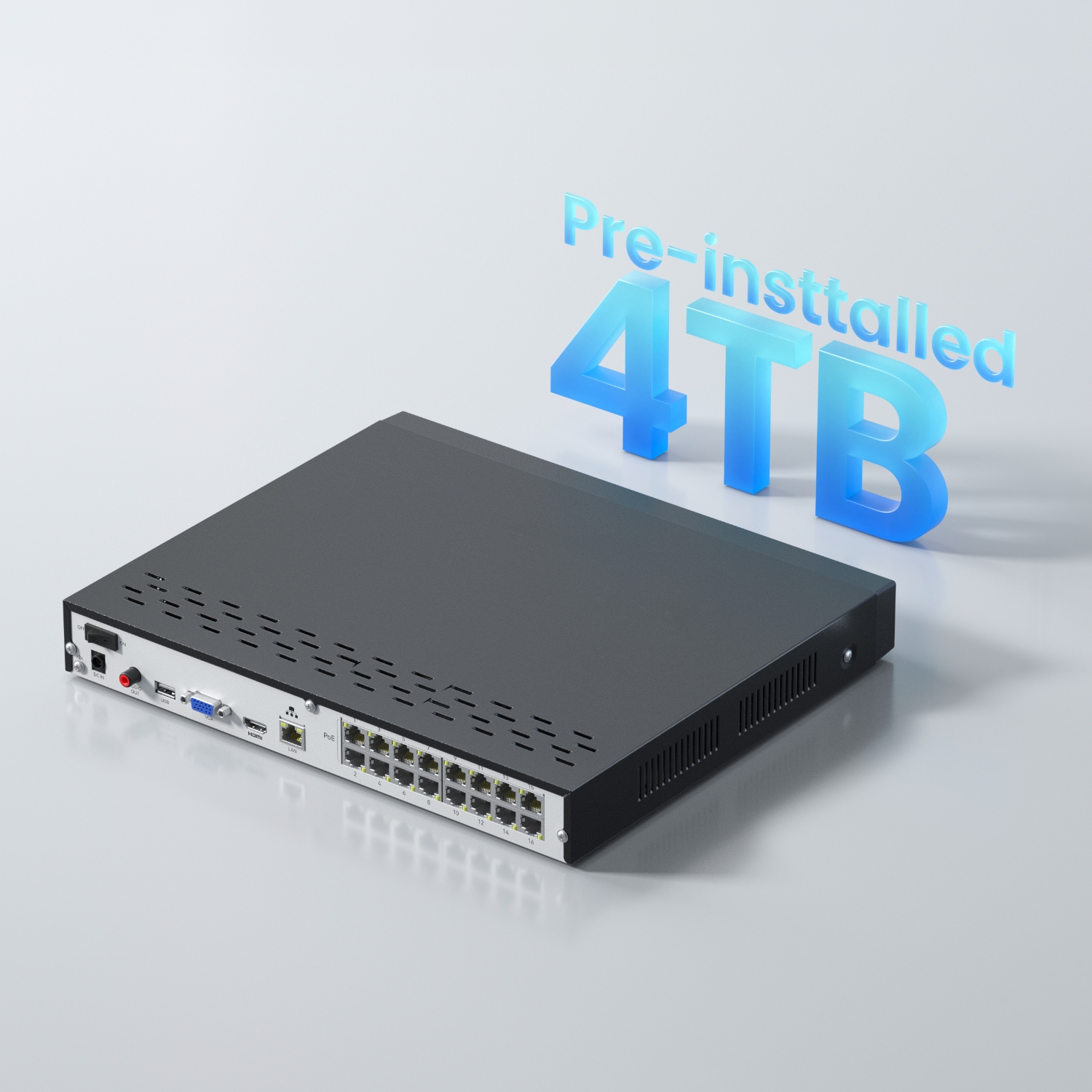
Grote lokale opslag

Ondersteunt maximaal 16 TB HDD (2 × 8 TB HDD).

24/7 continue opname

Sla opnamen lokaal op, en speel ze op elk moment af.

Plug & Play

Eenvoudige PoE-configuratie voor stabiele verbindingen.

Videocompressie

H.265/H.264 videocodering en -decodering.
Specificaties

Hardware
N6MB01
IP Video Input
Up to 24 IP cameras (max.16 wired cameras)
Audio Input
Cameras with built-in mic
Video Output
VGA, HDMI
Display Resolution
HDMI: 3840*2160, 1920*1080, 1280*1024, 1280*720, 1024*768
VGA: 1920*1080, 1280*1024, 1280*720, 1024*768
Audio Output
1-channel, RCA
Live View/Playback Resolution
7680×2160, 4608×1728, 4512×2512, 4096×3072, 3840×2160, 2560×2560, 2560×1920, 2560×1440, 2048×1536, 2304×1296, 1080p, 720p
Video Format
H.265, H.264
Synchronous Playback
Up to 4 channels
SATA
2 x SATA interface
Capacity
Up to 16TB (max. 8TB capacity for each HDD)
External HDD
No
USB Interface
2 × USB 2.0
Network Interface
1, RJ-45 10/100 Mbps self-adaptive Ethernet interface for LAN/WAN
16, RJ-45 10/100 Mbps self-adaptive PoE Ethernet interface for IP camera
Max. Power Per Port
25W
Supported Standard
IEEE 802.3 af/at
Network Protocol
HTTP, TCP/IP, UDP, DHCP, P2P, UPNP, RTSP, SMTP, SSL/TLS, DNS, DDNS, NTP, FTP
Browser Supported
Firefox, Chrome, Edge, Safari
OS Supported
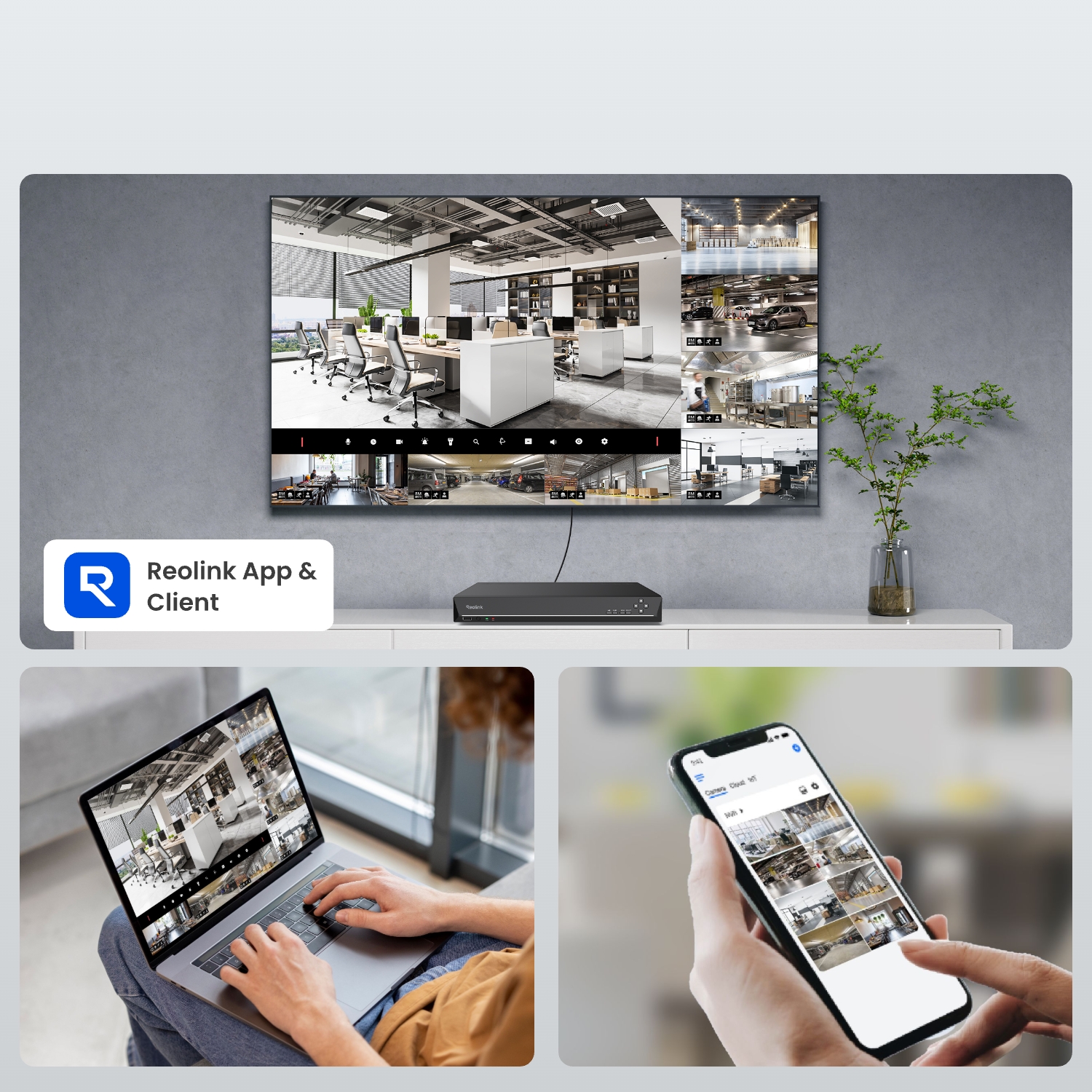
PC: Windows, Mac OS; Smartphone: iOS, Android
Max. User Access
20 users (1 admin account & 19 user accounts); up to 12 simultaneous video streams (10 substreams & 2 mainstreams)
Power Supply
DC 48V~54V
Power Consumption
<10W (without HDD & PoE)
Working Environment
Temperature: -10°C~+45°C (14°F~113°F); humidity: 10%~90%
Dimensions
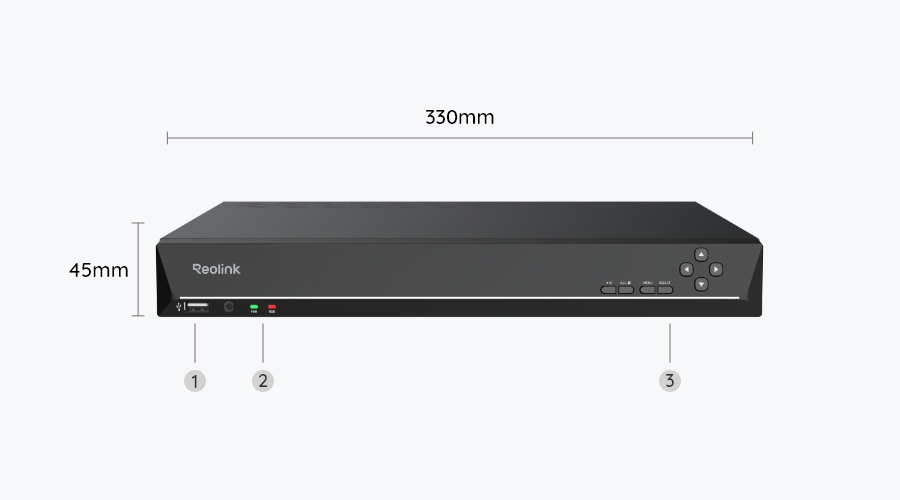
330 × 45 × 285mm
Weight
2.4kg
Limited Warranty
2-year limited warranty. For support, visit https://support.reolink.com/hc/en-us/.

Wat zit er in de doos & installatiehandleiding (met video)

  • RLN16-410 ×1
  • NVR voedingsadapter ×1
  • HDMI-kabel ×1
  • USB-muis ×1
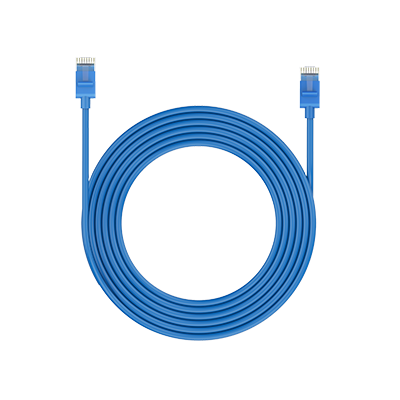
  • 1m netwerkkabel ×1

Veelgestelde vragen

Payment & Shipping
What are your payment options? And what currencies do you support?
You can use PayPal (available in 202 countries and 25 currencies) to purchase Reolink security products, or use credit or debit cards (Visa, MasterCard, American Express, Discover) directly without logging into your PayPal account. See details of Payment Policy.
How much are the customs duties?
Customs duties depend on where your items are shipped from and shipped to. See details in the Shipping Fees part of Shipping & Delivery Policy.
Where can you ship? How long will it take to receive my items?
We sell security cameras to the United States, Germany, the United Kingdom and other dozens of countries.
And we handle orders within 24 hours and pass the packages to our forwarders within 48 working hours. The delivery time varies due to where your items are shipped from and shipped to. See details of Shipping & Delivery Policy.
Functions
Does the NVR support the person/vehicle/animal detection of my Reolink cameras?
If you want to buy a new one:
Yes, the currently available NVRs support the cameras' smart person/vehicle/animal detection.
If you already have one:
RLN16-410 with the newest hardware versions (H3MB18/N6MB01) supports the cameras' smart person/vehicle detection. Check Hardware Version of Reolink NVRs for detailed information.
How to expand the NVR storage capacity?
You can add HDDs to the NVR via SATA ports.
The currently available RLN16-410 supports max.16TB in total (2脳8TB via SATA).
Can I add a PoE switch?
Yes, there are 3 methods.
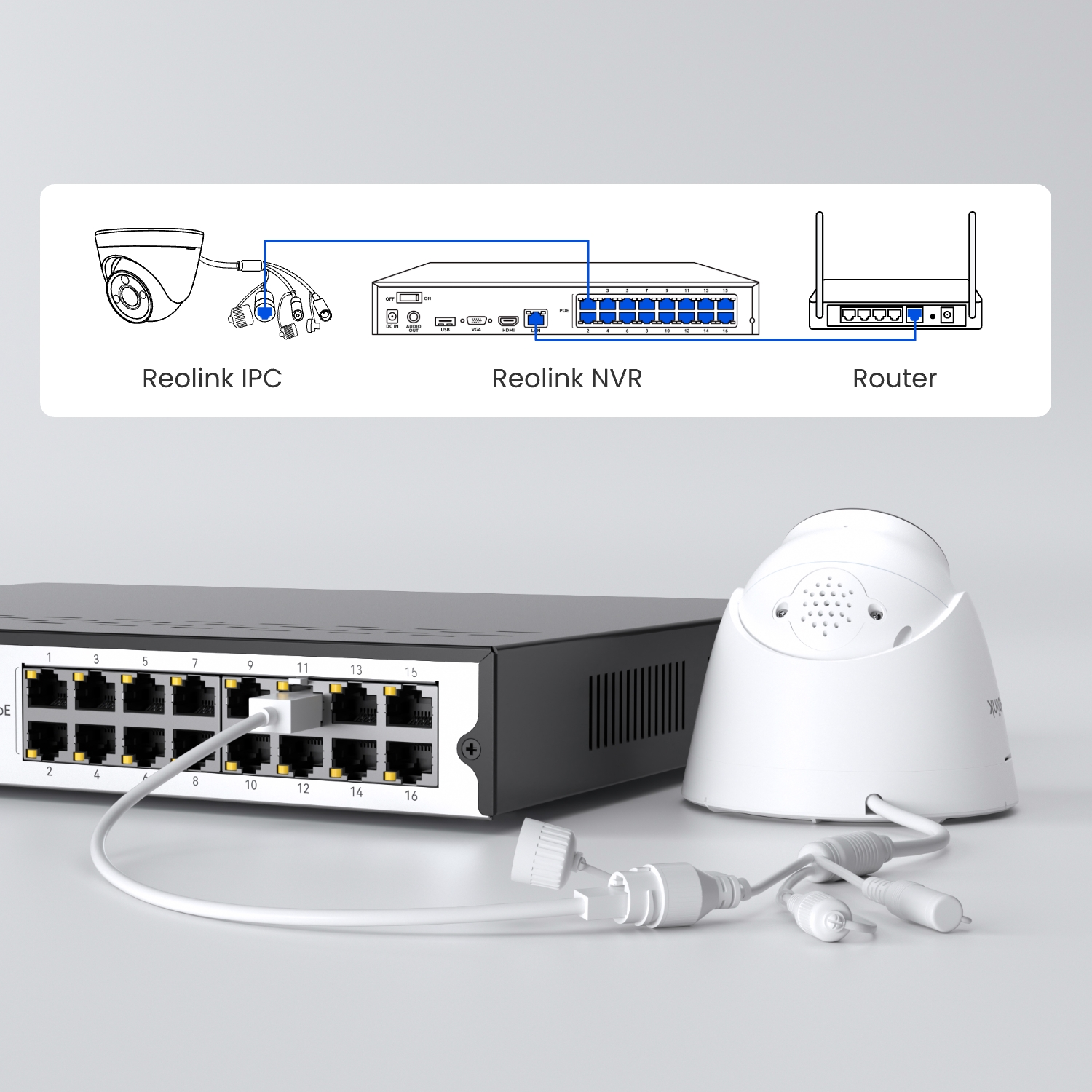
Method 1: Plug the PoE NVR and the PoE switch to the same router via Ethernet cable. Then plug the PoE cameras into the PoE switch or PoE NVR.
Method 2: Plug the PoE switch into the PoE NVR, and then connect the NVR LAN port to the router.
Method 3: Plug the PoE switch to your router, then connect the NVR LAN port to your PoE switch.
For more information, please refer to How to Connect PoE Switch Router and PoE NVR
Note: By adding PoE switches, you will not expand the number of cameras supported by the NVR, since its video channels are immutable.
Can I connect the NVR to the router wirelessly?
No, the NVR can only connect to the router via an ethernet cable.
Can I connect the NVR to the third-party cameras?
It's not suggested to do so. Compatibility issues may occur with third-party cameras. Please contact our support team if you have any concerns about protocols.
Why can't I find the Talk button for two-way audio on my Reolink App/Client when my camera, which supports this function, is connected to the NVR?
Before using this function, please check if you have updated the firmware on your NVR to the latest version. Here is a step-by-step instruction on how to upgrade it: https://support.reolink.com/articles/900004568363-Reolink-Firmware-Update-Guide/#h_01J5SBY58BJTK30SEMQWTMSETM
How many wired IP cameras (including PoE & plug-in Wi-Fi cameras) does this NVR support at most?
The NVR supports 24 channels, allowing a maximum of 24 cameras. It can support up to 16 wired IP cameras (including PoE & plug-in Wi-Fi cameras) .
Please note that a Reolink dual-lens camera occupies two video channels.
How many battery-powered Wi-Fi cameras does this NVR support at most?
Only the RLN16-410 with hardware N6MB01 supports connecting battery-powered Wi-Fi cameras, with a maximum of 24. The number of battery-powered Wi-Fi cameras that can be connected is 24 minus the number of wired IPCs. For more information, please refer to Introduction to Hardware Versions of Reolink NVRs
  • 30 dagen geld-terug-garantie
    30 dagen geld-terug-garantie
  • Gratis verzending voor alle bestellingen
    Gratis verzending voor alle bestellingen
  • 2 jaar beperkte garantie.
    2 jaar beperkte garantie.
  • 24/6 online-ondersteuning 1-op-1
    24/6 online-ondersteuning 1-op-1