CX810
Przegląd
Specs
Akcesoria
Recenzja
Porównanie
FAQs
CX810

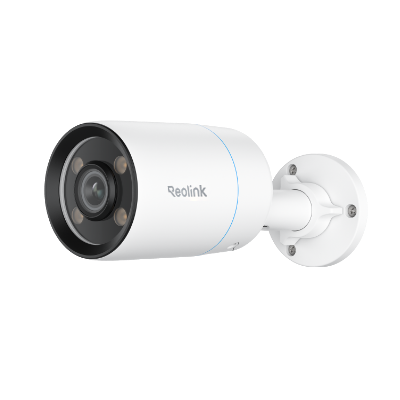
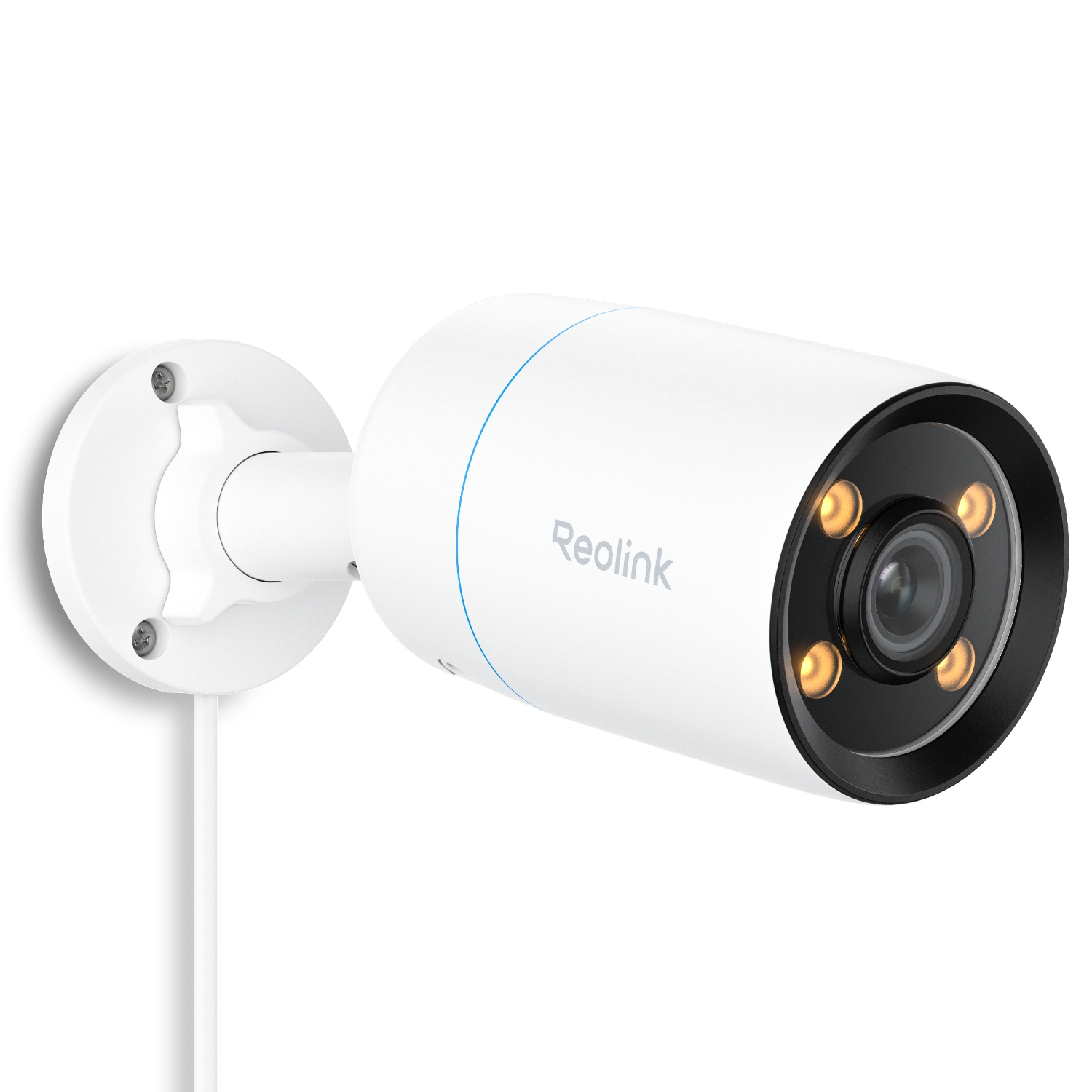
Internetowa kamera kopułkowa 4K 8 MP PoE z technologią noktowizyjną ColorX

1 Kamera

Funkcje premium, profesjonalne zabezpieczenia

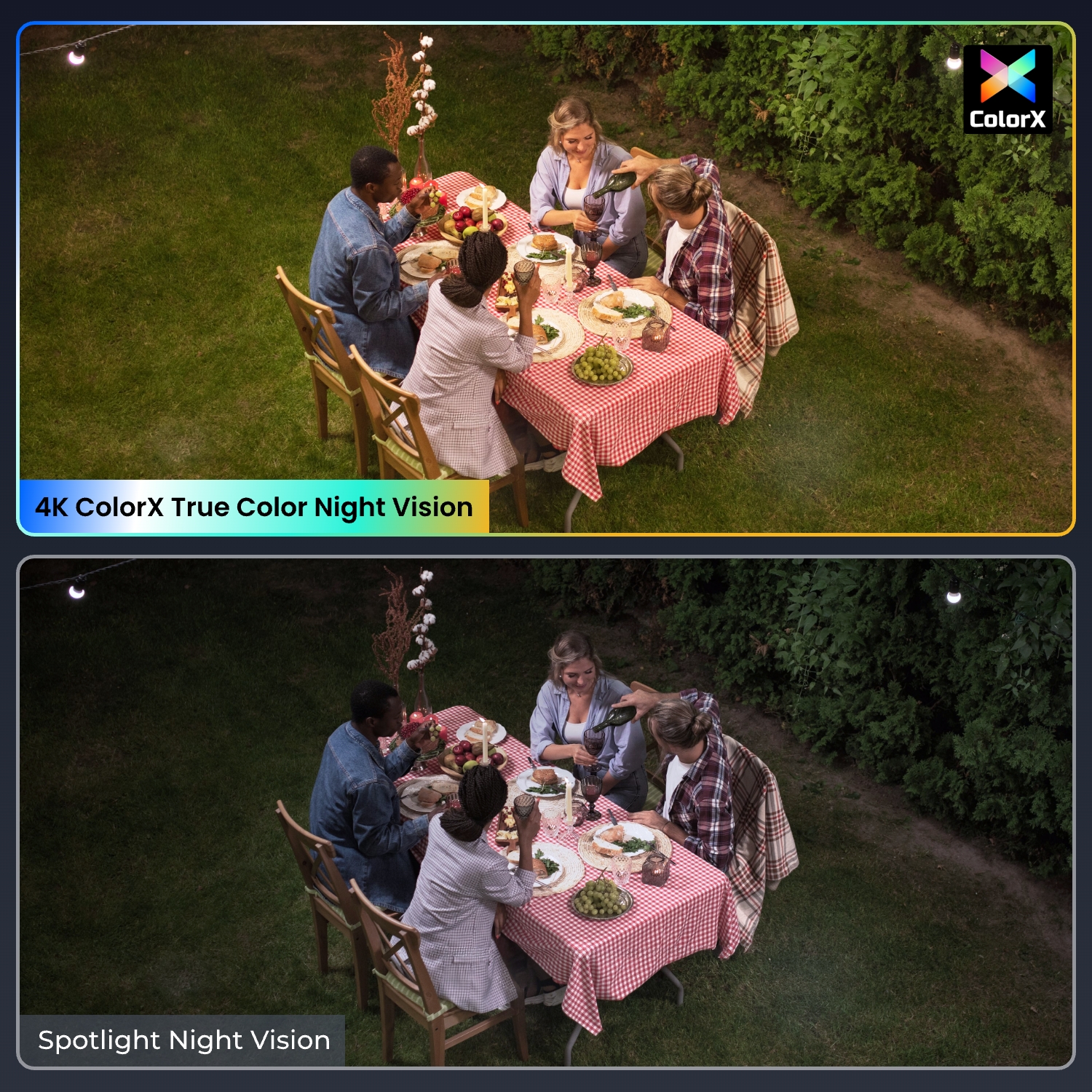
ColorX Night Vision

Zapewnia wyraźne elementy wizualne 4K w pełnych kolorach przy przysłonie F1.0 nawet przy bardzo słabym oświetleniu.
Technologia WDR

Wyrównuje jasne i ciemne obszary; zapewnia wysoką jakość obrazu.

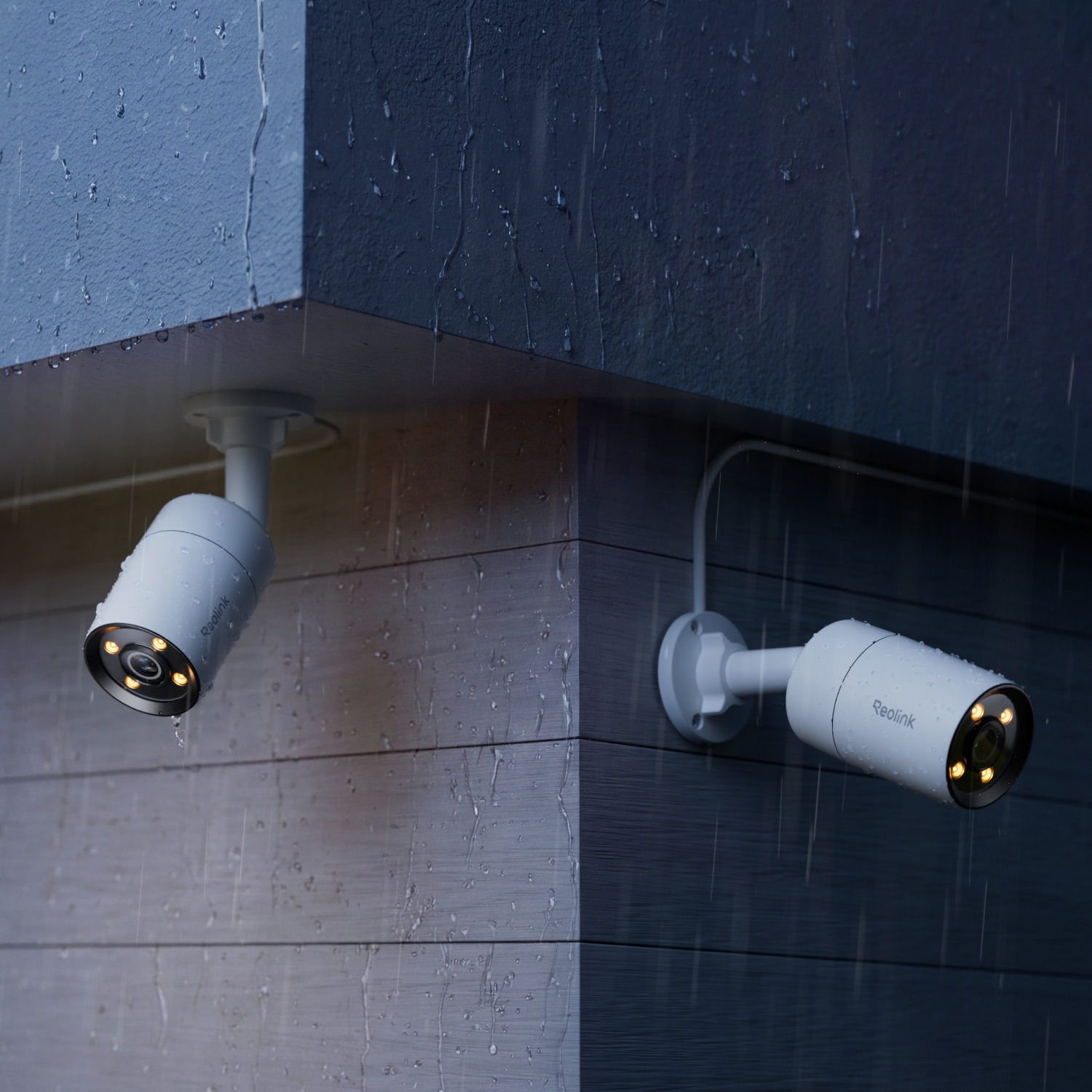
Inteligentne światło ciepłe 3000 K

Dostępne cztery tryby: Wyłączony, Tryb czasowy, Tryb automatyczny i Tryb inteligentny.

Inteligentne wykrywanie

Detekcja osób/pojazdów/zwierząt.

Ochrona obwodowa

Alert o przekroczeniu linii, Alert o wtargnięciu do strefy, Alert o przebywaniu w strefie

Szybkość 25 kl./s

Zapewnia naturalny, płynny materiał.
Specyfikacje

Czujnik obrazu
1/1.8" CMOS sensor
Rozdzielczość
3840x2160 (8 megapixels)@25fps
Obiektyw
f=4.0mm, F=1.0 IR CUT
Kompresja wideo
H.265/H.264
Powiększenie
N/A
Pole widzenia
Horizontal: 93.2°
Vertical: 48.2°
Diagonal: 111.6°
Noktowizor w podczerwieni
N/A
Kolorowe widzenie w nocy
With spotlights: 4pcs/3w/3000K/400Lumens
(Max illumination distance:15m)
Częstotliwość wyświetlania klatek
Main stream: 2fps - 25fps (default: 25fps)
Sub stream: 4fps - 15fps (default: 10fps)
Szybkość kodu
Main stream: 1024Kbps - 8192Kbps (default: 6144Kbps)
Sub stream: 64Kbps - 512Kbps (default: 256Kbps)
Audio
Two-way audio
Dzień/noc
full color
PoE
IEEE 802.3af, 48V, active
Wymagania dotyczące zasilania
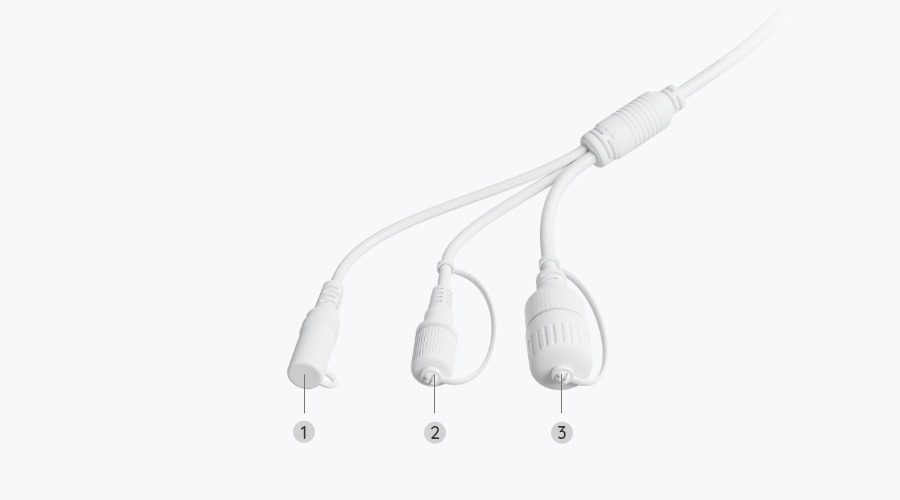
DC 12V⎓1A, <12W
Gniazdo zasilania
DC power port
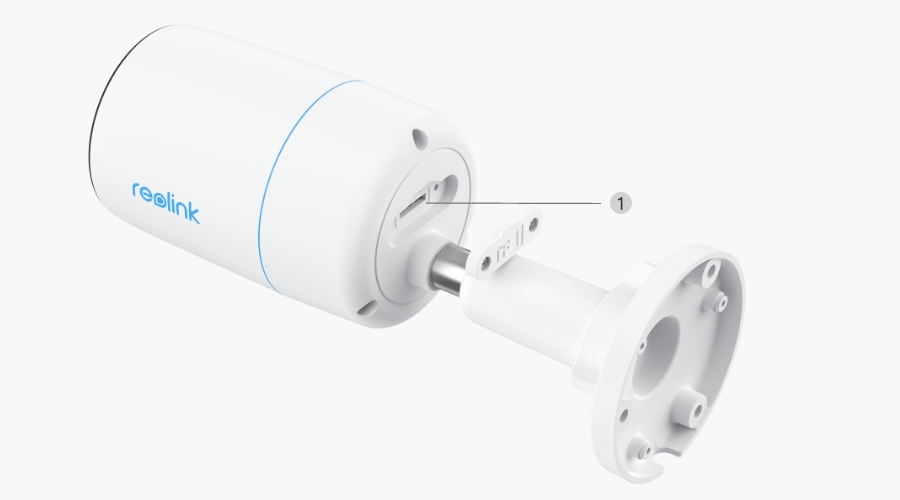
Gniazdo karty SD
Supports Max. 512GB microSD card
Przycisk resetowania
YES
Wejście/wyjście audio
Built-in microphone and speaker
Porty Ethernet
One 10M/100Mbps; RJ45
Obsługiwane przeglądarki
Edge, Chrome, Firefox, Safari
Obsługiwany system operacyjny
PC: Windows, Mac OS; Smartphone: iOS, Android
Protokoły i standardy
HTTPS, SSL, TCP/IP, UDP, HTTP,IPv4, UPnP, RTSP, RTMP, ONVIF, SMTP, NTP, DHCP, DNS, DDNS, FTP, P2P
Dostęp użytkownika
Max. 20 users (1 admin & 19 user);
Max. 12 simultaneous streams (2 main & 10 sub streams)
Inteligentny alarm
Motion detection; person detection; vehicle detection; animal detection
Tryby nagrywania
Motion-triggered recording (default); scheduled recording, 24/7 recording
Upływ czasu
YES
Kompatybilność z inteligentnym domem
Google Assistant
Temperatura pracy
-10°C~+50°C (14°F~126°F)
Wilgotność pracy
10% ~ 90%
Odporne na warunki atmosferyczne
IP67
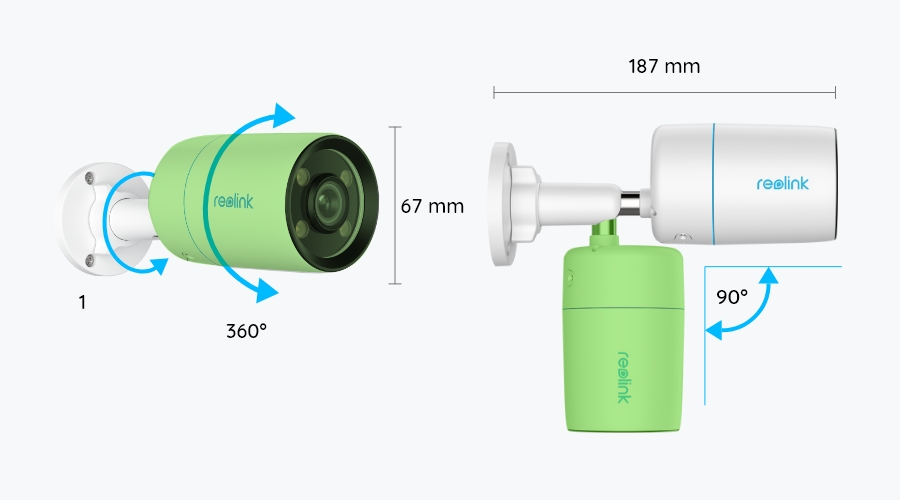
Wymiary
67*187mm
Waga
467g
Ograniczona gwarancja
2-year limited warranty. For support, visit https://support.reolink.com/hc/en-us/.

Zawartość pakietu z produktem i podręcznik konserwacji (z instruktażem wideo)

  • CX810 ×1
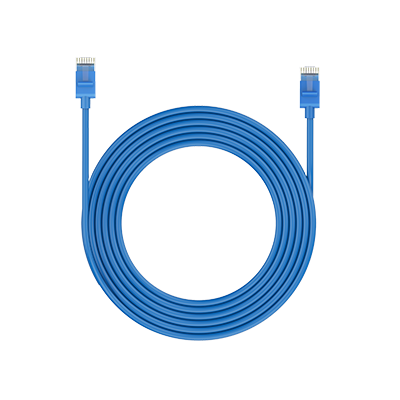
  • Kabel sieciowy 1 m ×1

Często zadawane pytania

Payment & Shipping
What are your payment options? And what currencies do you support?
You can use PayPal (available in 202 countries and 25 currencies) to purchase Reolink security products, or use credit or debit cards (Visa, MasterCard, American Express, Discover) directly without logging into your PayPal account. See details of Payment Policy.
How much are the customs duties?
Customs duties depend on where your items are shipped from and shipped to. See details in the Shipping Fees part of Shipping & Delivery Policy.
Where can you ship? How long will it take to receive my items?
We sell security cameras to the United States, Germany, the United Kingdom and other dozens of countries.
And we handle orders within 24 hours and pass the packages to our forwarders within 48 working hours. The delivery time varies due to where your items are shipped from and shipped to. See details of Shipping & Delivery Policy.
Functions
Does the camera offer true color night vision when the warm light is off?
Yes, thanks to the ColorX technology, the camera can still provide color night vision without the warm light on. Featuring an F1.0 large aperture that allows four times more light in than an F2.0 aperture. Additionally, the camera is equipped with a 1/1.8" advanced sensor, enabling it to deliver clear and vivid full-color night vision even without additional lighting. You can also turn on the warm light for even higher quality color night vision.
Can I turn off the warm light and siren?
Yes, you can turn off the warm lightand siren manually.
By default, the camera's warm light and siren are motion activated: they will be turned on automatically when a motion is detected. You can turn them off, adjust the brightness of warm light, or customize the siren to your liking.
The camera can provide clear and natural true full-color night vision even without turning on the warm light. You can also choose to turn on the warm light to enhance the quality of the color night vision in extremely dark environments.
Does the camera support person/vehicle/animal detection?
Yes, this camera supports person/vehicle/animal detection.
Does the camera support two-way audio?
Yes, the camera supports two-way audio via its built-in mic and speaker. You can not only capture videos with audio recorded but also have real-time communication with people on the camera's end through Reolink App or Client.
How can I power up this camera?
There are two methods:
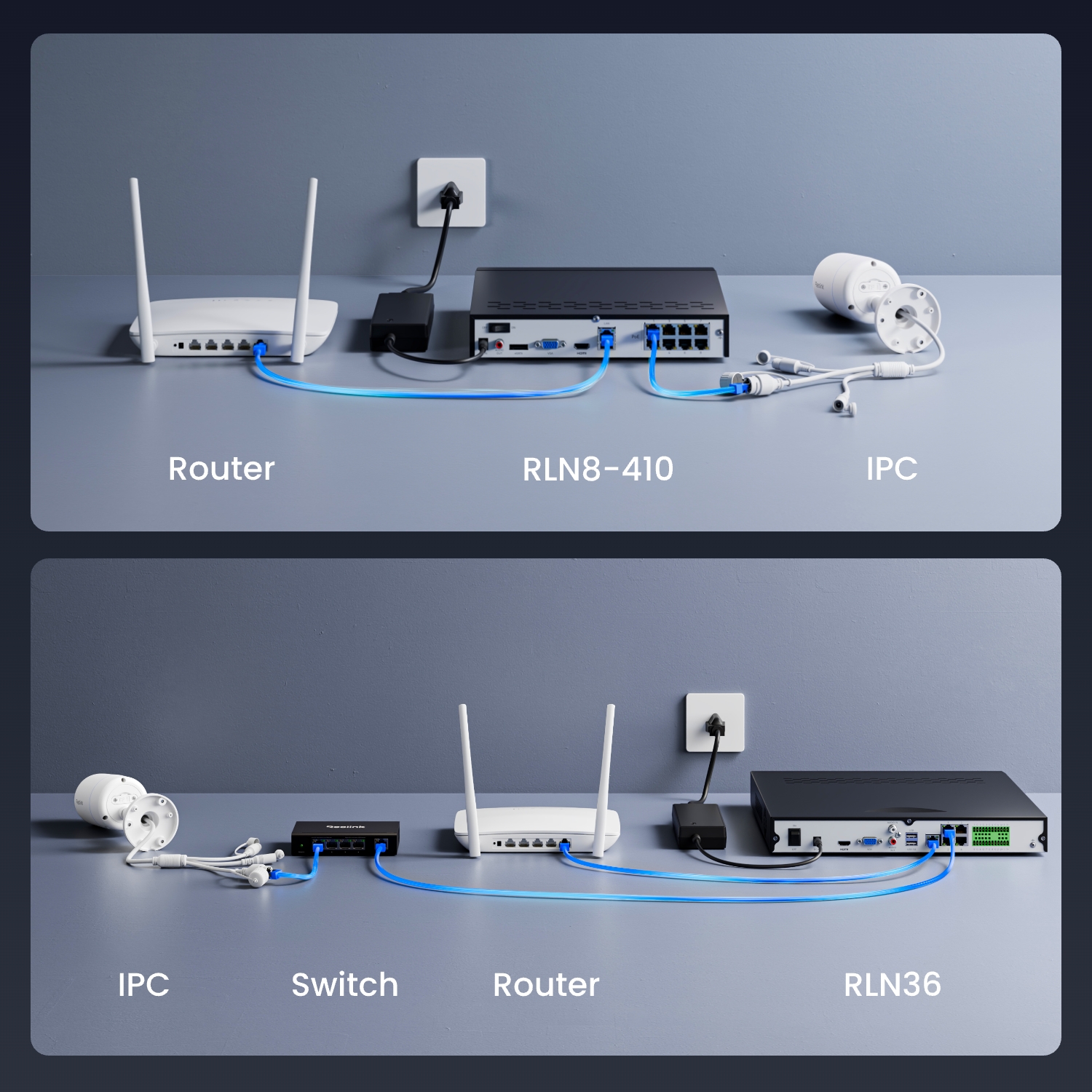
1. Via an Ethernet cable, connect the camera to a PoE NVR, PoE injector, PoE switch, or directly to a router with a PoE port, for both power supply and video signal transmission.
Note: Please make sure that the PoE injector/switch is 802.3 af compliant (48V) and supports active mode.
2.Via a DC 12V 1A power adapter (purchased separately), connect the camera to power outlet for power supply only.
What Ethernet cable do I need?
The camera supports T-568B connectors and 8-PIN Ethernet cables of CAT5 or higher.
Where are the recordings stored? Is NVR a must?
The camera can work without an NVR.
1. When it works without an NVR, the recordings can be saved to the microSD card (purchased separately);
2. When it works with an NVR, the recordings can be saved to the NVR.
Note: For best compatibility, do not use the camera with third-party NVRs.
Does the camera compatible with my Reolink PoE NVR?
This camera is compatible with Reolink PoE NVR of the following hardware versions: H3MB18, N2MB02, N3MB01, N7MB01, H3MB18, N6MB01, N5MB01. For best performance, you need to upgrade the NVR's firmware to the latest version for video displaying.
Reolink PoE NVRs that are currently available for sale support all the PoE standalone and plug-in WiFi cameras. However, if you have already had a Reolink PoE NVR, you can check if its hardware version is compatible with this camera.
What kind of microSD card can I use?
This camera supports up to 256GB microSD cards with FAT32 format and Class 10 read & write speed.
Does the camera support NAS?
Yes, the camera supports NAS.
You may want to know How to have Reolink cameras record to my NAS.
How do I use live view and playback?
You can add and set up the camera on Reolink APP/Client. Then click the camera to check the live view and playback of it from anywhere, at any time.
Reolink APP/Client is free of charge and the service is free of subscription.
Does Reolink charge subscription fees for the camera or the Reolink application?
No. Reolink does not charge any subscription fees for camera or Reolink App. All features of this camera as well as the Reolink App are completely free and require no subscription.
Why can't I connect the camera to 3rd party softwares?
The RTSP and other ports may be disabled by default. You can launch Reolink Client, then go to Device Settings >> Network >> Advanced >> Port Settings to make sure all ports are enabled before using 3rd party softwares.
Does the camera work with Reolink IoT devices (Reolink Floodlight, etc.)? How can they be linked?
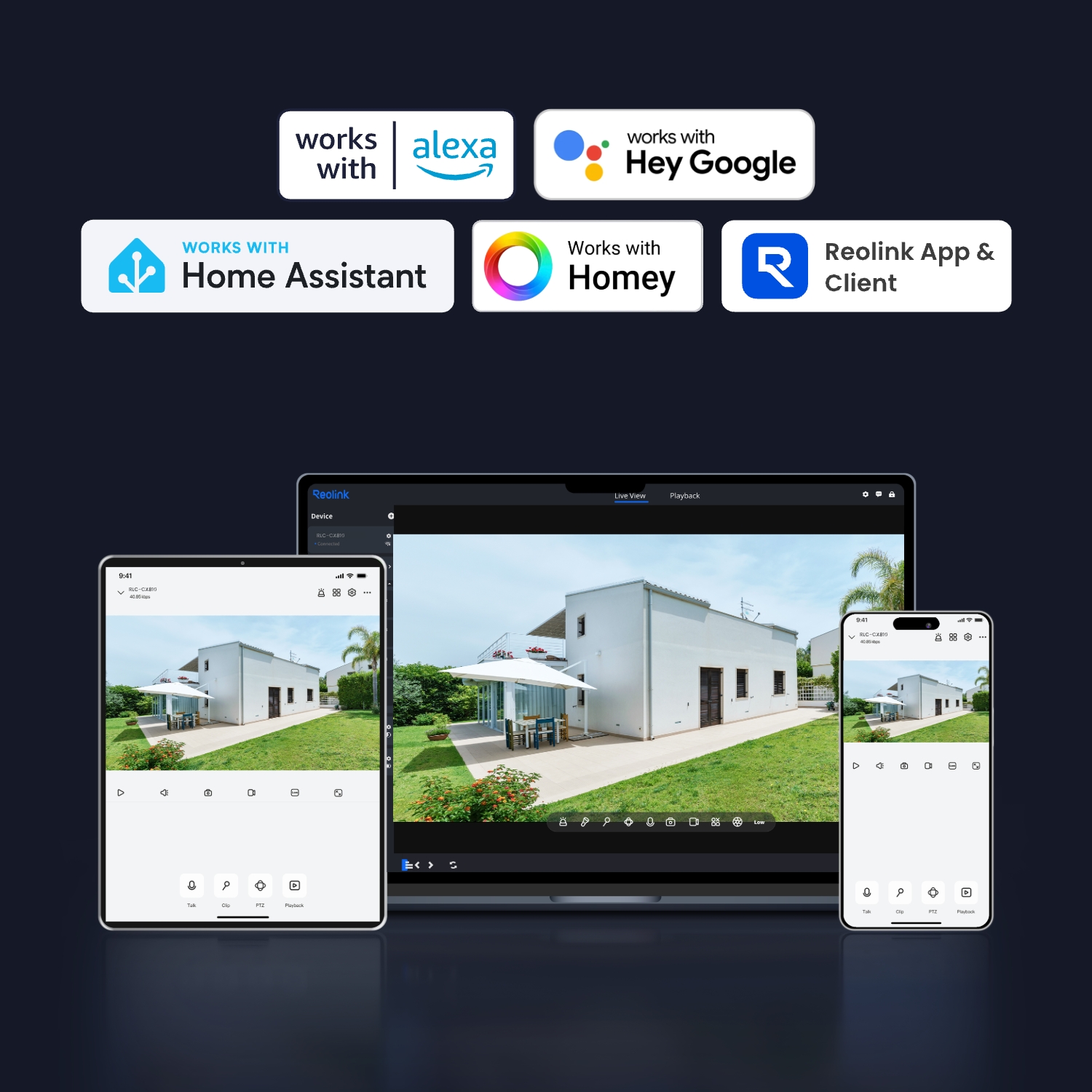
Yes, the camera works with Reolink IoT devices, including Reolink Floodlight PoE/WiFi. The specific functions supported depend on the camera.
When Reolink Floodlight is linked to a camera, the floodlights and the built-in siren will be triggered once the camera detects an event. Click here to see how to link the camera to Reolink Floodlight.
Does the camera support time-lapse function?
Yes, the camera can support time-lapse. It can save time-lapse photos and videos to the SD card.
How to Set Up Time Lapse?
Does the camera support smart home like Google Assistant?
Yes, currently, this camera can work with Google Assistant.
Tips: How to add this camera to Google Assistant?
  • 30-dniowa gwarancja zwrotu pieniędzy
    30-dniowa gwarancja zwrotu pieniędzy
  • Darmowa wysyłka wszystkich zamówień
    Darmowa wysyłka wszystkich zamówień
  • Dwuletnia ograniczona gwarancja.
    Dwuletnia ograniczona gwarancja.
  • Całodobowa indywidualna pomoc techniczna przez sześć dni w tygodniu
    Całodobowa indywidualna pomoc techniczna przez sześć dni w tygodniu