RLC-840A
Przegląd
Specs
Akcesoria
Recenzja
Porównanie
FAQs
RLC-840A

Kamera PoE 4K o wytrzymałości mechanicznej na poziomie IK10 z kolorowym widzeniem nocnym

1 Kamera

Najważniejsze cechy

4K Ultra HD

3840 × 2160 (8 megapikseli) przy 25 kl./s
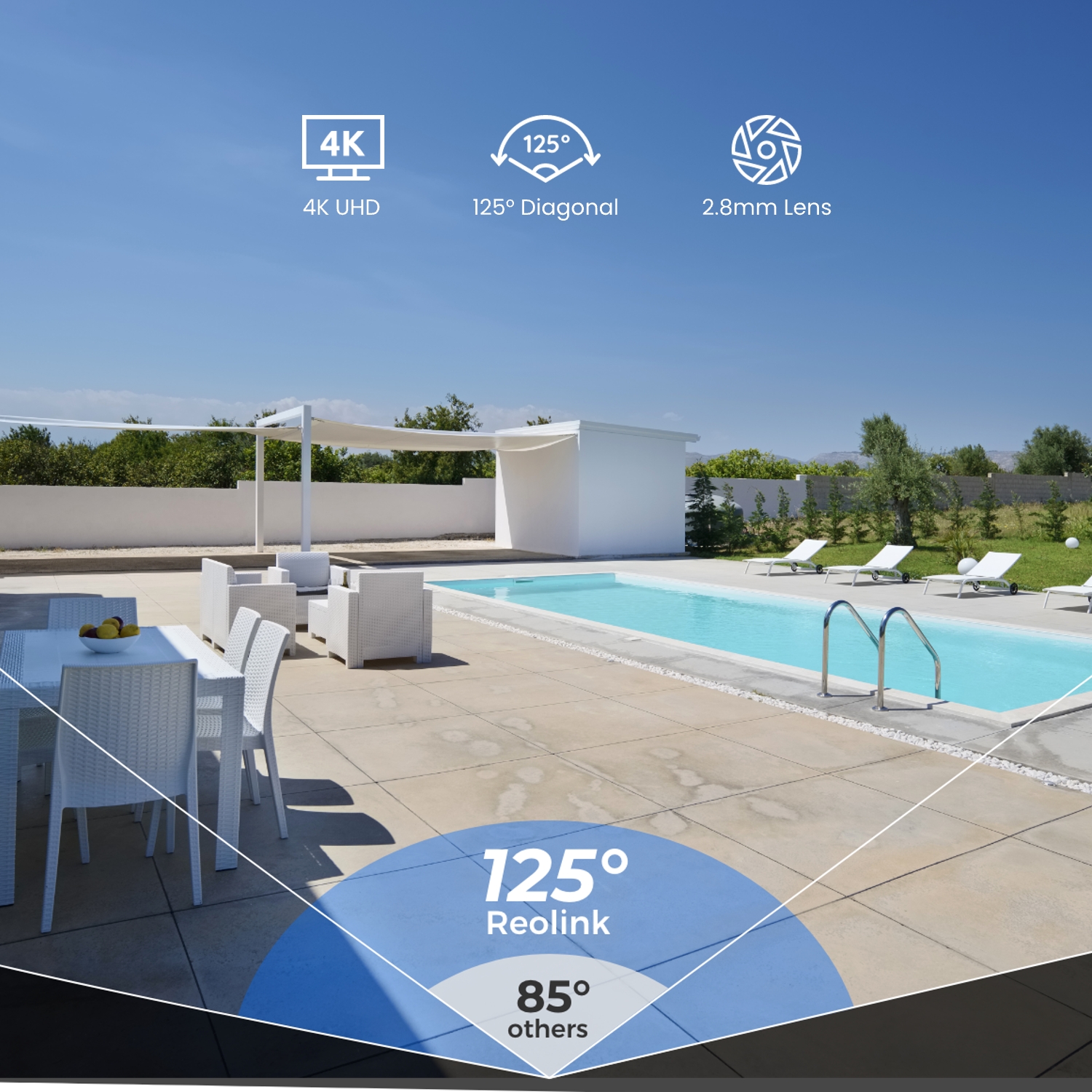
Szeroki kąt 125°

Szerokie pole widzenia rejestruje więcej szczegółów w kadrze, mniej martwych punktów.

Widzenie w nocy w kolorze

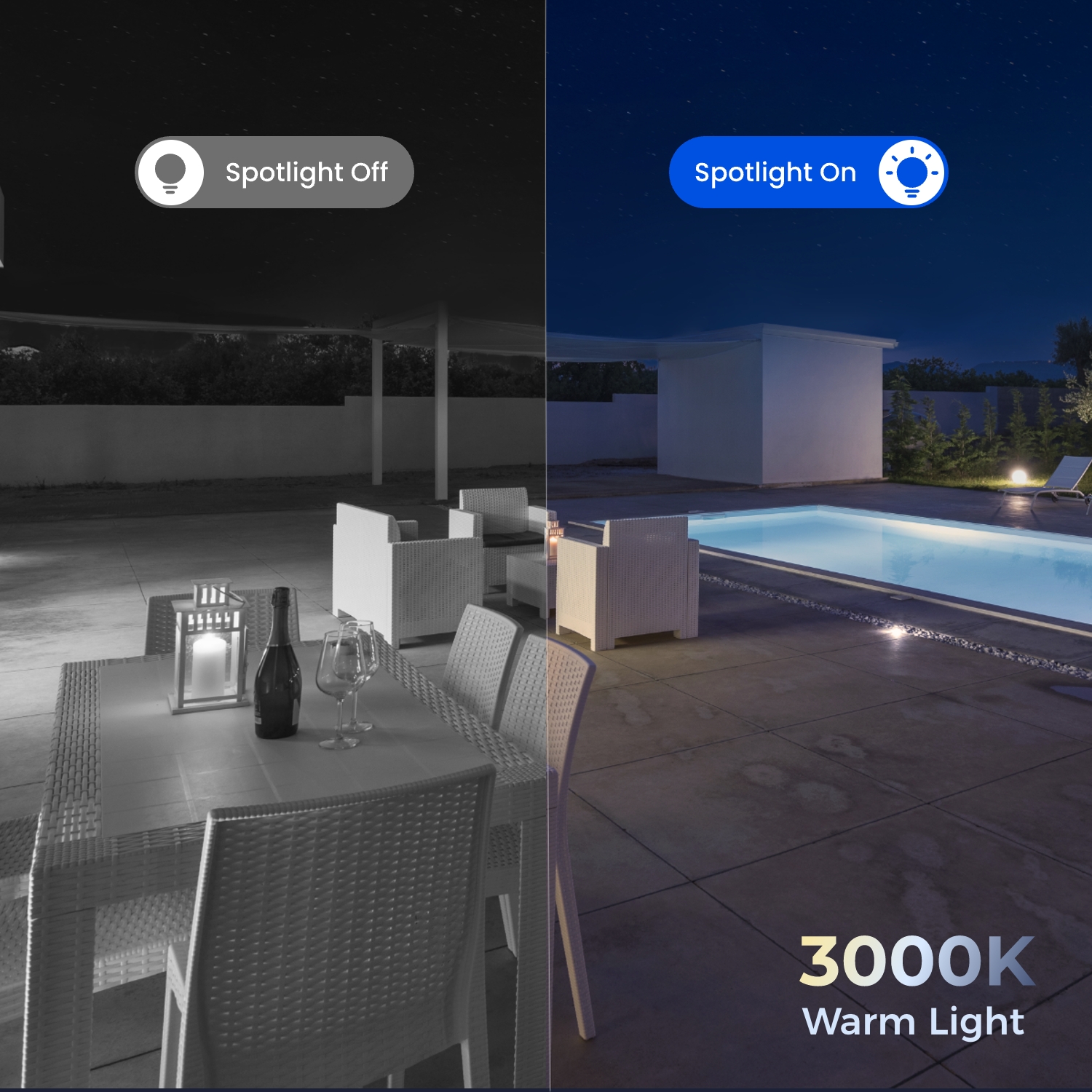
Zobacz wyraźnie, co się dzieje w kolorze nawet w ciemności, dzięki ciepłemu oświetleniu 3000 K.

Certyfikowana i wytrzymała ochrona

Obudowa odporna na uszkodzenia mechaniczne na poziomie IK10 i odporność na warunki atmosferyczne klasy IP67.

Audio dwukierunkowe

Słuchaj i rozmawiaj z osobą po drugiej stronie, w czasie rzeczywistym.

Inteligentne wykrywanie

Obsługuje inteligentne wykrywanie ruchu oraz wykrywanie osób/pojazdów/zwierząt.

Specyfikacje

Czujnik obrazu
Przetwornik CMOS 1/2,49 cala
Rozdzielczość
3840 x 2160 (8 megapikseli) przy 25 kl./s
Obiektyw
f=2,8 mm/F2,0
Kompresja wideo
H.265 (więcej niż 5 MP) inne H.264
Powiększenie
Nie dotyczy
Pole widzenia
Poziomo: 105° Pionowo: 56° Przekątna: 125°
Noktowizor w podczerwieni
Do 30 metrów; LED: 2 szt./2 W/850 nm (automatyczne przełączanie z filtrem podczerwieni)
Kolorowe widzenie w nocy
Z reflektorami: 2 szt./3 w/3000 K (regulowane)
Częstotliwość wyświetlania klatek
Strumień główny: 2 kl./s - 25 kl./s (domyślnie: 25 kl./s) Strumień dodatkowy: 4 kl./s - 15 kl./s (domyślnie: 10 kl./s)
Szybkość kodu
Strumień główny: 1024 Kbps – 8192 Kbps (domyślnie: 6144 Kbps) Podstrumień: 64 Kbps – 512 Kbps (domyślnie: 256 Kbps)
Audio
Dwukierunkowe audio
PoE
IEEE 802.3af, 48 V, aktywny
Wymagania dotyczące zasilania
N/A
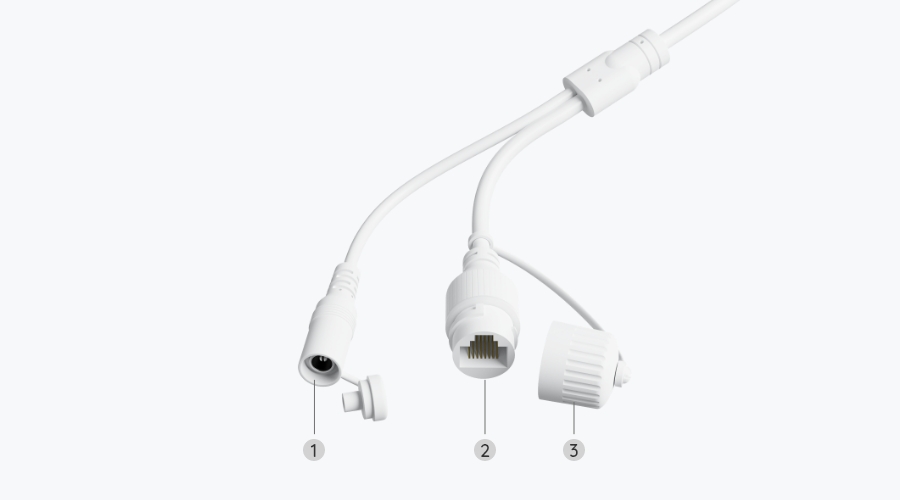
Gniazdo zasilania
Port zasilania prądem stałym
Port Ethernet
Jeden 10M/100Mbps; RJ45
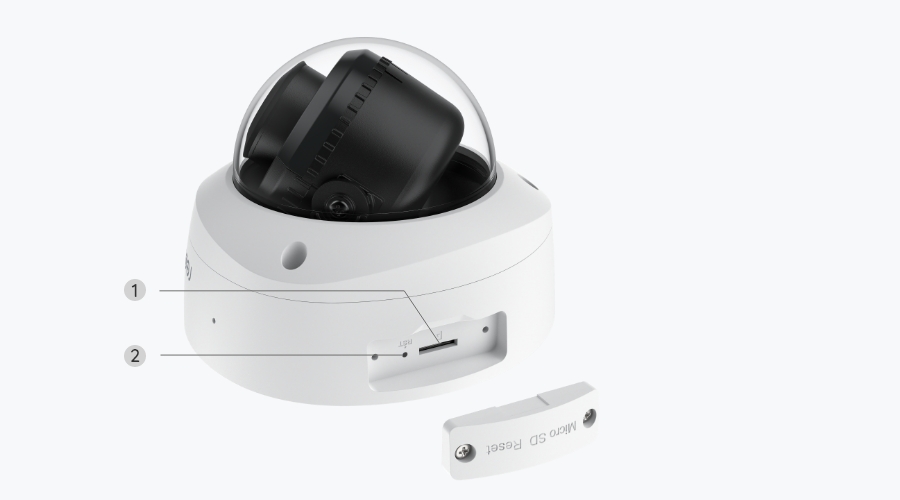
Gniazdo karty SD
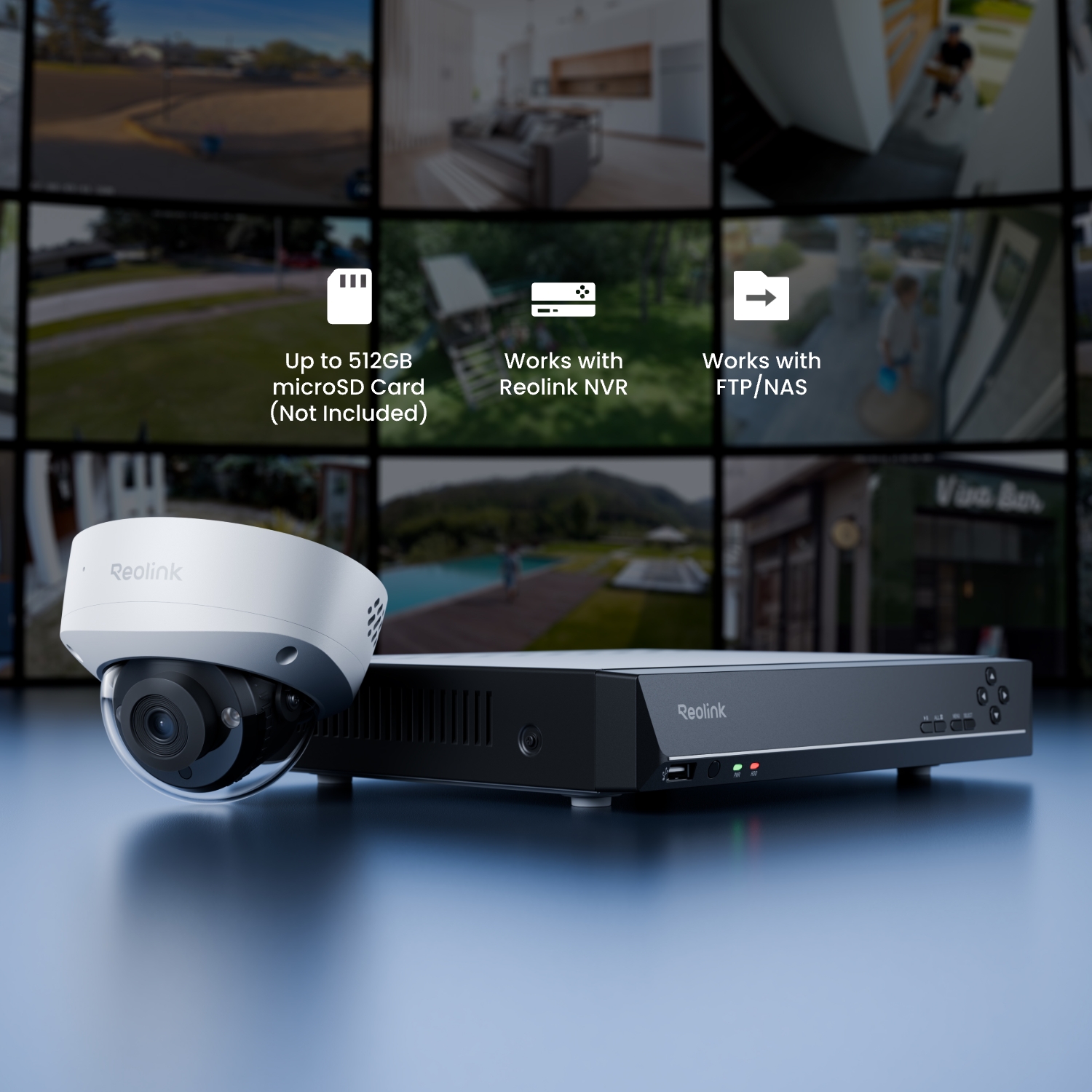
Obsługuje maks. Karta microSD 512 GB
Przycisk resetowania
Tak
Wejście/wyjście audio
Wbudowany mikrofon i głośnik
Obsługiwane przeglądarki
Edge, Chrome, Firefox, Safari
Obsługiwany system operacyjny
PC: Windows, Mac OS; Smartfon: iOS, Android
Protokoły i standardy
HTTPS, SSL, TCP/IP, UDP, HTTP, IPv4, UPnP, RTSP, RTMP, ONVIF, SMTP, NTP, DHCP, DNS, DDNS, FTP, P2P
Dostęp użytkownika
Maks. 20 użytkowników (1 administrator i 19 użytkowników); Maks. 12 jednoczesnych strumieni (2 główne i 10 podstrumieni)
Inteligentny alarm
Detekcja ruchu; wykrywanie osób; wykrywanie pojazdów; wykrywanie zwierząt
Tryby nagrywania
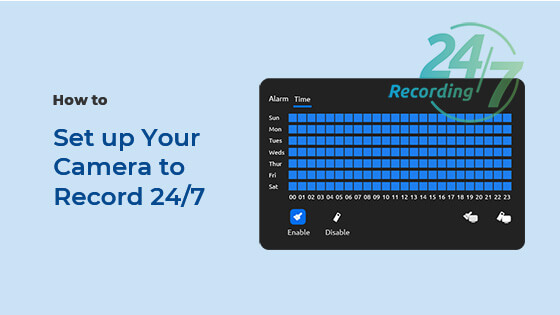
Nagrywanie wyzwalane ruchem (domyślne); nagrywanie zaplanowane, nagrywanie 24/7
Upływ czasu
Tak
Kompatybilność z inteligentnym domem
Asystent Google
Temperatura pracy
-10°C~+55°C (14°F~131°F)
Wilgotność pracy
10% ~ 90%
Odporne na warunki atmosferyczne
IP67
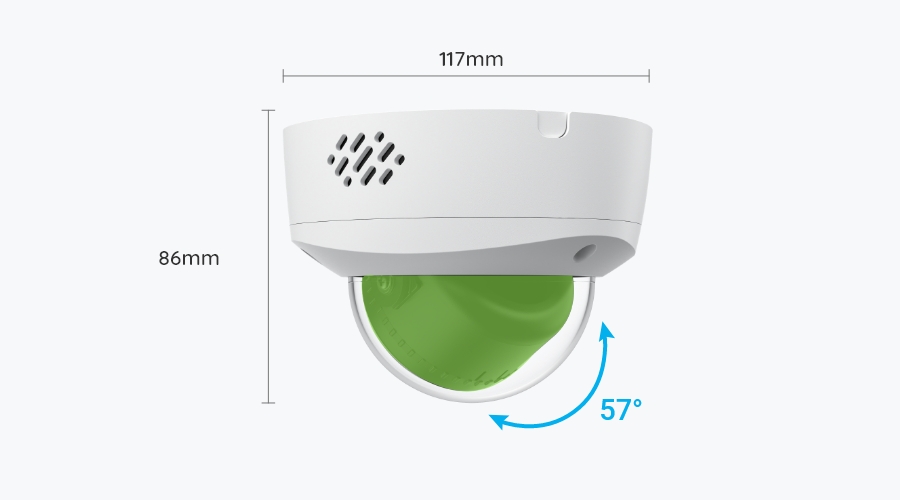
Wymiary
Φ117x86mm
Waga (z baterią)
604g
Ograniczona gwarancja
2-letnia ograniczona gwarancja. Aby uzyskać pomoc, odwiedź https://support.reolink.com/hc/en-us/.

Zawartość pakietu z produktem i podręcznik konserwacji (z instruktażem wideo)

  • RLC-840A ×1
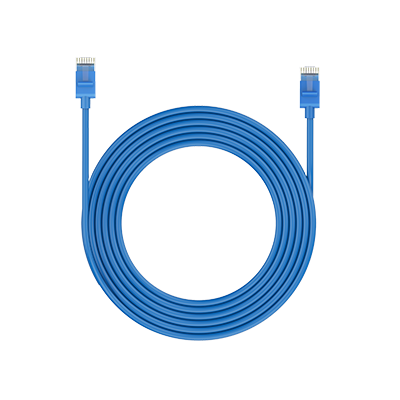
  • Kabel sieciowy 1 m ×1

Często zadawane pytania

How-to Videos

Payment & Shipping
Where can you ship? How long will it take to receive my items?
We sell security cameras to the United States, Germany, the United Kingdom and other dozens of countries.And we handle orders within 24 hours and pass the packages to our forwarders within 48 working hours. The delivery time varies due to where your items are shipped from and shipped to. See details of Shipping & Delivery Policy.
What are your payment options? And what currencies do you support?
You can use PayPal (available in 202 countries and 25 currencies) to purchase Reolink security products, or use credit or debit cards (Visa, MasterCard, American Express, Discover) directly without logging into your PayPal account. See details of Payment Policy.
How much are the customs duties?
Customs duties depend on where your items are shipped from and shipped to. See details in the Shipping Fees part of Shipping & Delivery Policy.
Functions
Is a subscription fee required for Reolink PoE cameras?
No, Reolink PoE cameras work well on their own without subscription fees. You can make full use of the person/vehicle/pet detection, local storage, and other functions for free!
Does my camera support person/vehicle/animal detection?
Yes, this camera supports person/vehicle/animal detection.
Does the camera support two-way audio?
Yes, the camera supports two-way audio via its built-in mic and speaker. You can not only capture videos with audio recorded but also have real-time communication with people on the camera's end through Reolink App or Client.
Can I turn off the spotlights?
Yes, you can turn off the spotlights manually.
By default, the camera's spotlights are motion activated: it will turn on automatically when a motion is detected. You can turn them off or adjust the brightness to your liking. 
Please note that with the spotlights on you can enjoy clear color night vision, but if the spotlights are turned off, you will only see black and white images at night.
How can I power up the camera?
There are two methods:
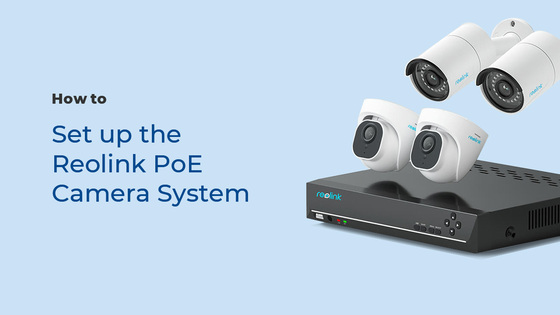
1. Via an Ethernet cable, connect the camera to a PoE NVR, PoE injector, PoE switch, or directly to a router with a PoE port, for both power supply and video signal transmission.
Note: Please make sure that the PoE injector/switch is 802.3 af compliant (48V) and supports active mode. 
2.Via a DC 12V 1A power adapter (purchased separately), connect the camera to power outlet for power supply only.
What Ethernet Cable Do I Need?
The camera supports T-568B connectors and  8-PIN Ethernet cables of CAT5 or higher.
Can this camera be used outdoors/indoors?
This camera can be used both indoors and outdoors.
It is IP67 certified weatherproof and its operating temperature is from -10°C to 55°C (14°F to 131°F), perfect for outdoor and indoor usage.
How do I use live view and playback?
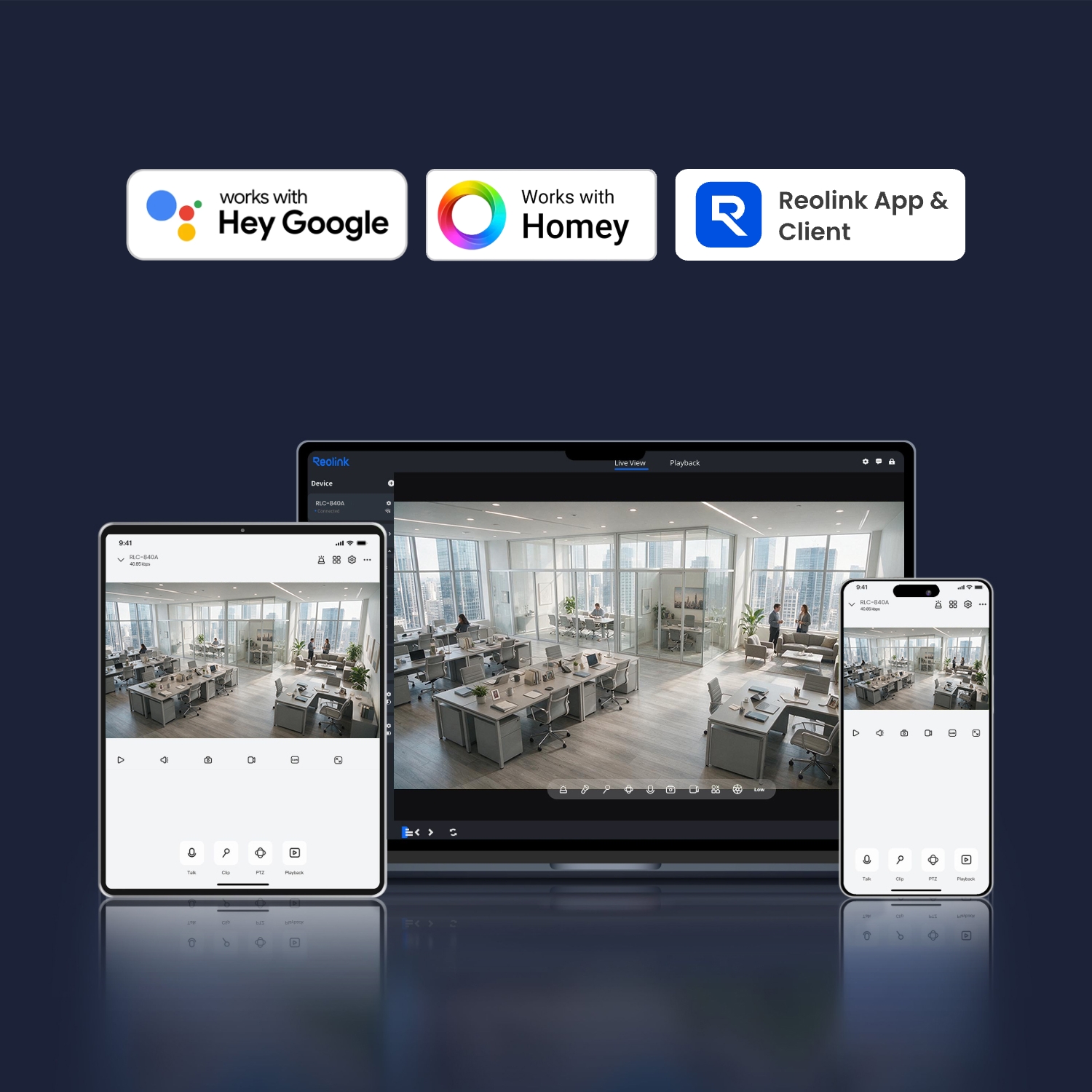
You can add and set up the camera on Reolink APP/Client. Then click the camera to check the live view and playback of it from anywhere, at any time.
Reolink APP/Client is free of charge and the service is free of subscription.
Can this camera support time-lapse function?
Yes, the camera can support time-lapse. It can save time-lapse photos and videos to the SD card.
How to Set Up Time Lapse?
What kind of microSD card can I use?
This camera supports up to 256GB microSD cards with FAT32 format and Class 10 read & write speed.
Where are the recordings stored? Is NVR a must?
The camera can work without an NVR. 
1. When it works without an NVR, the recordings can be saved to the microSD card (purchased separately);
2. When it works with an NVR, the recordings can be saved to the NVR.
Note: For best compatibility, do not use the camera with third-party NVRs.
Does the camera work with my Reolink PoE NVR?
If you want to buy a new one: the currently on-sale NVRs work with all PoE and plug-in WiFi cameras.
If you already have one:
Please first refer to this article for its hardware version.
For the NVR with the hardware N7MB01, N6MB01, or N5MB01, it works with all PoE and plug-in WiFi cameras.
For the NVR with the hardware N2MB02, N3MB01, or H3MB18, it works with all PoE and plug-in WiFi cameras. But you can not have a full-resolution live view of the following cameras: RLC-1212A, RLC-1224A, Reolink Duo 2 PoE, Reolink Duo 2 WiFi, Reolink Duo Floodlight WiFi, Reolink Duo Floodlight PoE.
For the NVR with the rest hardwares such as H3MB17, H3MB02, and H3MB16, please refer to Introduction to Hardware Versions of Reolink NVRs for more detailed information.
Can I use this camera with Synology?
Yes, this PoE IP camera can work with Synology. There are 2 methods for you to save videos in it.
Method 1 (recommended): You can add this camera to the Synology Surveillance Station. Check this article to learn how to add a camera. 
Method 2: You can treat your Synology device as an FTP server. For detailed steps, check How to Set up FTP for Reolink Products.
Why can't I connect it to 3rd party softwares?
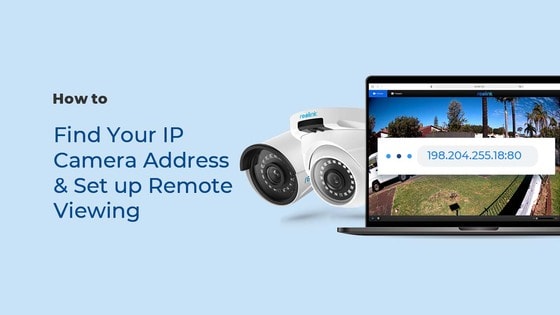
The RTSP and other ports may be disabled by default. You can launch Reolink Client, then go to Device Settings >> Network >> Advanced >> Port Settings to make sure all ports are enabled before using 3rd party softwares.
Can this camera support smart home like Google Assistant?
Yes, currently, this camera can work with Google Assistant.
Tips: How to add this camera to Google Assistant?
  • 30-dniowa gwarancja zwrotu pieniędzy
    30-dniowa gwarancja zwrotu pieniędzy
  • Darmowa wysyłka wszystkich zamówień
    Darmowa wysyłka wszystkich zamówień
  • Dwuletnia ograniczona gwarancja.
    Dwuletnia ograniczona gwarancja.
  • Całodobowa indywidualna pomoc techniczna przez sześć dni w tygodniu
    Całodobowa indywidualna pomoc techniczna przez sześć dni w tygodniu