RLC-810A
Overview
Specs
Accessories
Review
Comparison
FAQs
RLC-810A

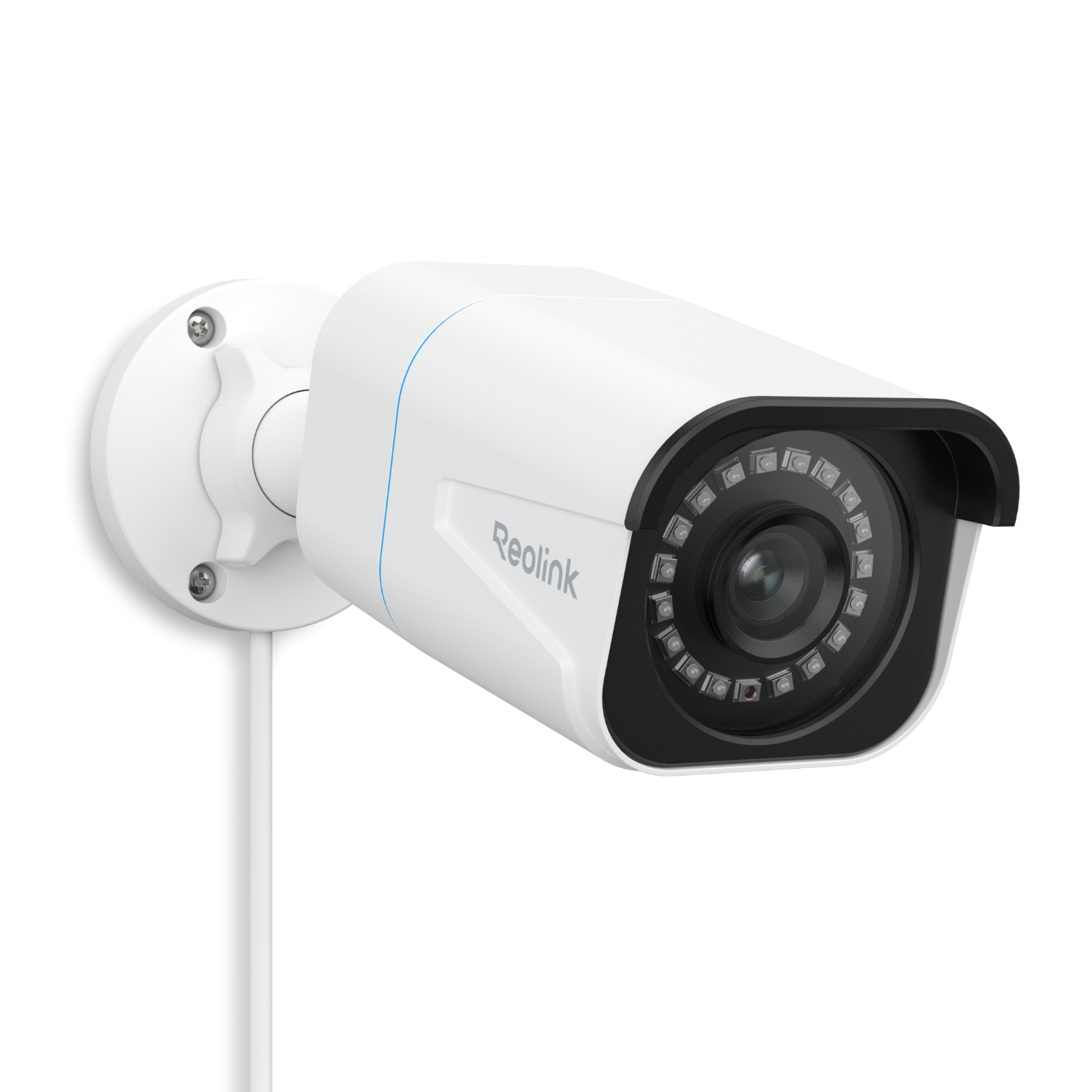
Smart 4K PoE Security Camera in White with 100ft Night Vision

1 Camera (4.0mm, White)

Feature Highlights

Ultra High Definition

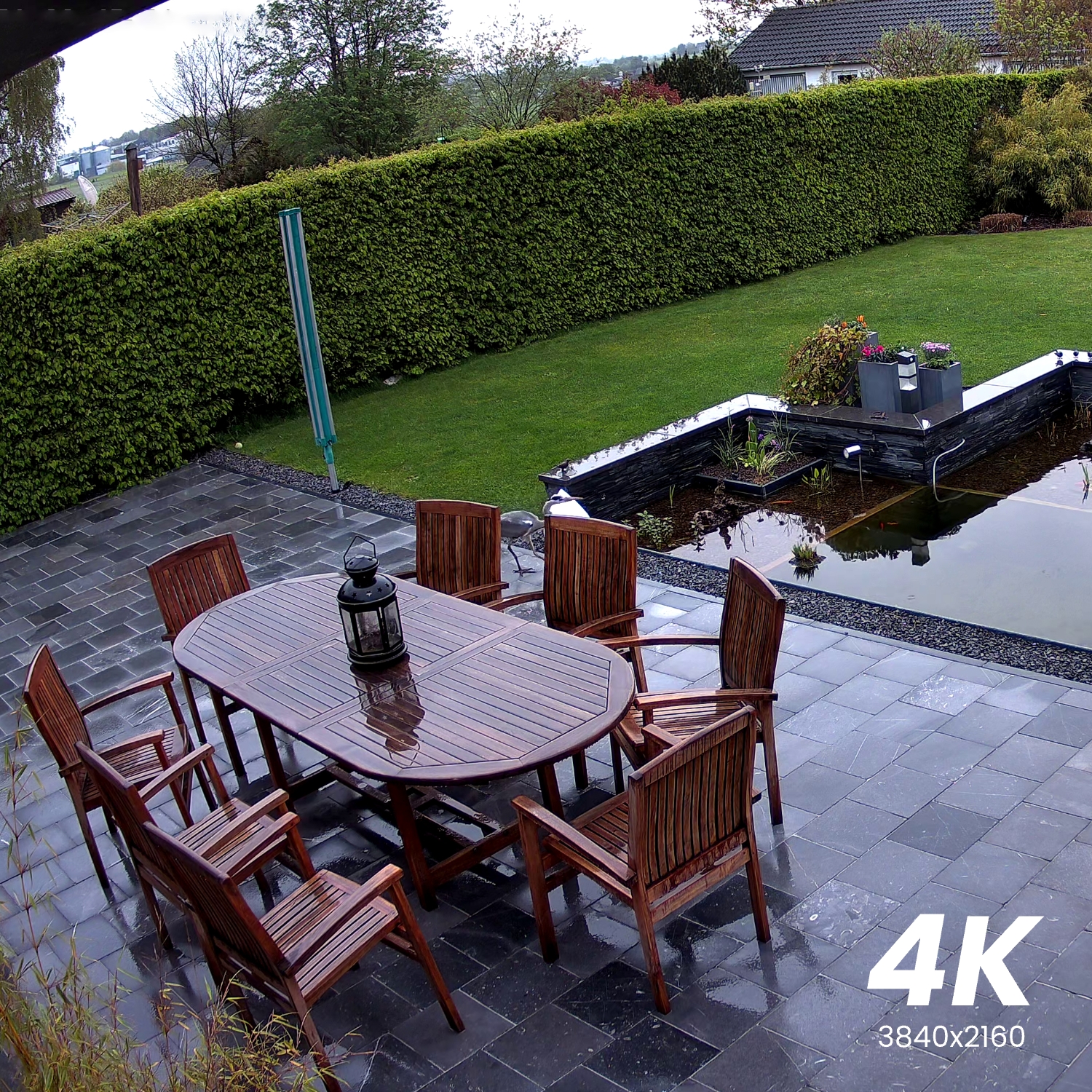
4K 8MP Ultra HD at 25 FPS.
Smart Detection

Person/vehicle/animal detection.

Black & White Night Vision

Up to 100ft infrared night vision.

Time Lapse

Records changes in seconds.

512GB Local Storage

Supports microSD card.

Flexible Integration

Works with RTSP/ONVIF.

Specs

RLC-810A(6.0mm)
RLC-810A(2.8mm)
RLC-810A(4.0mm)
Image Sensor
1/2.7" CMOS Sensor
Video Resolution
3840x2160 (8.0 Megapixels) at 25 frames/sec
Lens
f=6.0mm fixed; F=2.0, with IR-cut filter
Videoformat
H.265
Field of View
Horizontal: 53°
Vertical: 33°
Day & Night
Auto-switching with IR-cut filter
Infrared Night Vision
30 meters (100ft) (LED: 18pcs/14mil/850nm)
Audio
Audio recording
PoE
IEEE 802.3af, 48V Active
DC Power
DC 12.0V⎓1A, <12W
Power
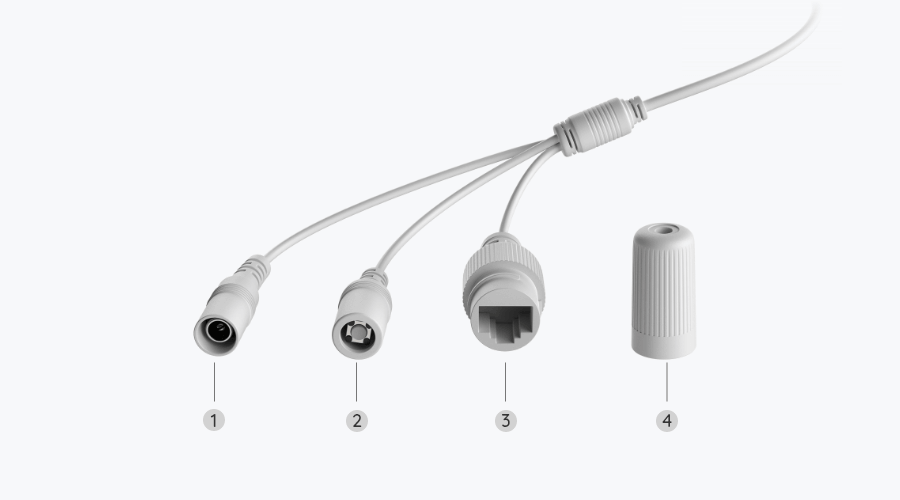
DC power port
System
Reset button
Ethernet
One 10M/100Mbps; RJ45
Storage
microSD card slot (support up to 512GB)
Audio
Built-in microphone
Frame Rate
Mainstream: 2fps - 25fps (default: 25fps)
Substream: 4fps - 15fps (default: 10fps)
Code Rate
Mainstream: 4096Kbps - 8192Kbps (default: 6144Kbps)
Substream: 64Kbps - 512Kbps (default: 256Kbps)
Browser Supported
Edge, Chrome, Firefox, Safari
OS Supported
PC: Windows, Mac OS; Smartphone: iOS, Android
Smart Alarm
Motion detection; Person/vehicle/animal detection
Record Modes
Motion-triggered recording (default); Scheduled recording; 24/7 recording
Protocol & Standard
HTTPS, SSL, TCP/IP, UDP, HTTP, IPv4, UPnP, RTSP, RTMP, SMTP, NTP, DHCP, DNS, DDNS, FTP, P2P
Maximal User Access
20 users (1 admin account & 19 user accounts); support up to 12 simultaneous video streams (10 substreams & 2 mainstreams)
Smart Home
Google Assistant
Operating Temperature
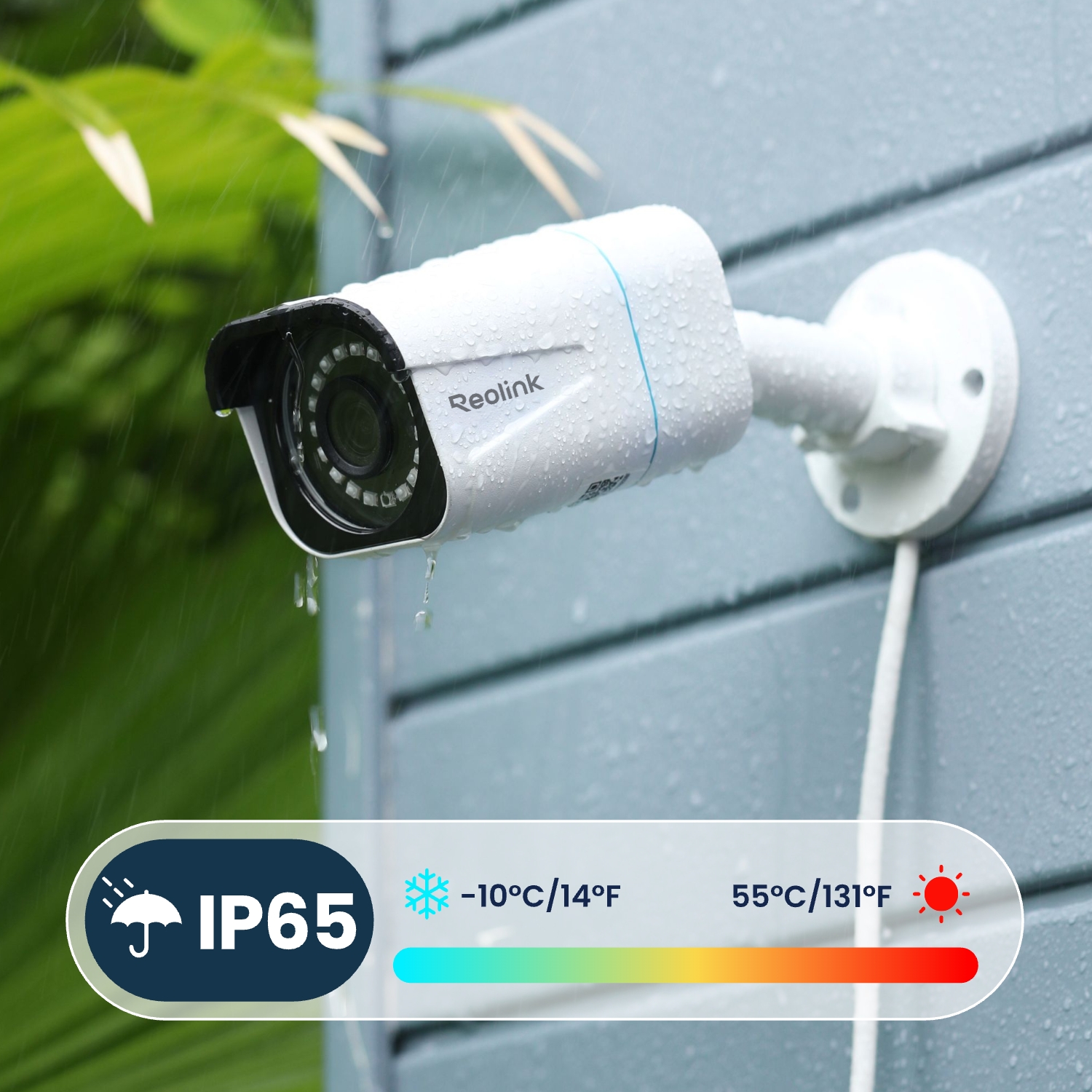
-10°C - +55°C (14°F - 131°F)
Humidity
10% - 90%
Weatherproof
IP67
Dimensions
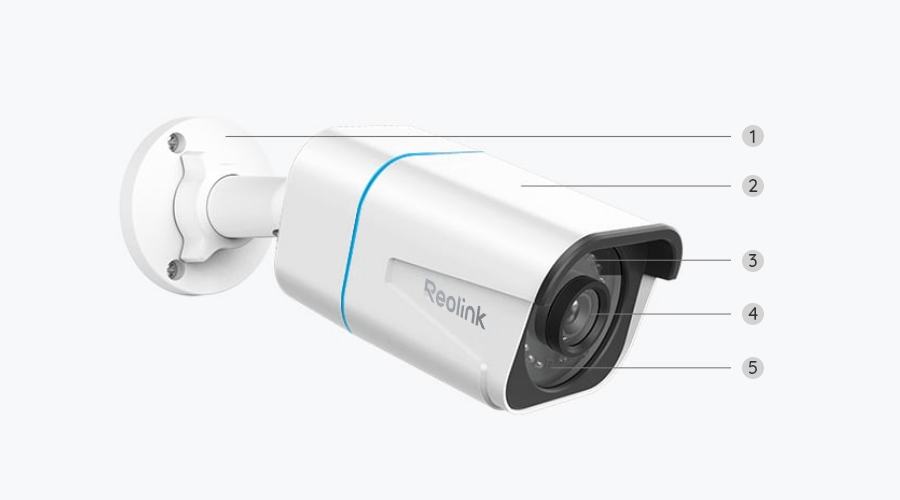
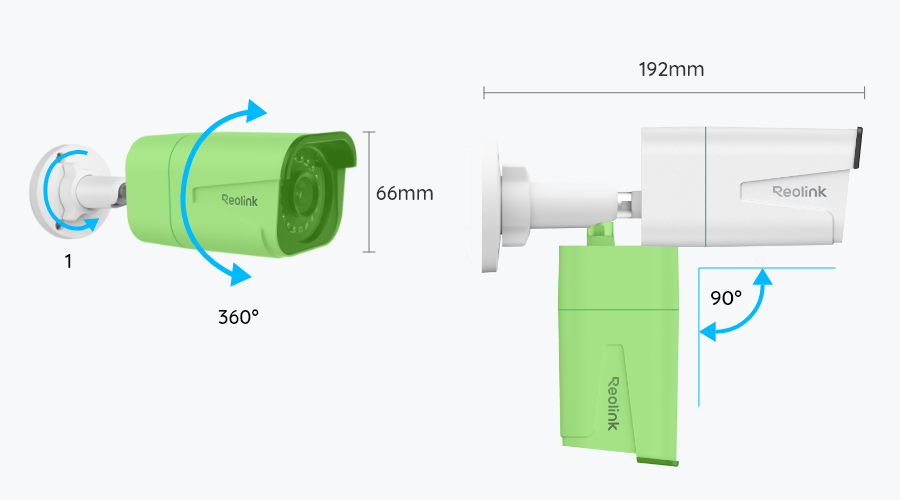
60 x 66 x 192mm
Weight
485.5g
Limited Warranty
2-year limited warranty. For support, visit https://support.reolink.com/hc/en-us/

What’s in the Box & Setup Guide (with Video)

  • RLC-810A ×1
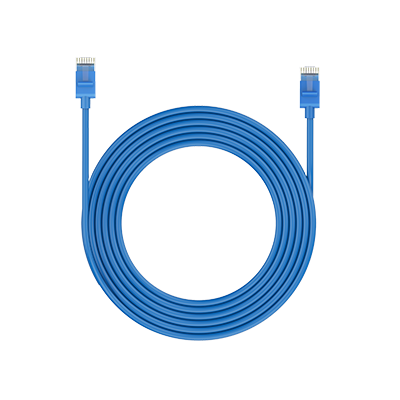
  • 1m Network Cable ×1

FAQs

How-to Videos

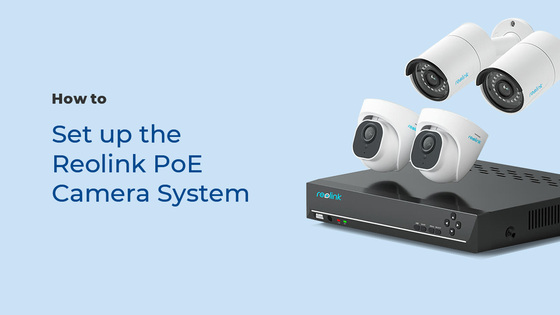
How to Set up the Reolink PoE Camera System (3 Mins)
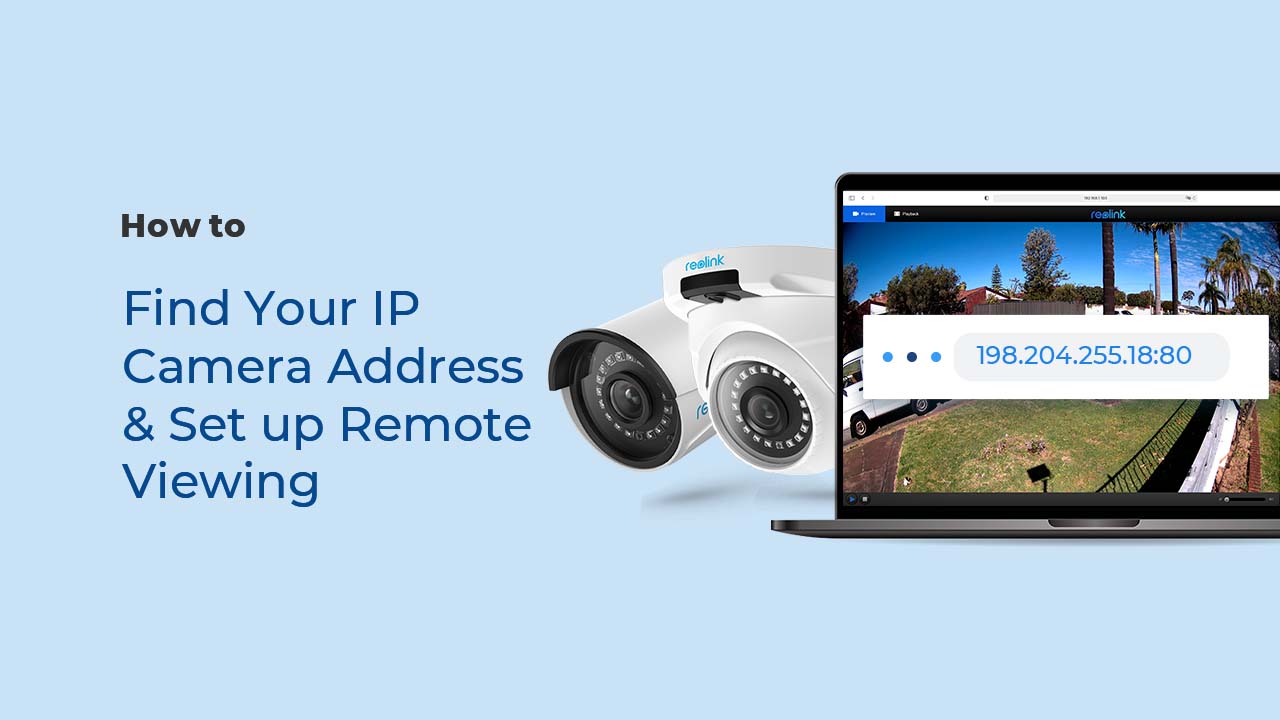
How to Find Your IP Camera Address & Set up Remote Viewing
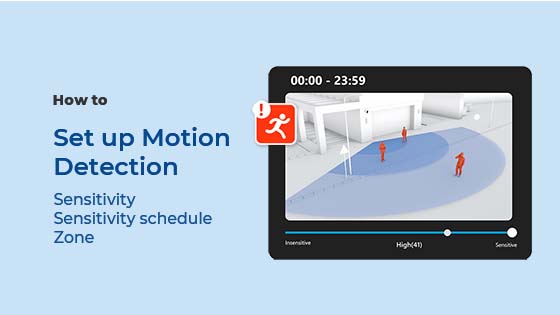
How to Set up Motion Detection via the Reolink App, Client, or NVR

Payment & Shipping
What are your payment options? And what currencies do you support?

You can use PayPal (available in 202 countries and 25 currencies) to purchase Reolink security products, or use credit or debit cards (Visa, MasterCard, American Express, Discover) directly without logging into your PayPal account. See details of Payment Policy. 

How much are the customs duties?

Customs duties depend on where your items are shipped from and shipped to. See details in Shipping Fees part of Shipping & Delivery Policy.

Where can you ship? How long will it take to receive my items?

We sell security cameras to the United States, Germany, the United Kingdom and other dozens of countries.
And we handle orders within 24 hours and pass the packages to our forwarders within 48 working hours. The delivery time varies due to where your items are shipped from and shipped to. See details of Shipping & Delivery Policy.

Functions
Can this camera support time-lapse function?
Yes, the camera can support time-lapse. It can save time-lapse photos and videos to the SD card.
How to Set Up Time Lapse?
Does my camera support person/vehicle/animal detection?

Yes, this camera supports person/vehicle/animal detection. 

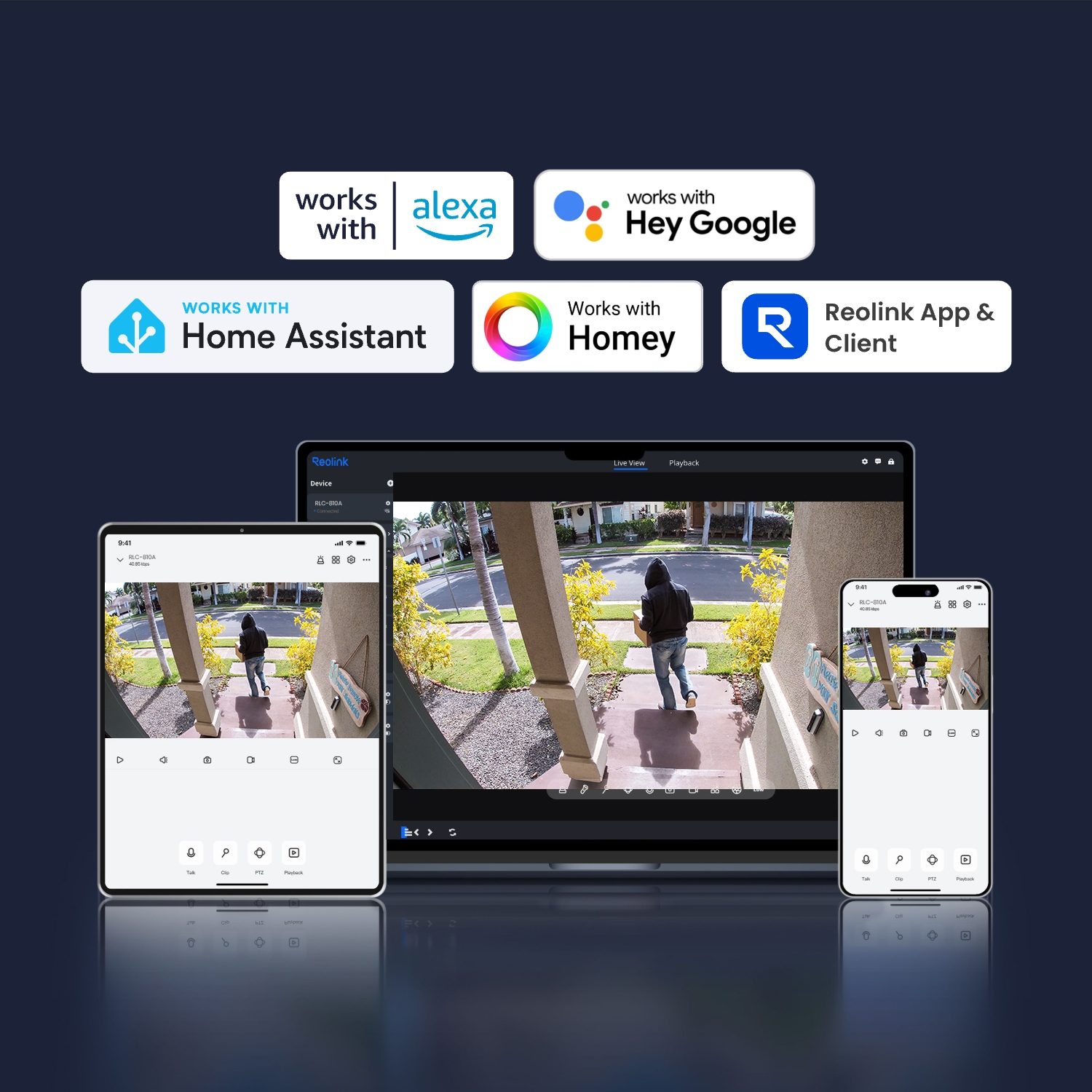
Can this camera support smart home like Google Assistant?
Yes, currently, this camera can work with Google Assistant.
Tips: How to add this camera to Google Assistant?
How do I use live view and playback?
You can add and set up the camera on Reolink APP/Client. Then click the camera to check the live view and playback of it from anywhere, at any time.
Reolink APP/Client is free of charge and the service is free of subscription.
Can this camera be used outdoors/indoors?
This camera can be used both indoors and outdoors.
It is IP66 certified weatherproof and its operating temperature is from -10°C to 55°C (14°F to 131°F), perfect for outdoor and indoor usage.
How can I power up the camera?
There are two methods:
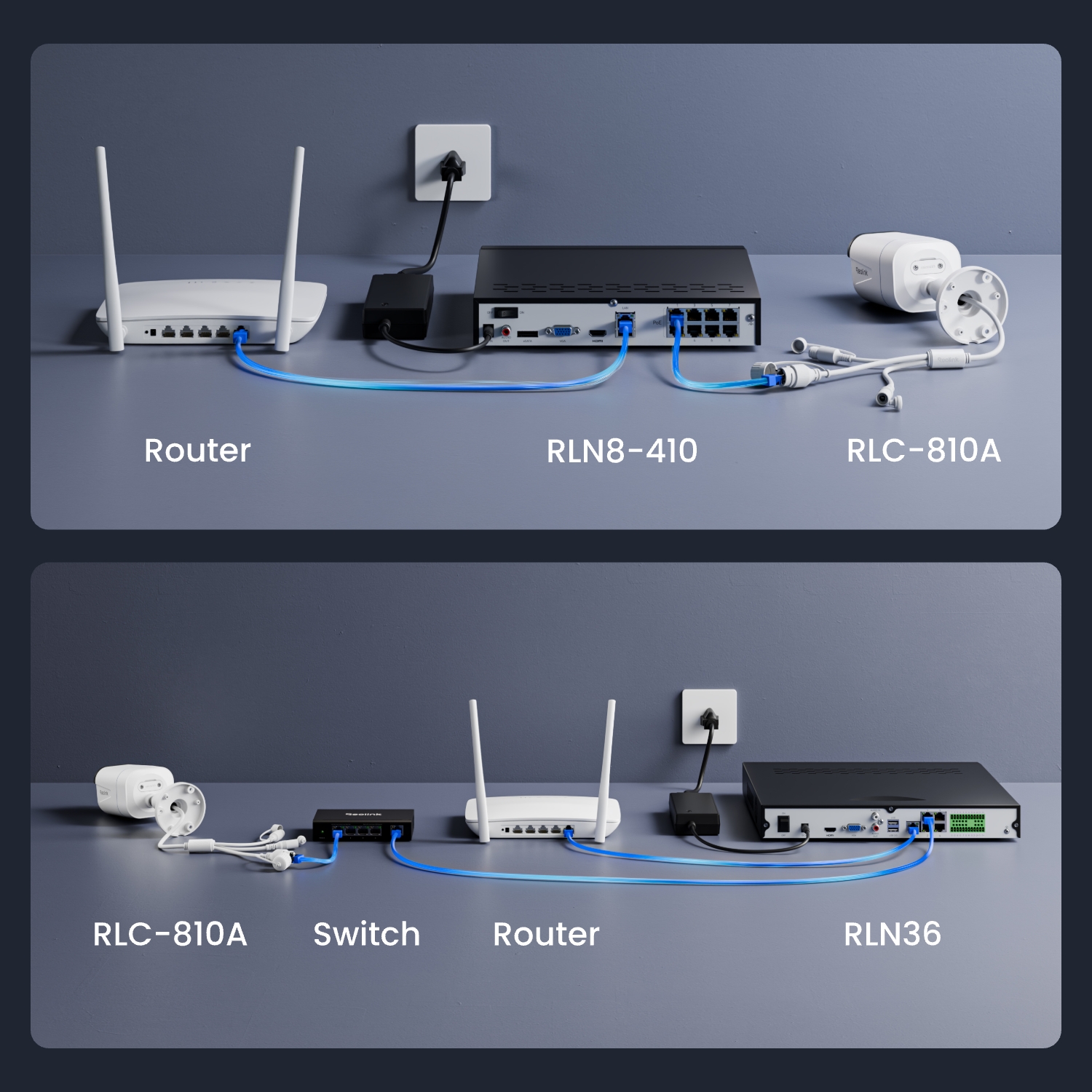
1. Via an Ethernet cable, connect the camera to a PoE NVR, PoE injector, PoE switch, or directly to a router with a PoE port, for both power supply and video signal transmission.
Note: Please make sure that the PoE injector/switch is 802.3 af compliant (48V) and supports active mode.
2.Via a DC 12V 1A power adapter (purchased separately), connect the camera to power outlet for power supply only.
Where are the recordings stored? Is NVR a must?
The camera can work without an NVR.
1. When it works without an NVR, the recordings can be saved to the micro SD card (purchased separately);
2. When it works with an NVR, the recordings can be saved to the NVR.
Note: For best compatibility, do not use the camera with third-party NVRs.
What Ethernet Cable Do I Need?
The camera supports T-568B connectors and 8-PIN Ethernet cables of CAT5 or higher.
What kind of micro SD card can I use?
This camera supports up to 256GB micro SD cards with FAT32 format and Class 10 read & write speed.
Can I use this camera with Synology?
Yes, this PoE IP camera can work with Synology. There are 2 methods for you to save videos in it.
Method 1 (recommended): You can add this camera to the Synology Surveillance Station. Check this article to learn how to add a camera.
Method 2: You can treat your Synology device as an FTP server. For detailed steps, check How to Set up FTP for Reolink Products.
Why can't I connect it to 3rd party softwares?
The RTSP and other ports may be disabled by default. You can launch Reolink Client, then go to Device Settings >> Network >> Advanced >> Port Settings to make sure all ports are enabled before using 3rd party softwares.
Is a subscription fee required for Reolink PoE cameras?
No, Reolink PoE cameras work well on their own without subscription fees. You can make full use of the person/vehicle/pet detection, local storage, and other functions for free!
Does the camera work with my Reolink PoE NVR?
If you want to buy a new one: the currently on-sale NVRs work with all PoE and plug-in WiFi cameras.
If you already have one:
Please first refer to this article for its hardware version.
For the NVR with the hardware N7MB01, N6MB01, or N5MB01, it works with all PoE and plug-in WiFi cameras.
For the NVR with the hardware N2MB02, N3MB01, or H3MB18, it works with all PoE and plug-in WiFi cameras. But you can not have a full-resolution live view of the following cameras: RLC-1212A, RLC-1224A, Reolink Duo 2 PoE, Reolink Duo 2 WiFi, Reolink Duo Floodlight WiFi, Reolink Duo Floodlight PoE.
For the NVR with the rest hardwares such as H3MB17, H3MB02, and H3MB16, please refer to Introduction to Hardware Versions of Reolink NVRs for more detailed information.
  • 30-Day Money Back Guarantee
    30-Day Money Back Guarantee
  • Free Shipping on All Orders
    Free Shipping on All Orders
  • 2-Year Limited Warranty.
    2-Year Limited Warranty.
  • 24/6 Online Support 1-on-1
    24/6 Online Support 1-on-1