Din varukorg är tom.
16 MP Ultra HD
7680 x 2160 branschledande bildkvalitet med två 4K-objektiv.
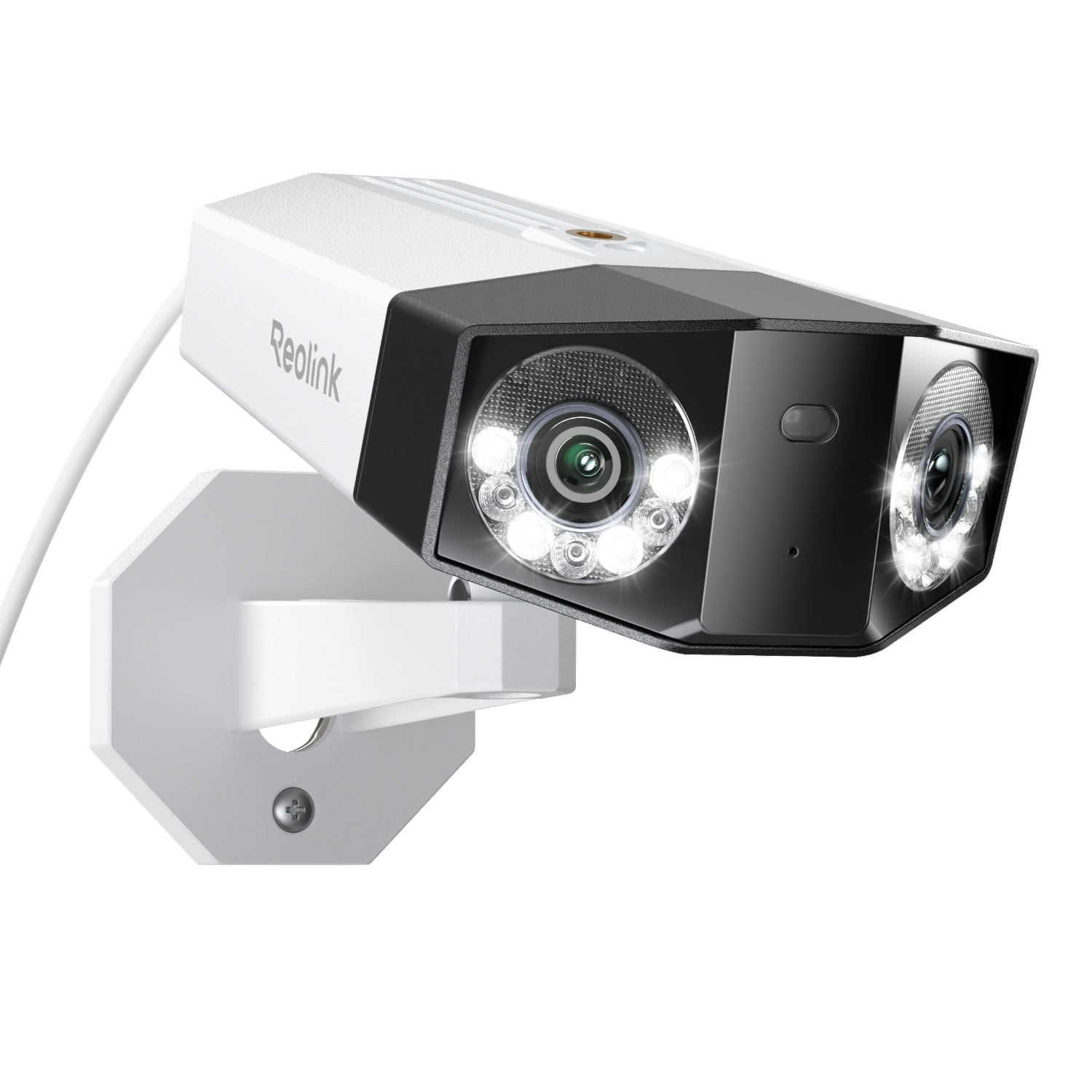
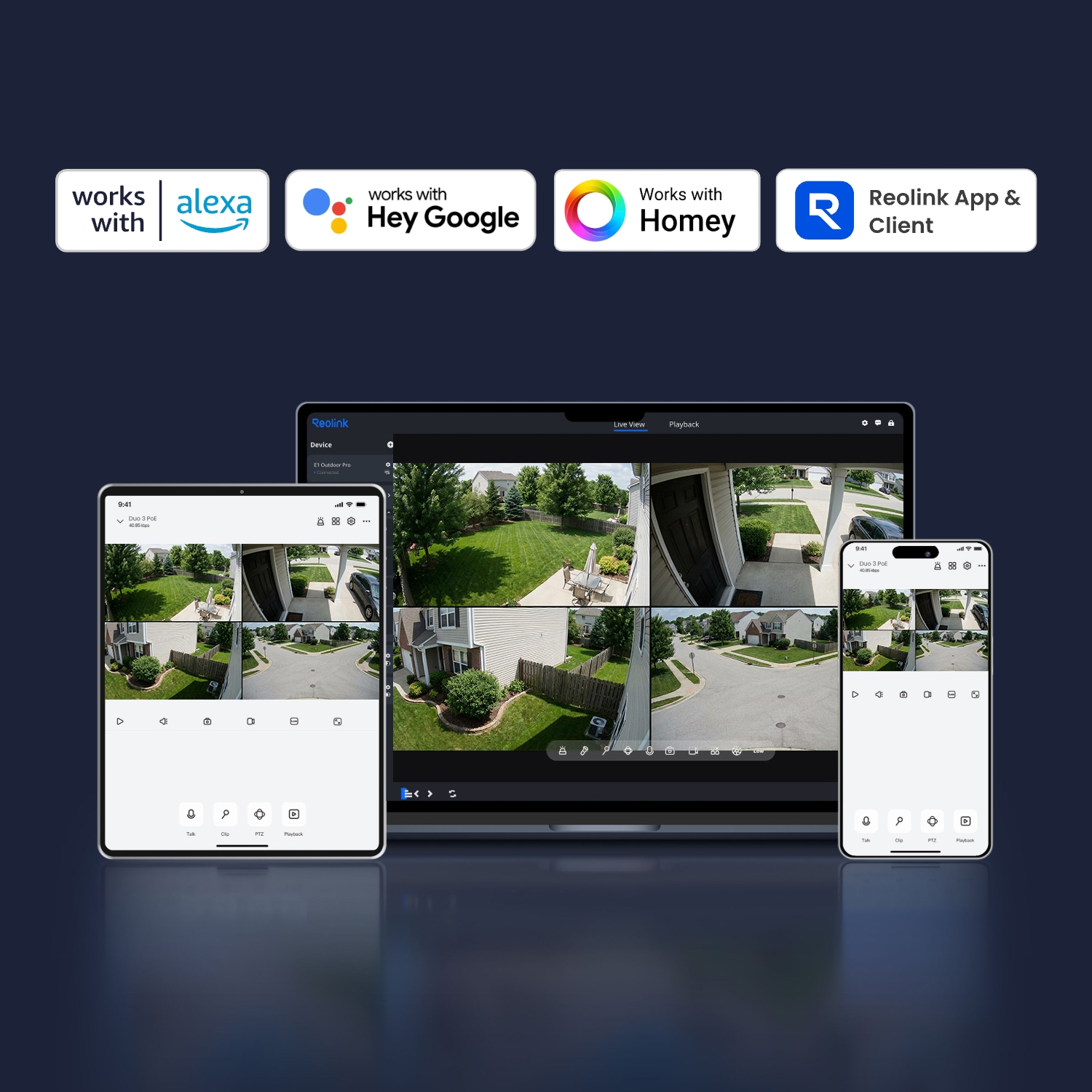
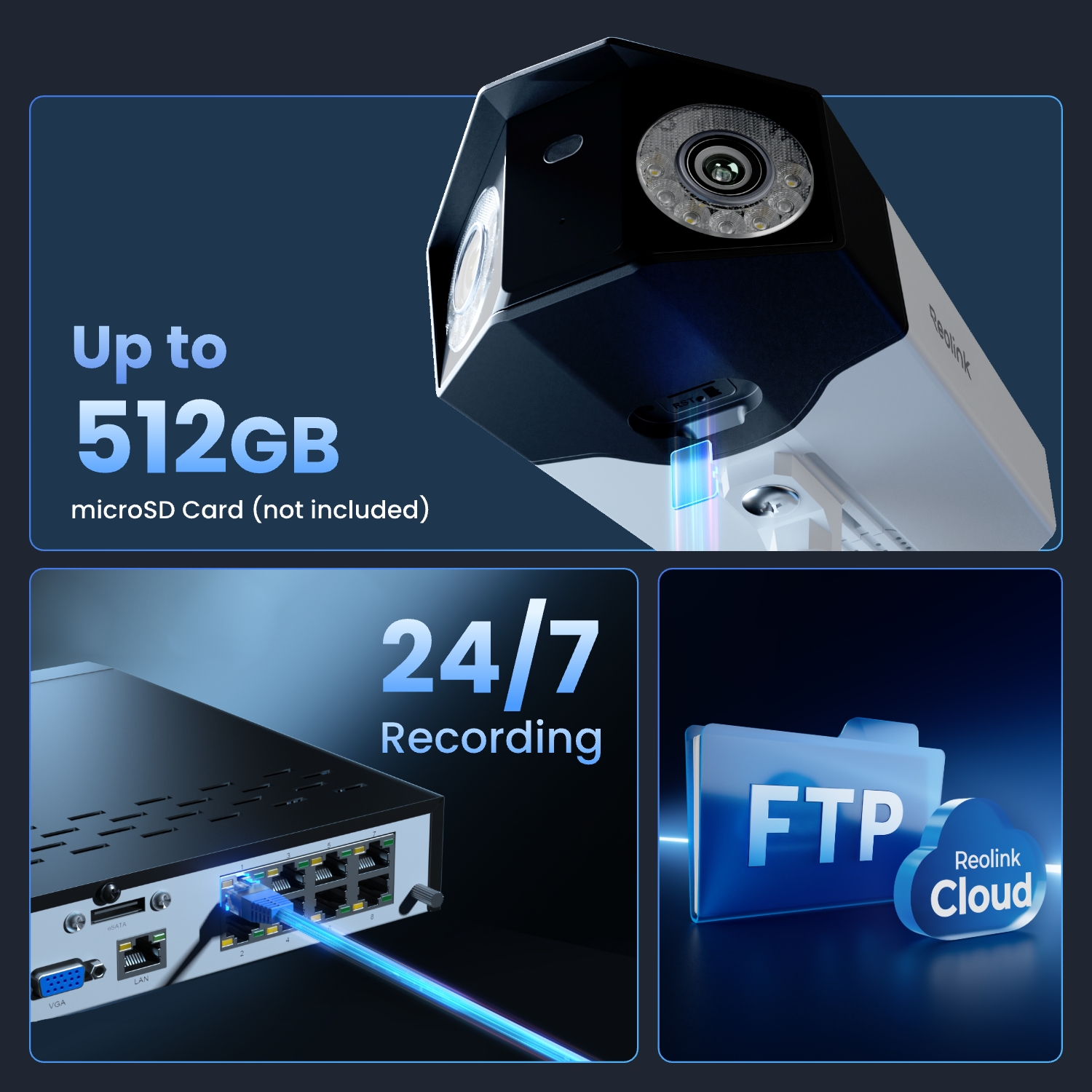
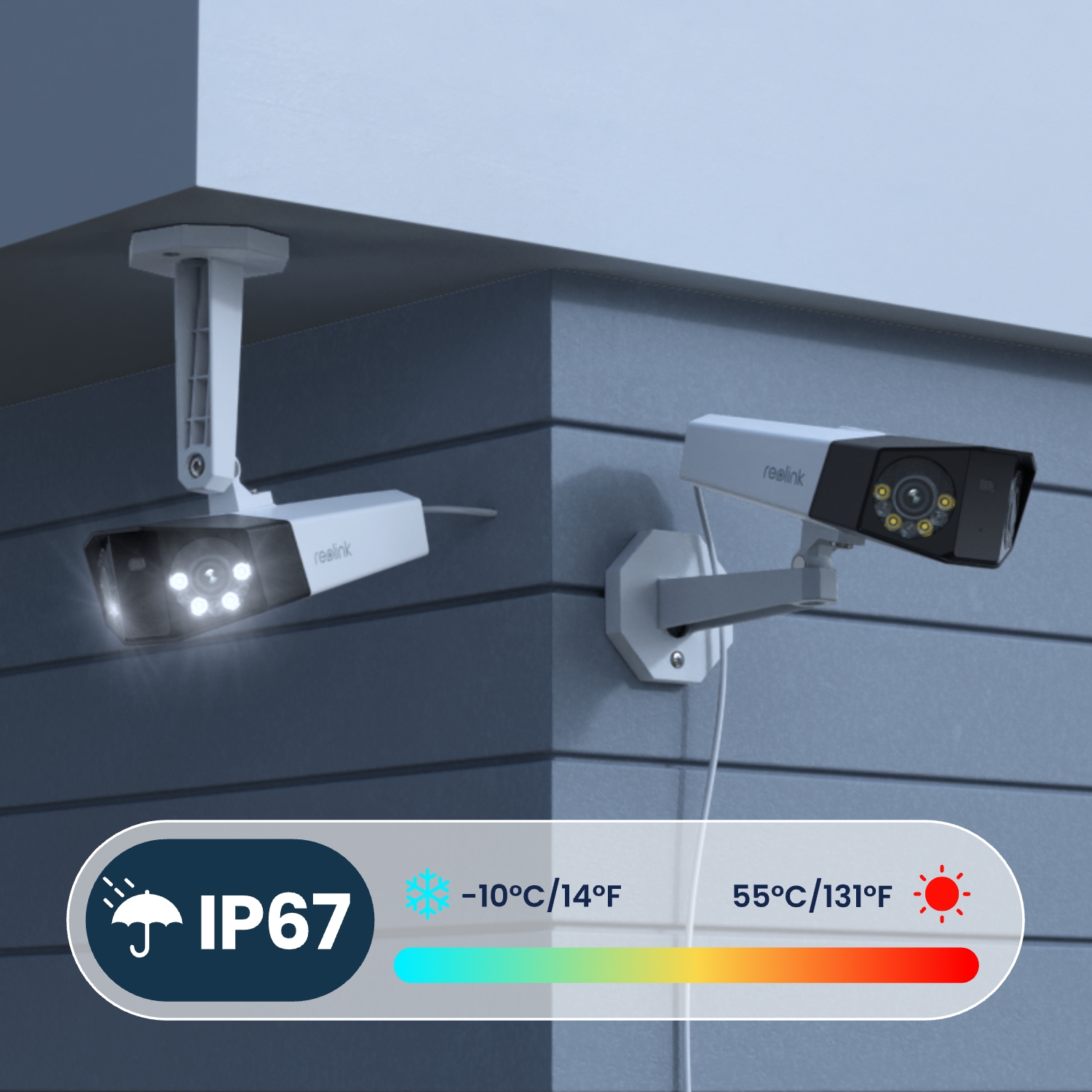
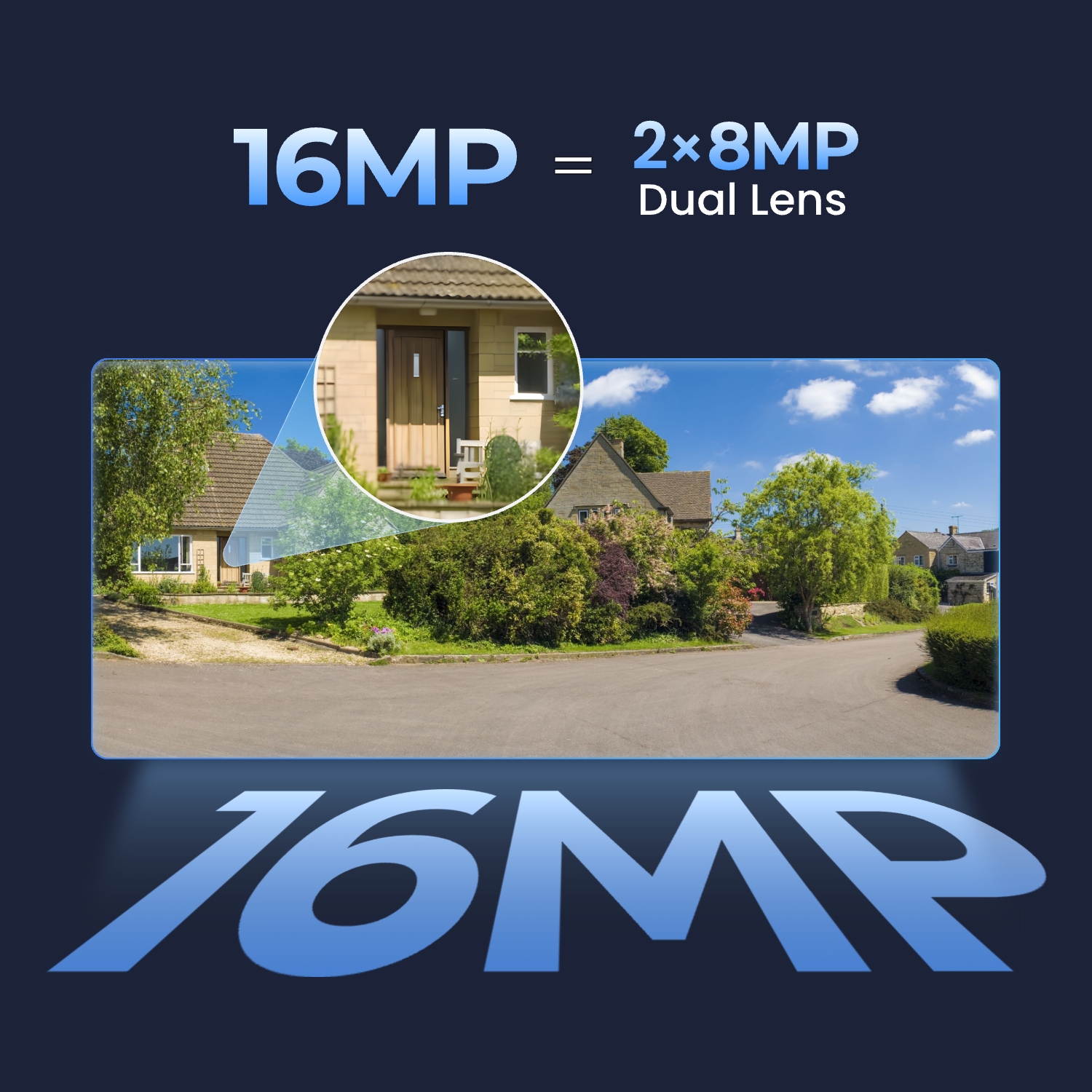
Den första 16 MP UHD PoE-övervakningskameran med dubbelobjektiv och 180° panoramavy
1 kamera
7680 x 2160 branschledande bildkvalitet med två 4K-objektiv.
Ultravidvinkelbilder med bildsammansättning, inga döda vinklar, ingen förvrängning.
Komprimera långa videor till snabba och granskningsbara klipp.
Med strålkastare: 8 st/5 W/6500 K/560 lumen.
Färre falska larm med person-, fordons- och djurdetektering.
Se 15 sekunder rörelse i en bild och får e-postmeddelanden.
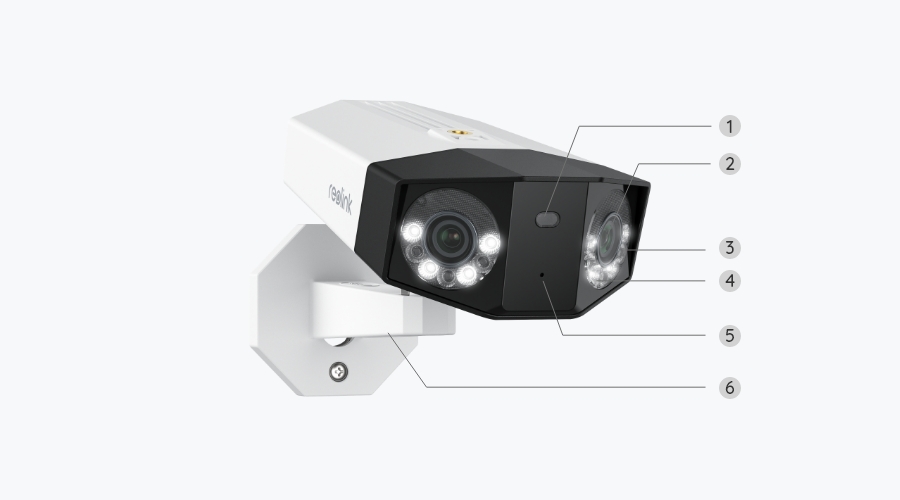
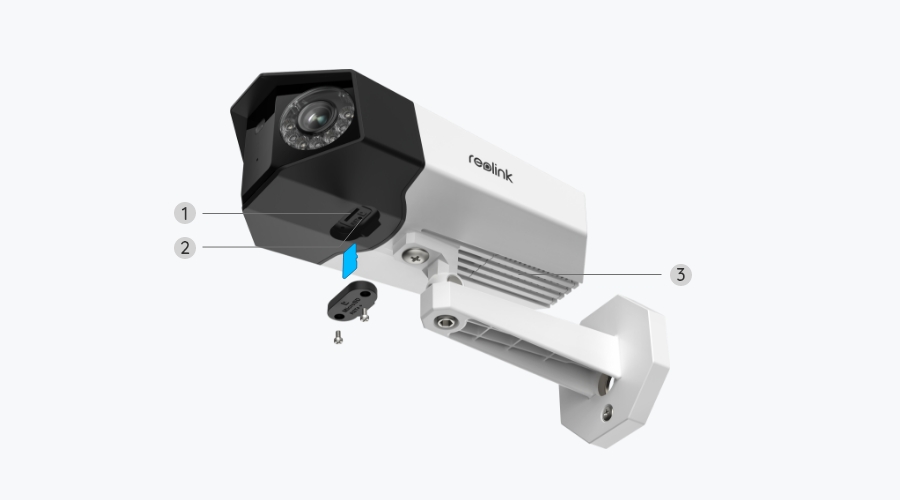
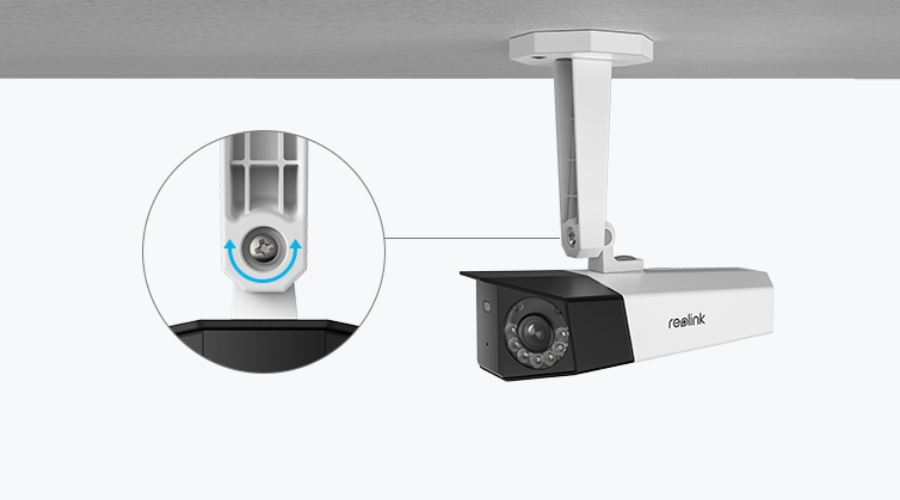
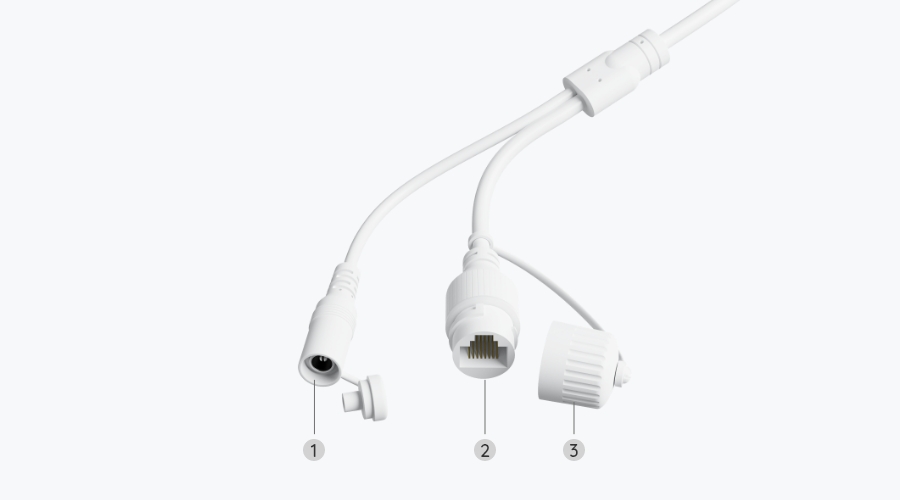
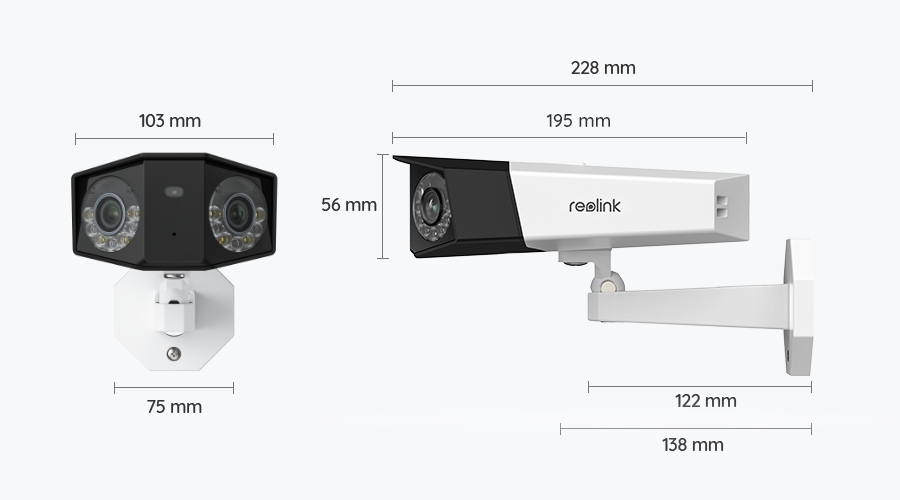
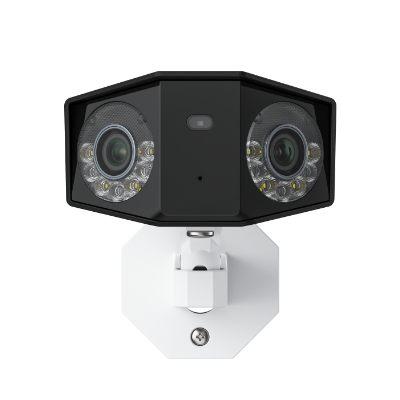 Reolink Duo 3 PoE ×1
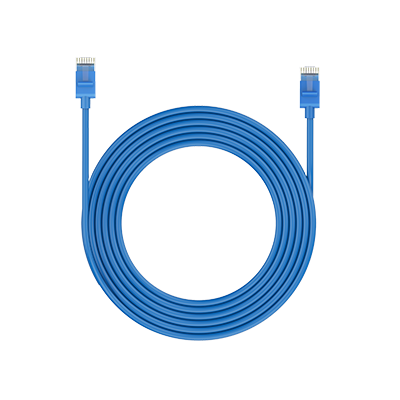 1 m nätverkskabel ×1
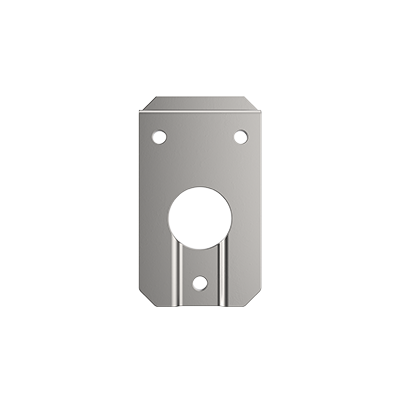 Mounting Plate ×1
Vanliga frågor
You can use PayPal (available in 202 countries and 25 currencies) to purchase Reolink security products, or use credit or debit cards (Visa, MasterCard, American Express, Discover) directly without logging into your PayPal account. See details of Payment Policy.
Customs duties depend on where your items are shipped from and shipped to. See details in the Shipping Fees part of Shipping & Delivery Policy.
We sell security cameras to the United States, Germany, the United Kingdom and other dozens of countries.
And we handle orders within 24 hours and pass the packages to our forwarders within 48 working hours. The delivery time varies due to where your items are shipped from and shipped to. See details of Shipping & Delivery Policy.
Yes, the camera works with Reolink IoT devices, including Reolink Floodlight PoE/WiFi. The specific functions supported depend on the camera.
When Reolink Floodlight is linked to a camera, the floodlight and the built-in siren will be triggered once the camera detects an event. Click here to see how to link the camera to Reolink Floodlight.
Yes, the camera can support time-lapse. It can save time-lapse photos and videos to the SD card.
How to Set Up Time Lapse?
Yes, currently, this camera can work with Google Assistant.
Tips: How to add this camera to Google Assistant?
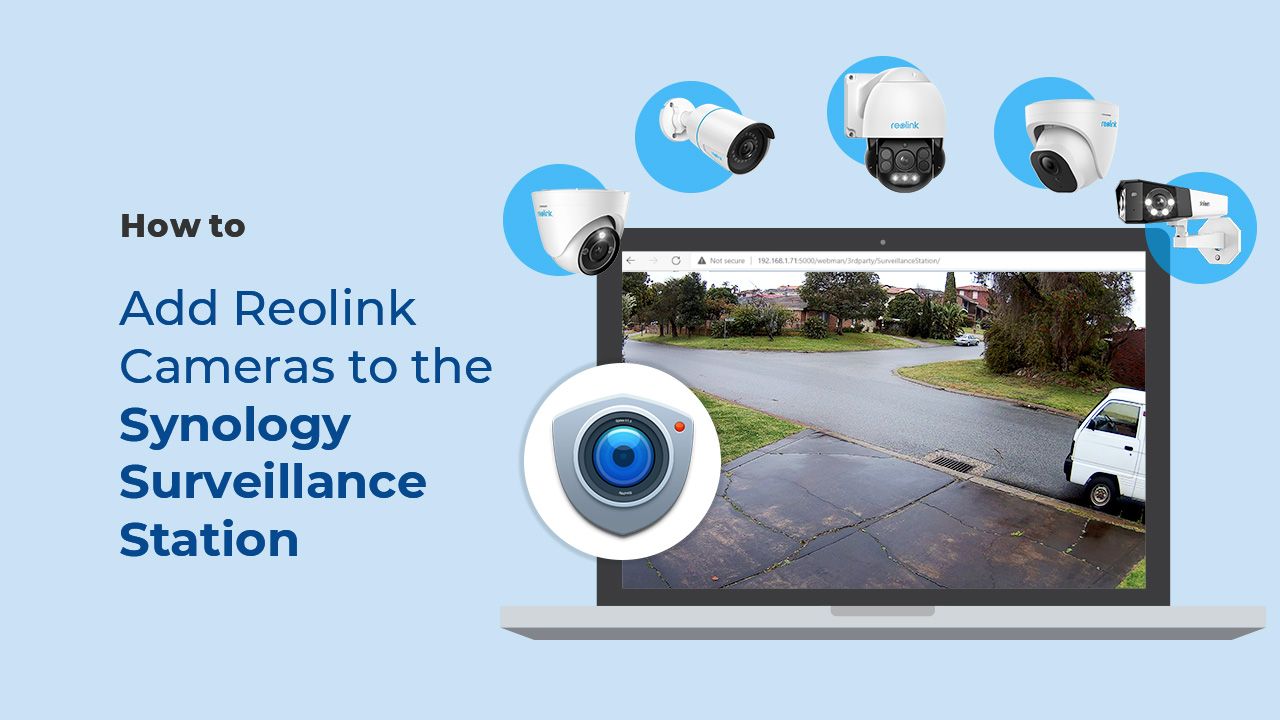
Yes, this PoE IP camera can work with Synology. There are 2 methods for you to save videos in it.
Method 1 (recommended): You can add this camera to the Synology Surveillance Station. Check this article to learn how to add a camera.
Method 2: You can treat your Synology device as an FTP server. For detailed steps, check How to Set up FTP for Reolink Products.
If you want to buy a new one: the currently on-sale NVRs work with all PoE and plug-in WiFi cameras including the Reolink Duo 3 PoE camera with the latest firmware version.
If you already have one:
Please first refer to this article for its hardware version.
For the NVR with the hardware N7MB01, N6MB01, or N5MB01, it works with all PoE and plug-in WiFi cameras including the Reolink Duo 3 PoE camera with the latest firmware version.
For the NVR with the hardware N2MB02, N3MB01, or H3MB18, it works with all PoE and plug-in WiFi cameras. But you can not have a full-resolution live view of the following cameras: Reolink Duo 3 PoE, RLC-1212A, RLC-1224A, Reolink Duo 2 PoE, Reolink Duo 2 WiFi, Reolink Duo Floodlight WiFi, Reolink Duo Floodlight PoE.
For the NVR with the rest hardware such as H3MB17, H3MB02, and H3MB16, please refer to Introduction to Hardware Versions of Reolink NVRs for more detailed information. For all the compatible NVRs, we recommend you update their firmware version here before using them with the camera.
Motion Track captures the detected target's movement over a period of time and creates an image depicting its trajectory. You can receive the image via email in real time, eliminating the hassle of video downloads. Additionally, future firmware updates are expected to enable image creation based on selected movement duration in the Reolink App.



Missa aldrig Reolinks heta erbjudanden, nyheter och uppdateringar, skräddarsydda för dig.
Missa aldrig Reolinks heta erbjudanden, nyheter och uppdateringar, skräddarsydda för dig.

Google, Google Play, Google Assistant och relaterade varumärken och logotyper är varumärken som tillhör Google LLC. Amazon, Alexa och alla relaterade logotyper är varumärken som tillhör Amazon.com, Inc. eller dess dotterbolag. Mac och Safari är varumärken som tillhör Apple Inc. App Store är ett servicemärke som tillhör Apple Inc., registrerat i USA och andra länder. Firefox och Firefox-logotypen är varumärken som tillhör Mozilla Foundation i USA och andra länder. Andra produkt- och företagsnamn som nämns här kan vara varumärken som tillhör sina respektive företag.