RLK8-833D4-A
Overview
Specs
Accessories
Review
Comparison
FAQs
RLK8-833D4-A

4K Smart PoE Camera System with Color Night Vision & 3X Optical Zoom

4-Cam Bundle (White, 2TB HDD)

Show More

Feature Highlights

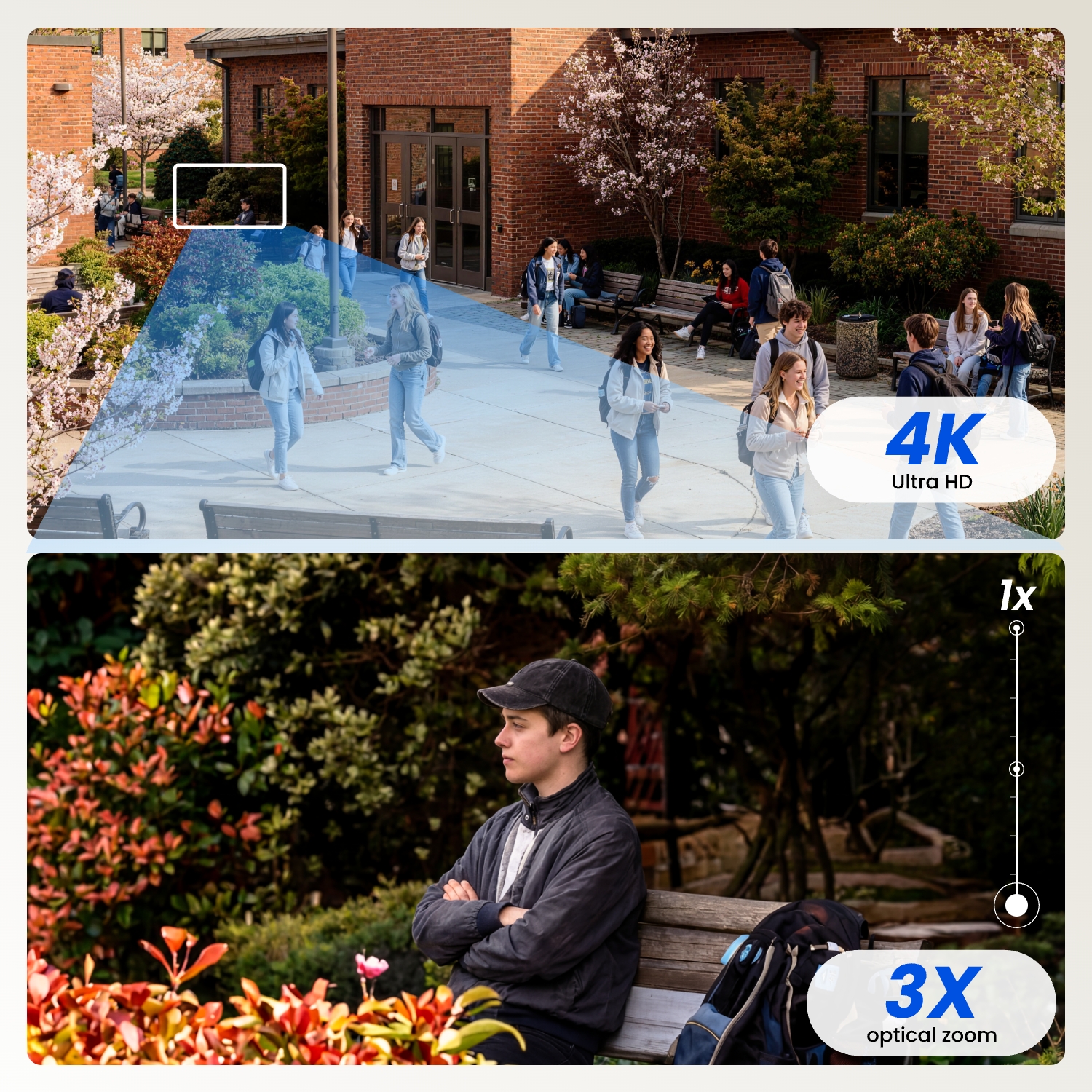
4K 8MP Ultra HD

Remote access to clear live view.
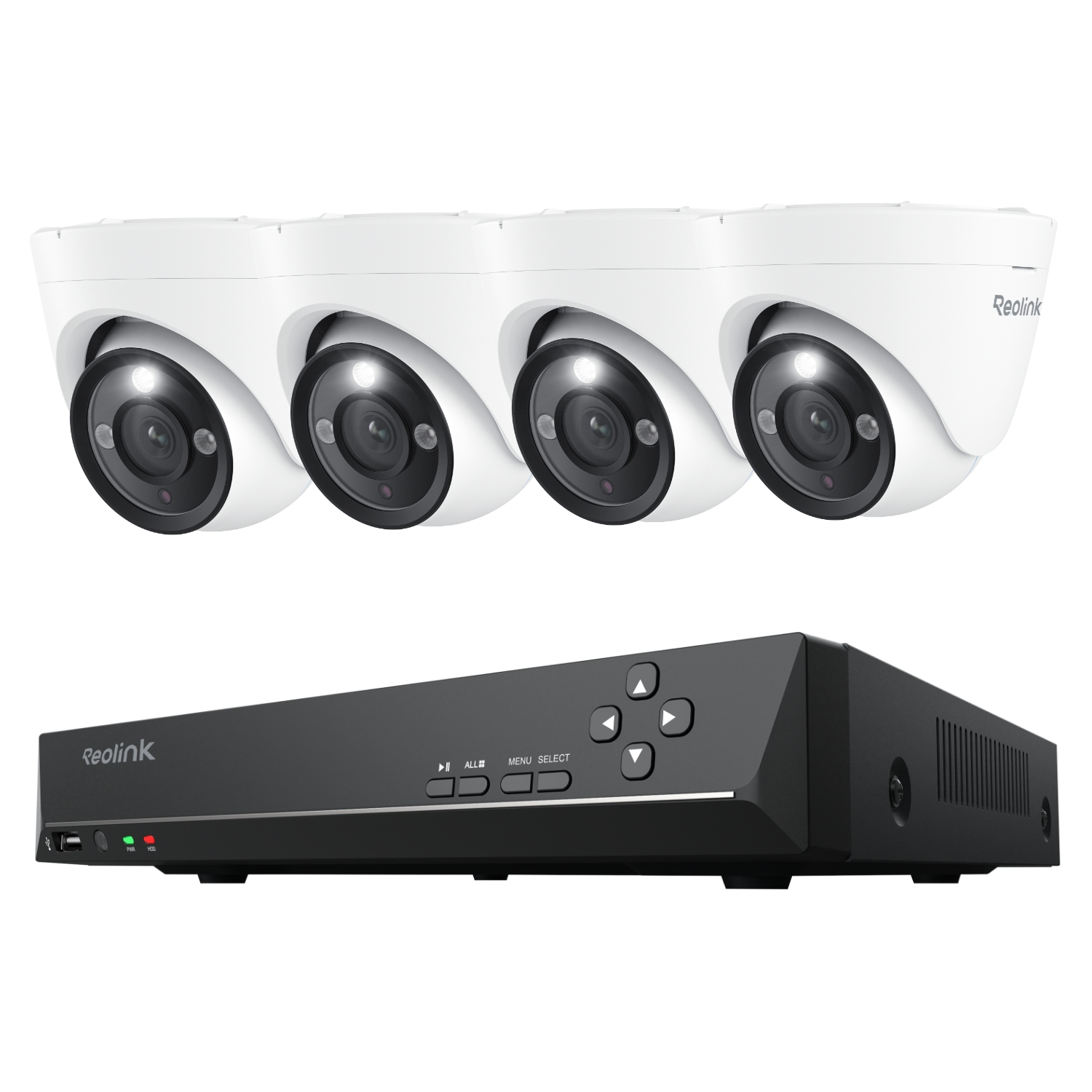
3X Optical Zoom

Zoom in without compromising image quality.

Large Local Storage

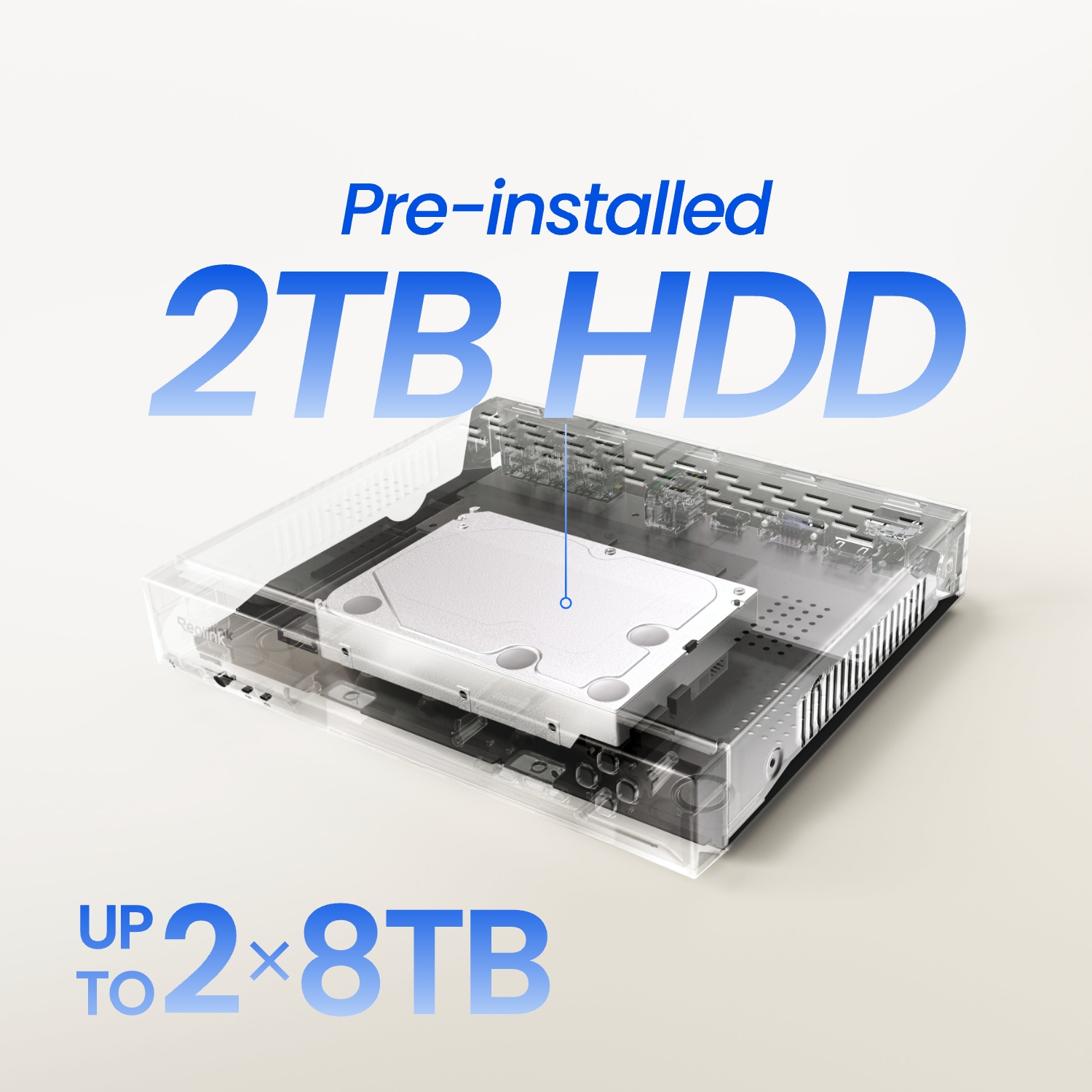
Built-in 4TB HDD, expandable up to 16TB HDD (2×8TB HDD)

Smart Detection

Person/vehicle/pet detection

Color Night Vision

4.7W/6500K/700 lumens for each camera.

25 FPS Frame Rate

Ensures smooth, flowing video feed.

Specs

RLC-833A
RLN8-410
Image Sensor
1/2.8" CMOS sensor
Video Resolution
Default: 3840*2160 (8 megapixels) @25FPS
Lens
f=2.8-8mm, F=1.6, with IR Cut
Video Compression
H.264/H.265
Field of View
Horizontal: 94°- 50° Vertical: 53°- 30°
Day & Night
IR-cut filter with auto-switching
Infrared Night Vision
30 meters (2pcs/28mil/850nm)
Color Night Vision
1pcs/4.7W/6500K/700lm
Audio
Two-way audio
PoE
IEEE 802.3af, 48V active
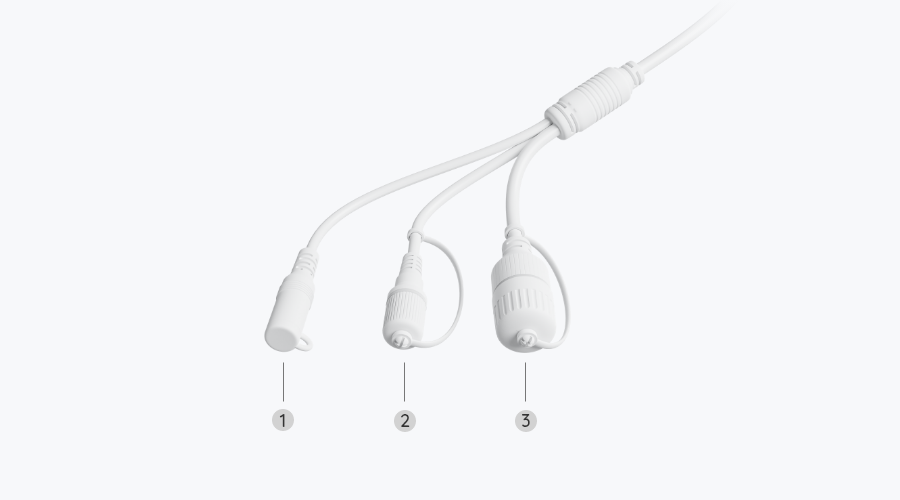
DC Power
DC 12.0V⎓1A, <12W
Power
DC power port
System
Reset button
Ethernet
One 10M/100Mbps RJ45
Storage
microSD card slot (max. 256GB)
Audio
Built-in microphone and speaker
Frame Rate
Mainstream: 2fps - 25fps (default: 25fps) Substream: 4fps - 15fps (default: 10fps)
Code Rate
Mainstream: 4096Kbps -8192Kbps (default: 6144Kbps) Substream: 64Kbps - 512Kbps (default: 256Kbps)
Browser Supported
Edge, Chrome, Firefox, Safari
OS Supported
PC: Windows, Mac OS; Smartphone: iOS, Android
Smart Alarm
Motion detection, person detection, vehicle detection, pet detection
Record Mode
Motion recording (default), scheduled recording, 24/7 recording
Protocols & Standards
HTTPS, SSL, TCP/IP, UDP, HTTP, IPv4, UPnP, RTSP, RTMP, ONVIF, SMTP, NTP, DHCP, DNS, DDNS, FTP, P2P
Maximum User Access
20 users (1 admin account and 19 user accounts); 12 simultaneous video streams (10 substreams and 2 mainstreams)
Work with
Google Assistant
Operating Temperature
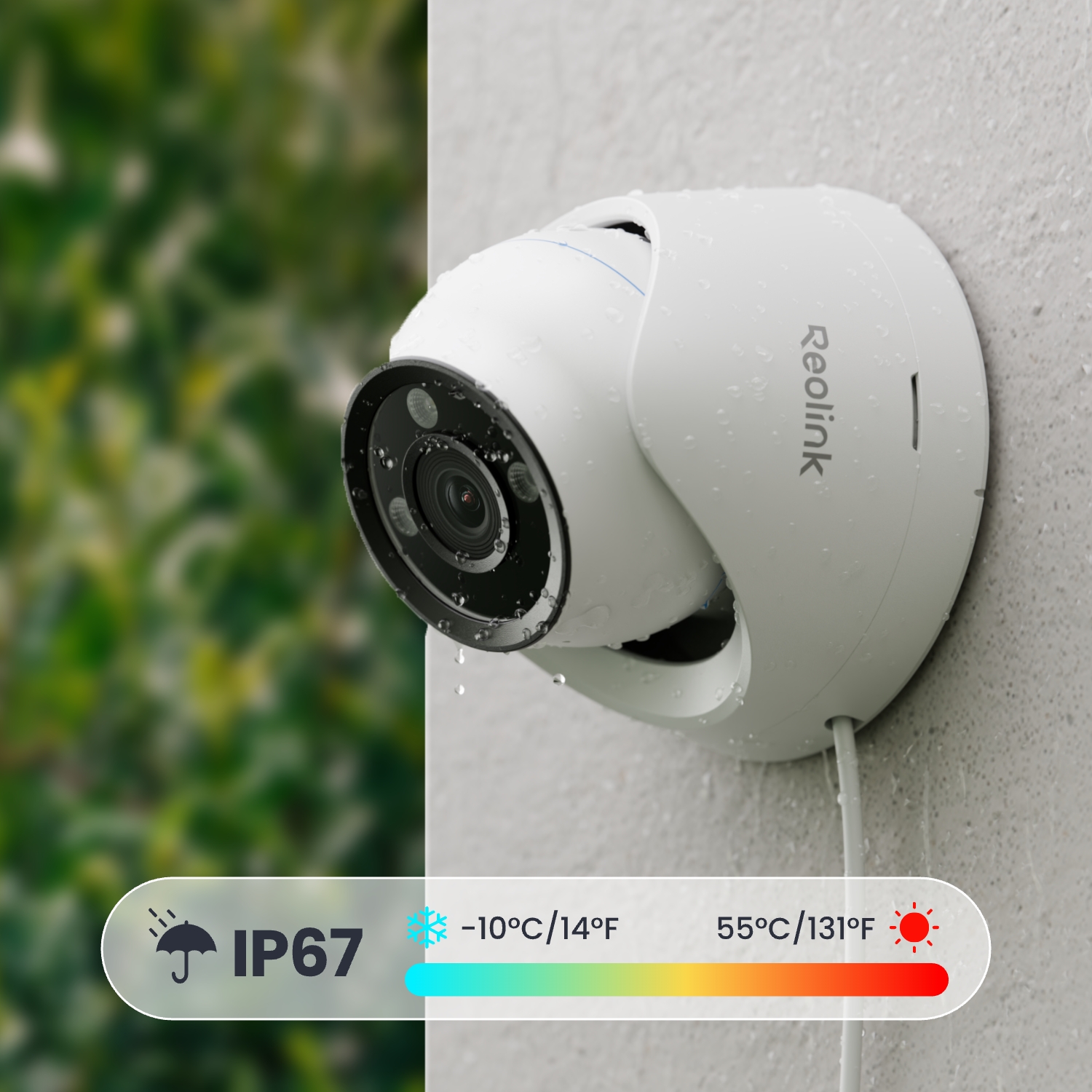
-10°C~+50°C (14°F~122°F)
Operating Humidity
10% ~ 90%
Weatherproof
IP67
Dimensions
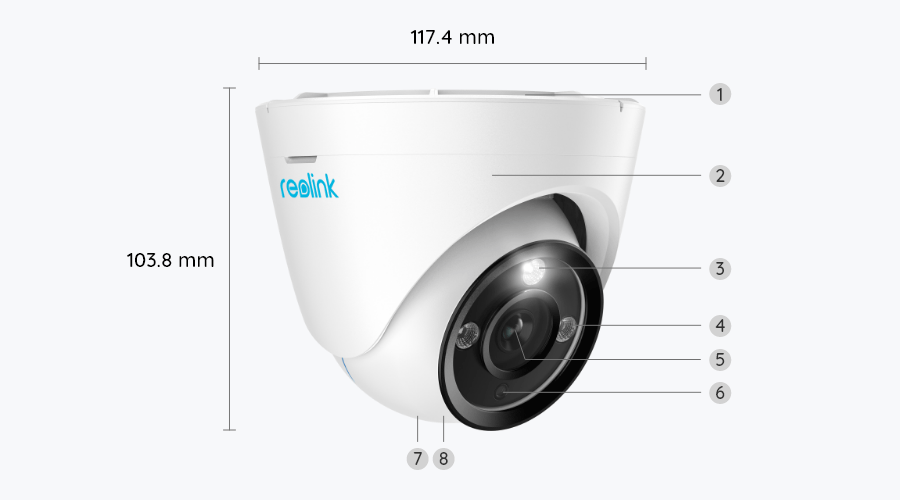
Φ117.4 x 103.8mm
Weight
510g
Limited Warranty
2-year limited warranty. For support, visit https://support.reolink.com/hc/en-us/

What’s in the Box & Setup Guide (with Video)

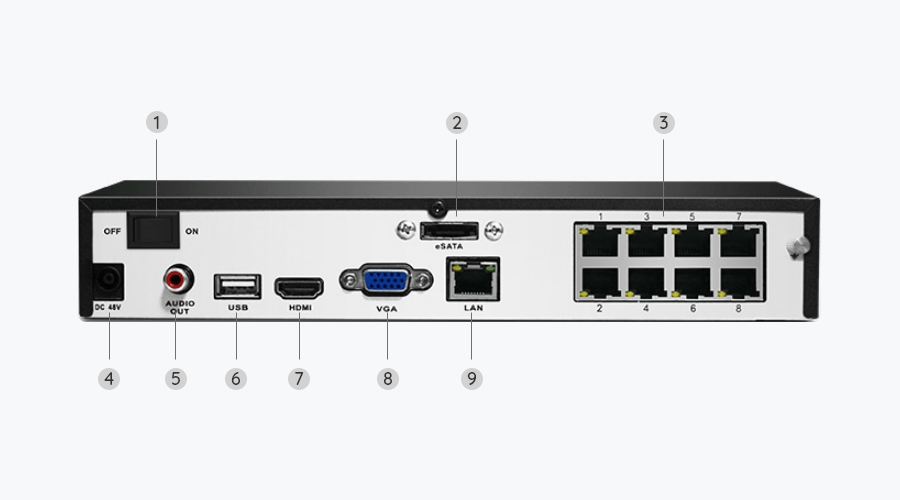
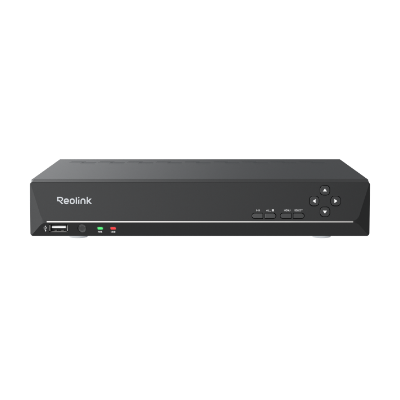
  • RLN8-410 ×1
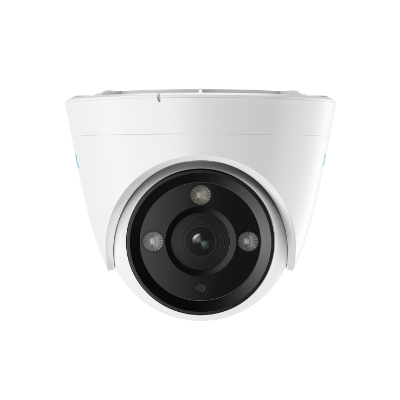
  • RLC-833A ×4
  • NVR Power Adapter ×1
  • HDMI Cable ×1
  • USB Mouse ×1
  • 1m Network Cable ×4
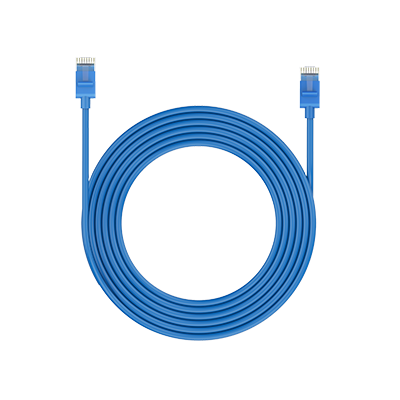
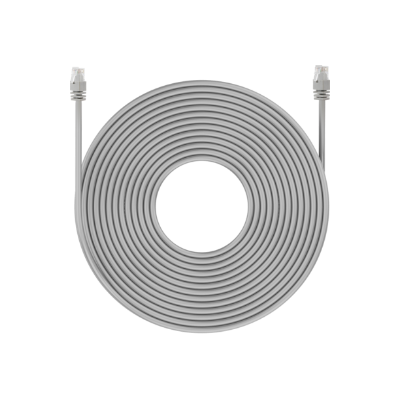
  • 18m Network Cable (except for the bundles without 18m cables) ×4

FAQs

How-to Videos

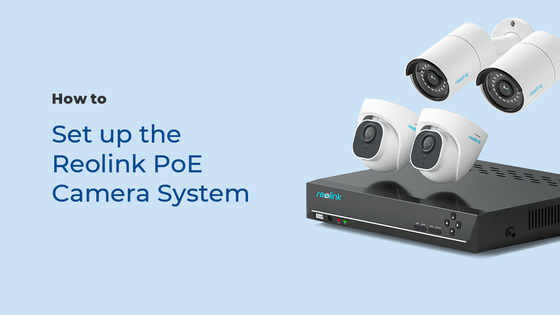
How to Set up the Reolink PoE Camera System (3 Mins)
How to Reset Your Reolink NVR in 5 Quick Ways
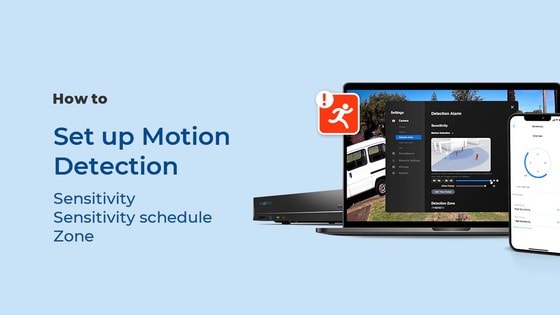
How to Set up Motion Detection via the Reolink App, Client, or NVR
Payment & Shipping
What are your payment options? And what currencies do you support?
You can use PayPal (available in 202 countries and 25 currencies) to purchase Reolink security products, or use credit or debit cards (Visa, MasterCard, American Express, Discover) directly without logging into your PayPal account. See details of Payment Policy.
How much are the customs duties?
Customs duties depend on where your items are shipped from and shipped to. See details in the Shipping Fees part of Shipping & Delivery Policy.
Where can you ship? How long will it take to receive my items?
We sell security cameras to the United States, Germany, the United Kingdom and other dozens of countries.
And we handle orders within 24 hours and pass the packages to our forwarders within 48 working hours. The delivery time varies due to where your items are shipped from and shipped to. See details of Shipping & Delivery Policy.
Functions
Does the NVR support the person/vehicle detection of my Reolink cameras?
Yes, the NVR in RLK8-833D4-A supports the cameras' smart person/vehicle detection.
How can I pre-view or play back the video?
Method 1: Connect the NVR to a monitor or TV for preview or playback;
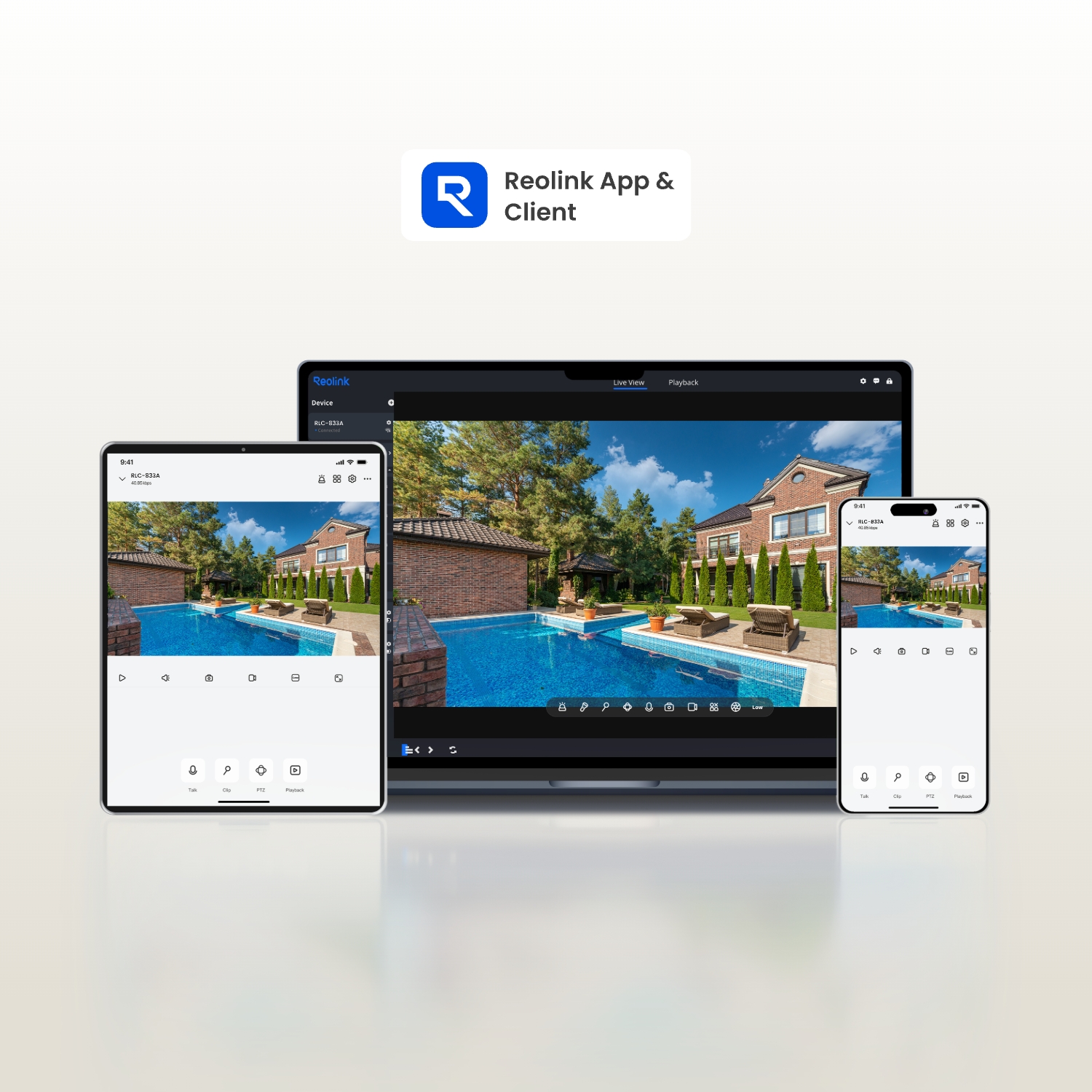
Method 2: Download FREE Reolink APP or Client, add the NVR to the APP or Client, configure the settings, and then you can preview or play back the videos.
Can I connect Reolink NVR to one or more displayers?
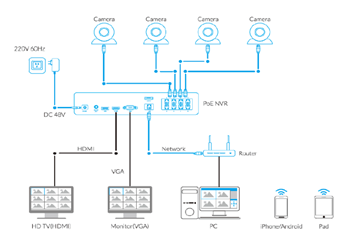
You can connect maximum two displayers with the NVR via HDMI or VGA (See the diagram below).
Connect Reolink NVR to Displayers
Cameras connected to the NVR will be shown on the displayer(s).
What is the difference if I buy cameras and NVR separately instead of buying a whole system?
The cameras in the kit cannot work alone. They have to work with the Reolink PoE NVR. If you buy standalone cameras and the NVR separately, the cameras can work alone.
Also, the network cables for cameras in the kit are 18m long while those for standalone cameras are 1m long.
What ethernet cable can I use? What is the maximum distance between the camera and NVR?
We have included 4 18M ethernet cables for the 4 cameras included in the kit. You can change them to longer ones if needed.
Reolink PoE cameras support CAT5, CAT5E, CAT6, CAT7 with 8 PIN Ethernet cables. The maximum length of the network cable they support is 330ft (100m). Please note that the data is obtained with a standard CAT5E Ethernet cable under specific test conditions and actual use may vary.
How long does the security camera systems store video footage?
The length of time to store video footage is closely related to the video code rate.
As for RLK8-833D4-A, the default bit rate of its cameras is 6144 kbps. Proximately, with the 4 cameras all working, this security system can store video footage for 8 days to its pre-installed 2TB HDD.
You can refer to "How Long Can Reolink NVR Record?"for more details.
If you want to keep longer video storage, you can expand the NVR's storage capacity.
Does my security system work with Google Assistant?
Sorry, the NVR system cannot work with Google Assistant.
How to use the two-way audio?
Currently, the two-way audio is only available via Reolink App & Client. Go to the camera live view interface on Reolink App or Client and click/tap the microphone button to have two-way talk. You can refer to the detailed tutorial on how to use the two-way audio.
Can I turn off the spotlights and siren?
Yes, you can turn off the spotlights and siren manually.
By default, the camera's spotlights and siren are motion activated: they will be turned on automatically when a motion is detected. You can turn them off, adjust the brightness of spotlights, or customize the siren to your liking.
Please note that with the spotlights on you can enjoy clear color night vision, but if the spotlights are turned off, you will only see black and white images at night.
  • 30-Day Money Back Guarantee
    30-Day Money Back Guarantee
  • Free Shipping on All Orders
    Free Shipping on All Orders
  • 2-Year Limited Warranty.
    2-Year Limited Warranty.
  • 24/6 Online Support 1-on-1
    24/6 Online Support 1-on-1